A sales-focused website can play an important role in presenting a business and attracting potential customers. It can support search visibility and provide a destination for marketing campaigns. It also gives existing customers a place to find information about the business, its products and its services. Clear information and a usable website help people decide what to do next.
These are some of the ways a website can support a business. Building an effective page requires careful work and ongoing improvement. A clear design, straightforward navigation, useful product descriptions and appropriate search optimisation should work together to help visitors make an enquiry or purchase.
Principles of a sales-focused website
When planning a sales-focused website, consider the following points:
- Target audience: identify who will use the website and what they need from it. This informs the content, design and functions to include;
- A distinctive offer: explain what your company offers and why it is relevant to the potential customer;
- Design: create a design that reflects the brand and is easy for the intended audience to understand;
- Content: provide informative, persuasive material that explains how the product or service addresses a customer’s needs;
- Calls to action: make the next step clear and easy to find, whether it is buying, requesting information or discussing a service;
- Search engine optimisation: organise the site’s content and settings to support search visibility and relevant traffic;
- Testing and analytics: test the website and use the available data to identify changes worth making to the customer journey.
The website builder Tilda offers a visual way to put that plan into practice, using ready-made blocks or a custom layout.
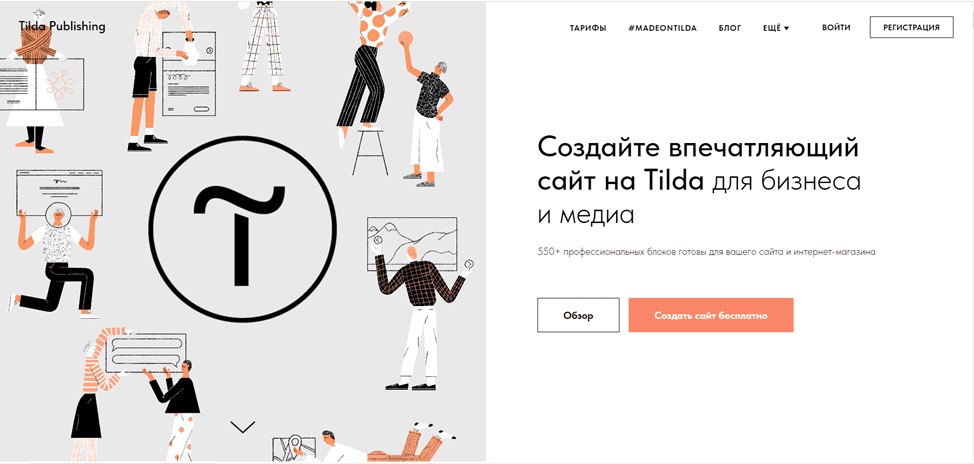
Tilda.
Tilda is an online website builder with ready-made templates and tools for custom layouts. Its visual approach can reduce the amount of programming needed to put a page together, while design decisions and content preparation remain part of the work.
You can use Tilda for landing pages, online stores and company websites. Add forms, galleries, animation and other blocks to suit the content. Tilda also connects forms to CRM systems and other data collection services.
Tilda combines visual editing, responsive layouts, collaboration options and SEO tools. Hosting is included, while access to features depends on the plan. Compare the plans available from Tilda.
How do you use Tilda?
Follow these steps to build a site with Tilda:
- Register with Tilda and create a project for your website;
- Choose a ready-made template or create a custom design;
- Use the editing controls to adjust your chosen layout;
- Add blocks such as headings, text, images, forms and buttons;
- Refine colours, fonts, dimensions and the arrangement of the blocks;
- Prepare the search settings and publish the site when its content is ready;
- Review the mobile layout and check that the page works on the devices relevant to your audience;
- Consider the integrations available for Tilda when connecting the site to a CRM or social network;
- Review visitor statistics and test changes to understand where the enquiry or purchase journey can be improved;
- Use the Tilda community to look for help and advice from other users and specialists.
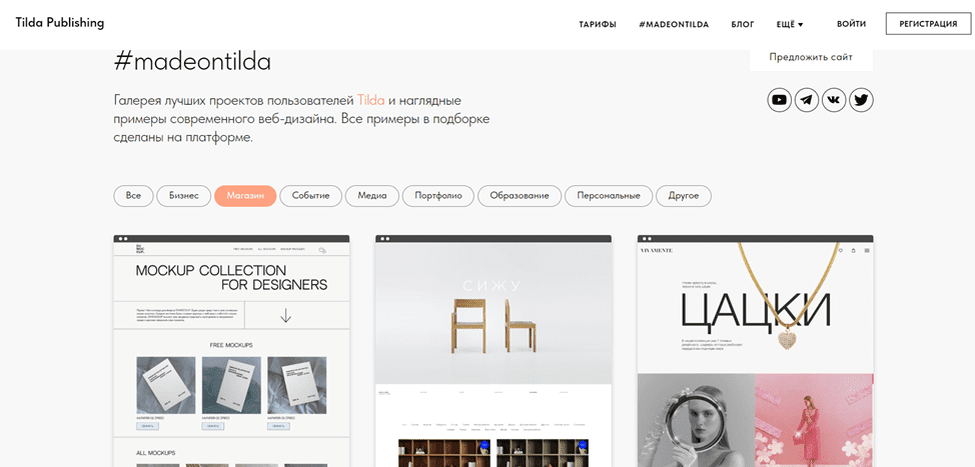
A visual builder can let you focus more of your effort on content and the customer experience, while still checking the settings and integrations your project needs.
Conclusion
If you want to create a website with a visual editor, consider Tilda for a block-based workflow and custom design options. Tilda can support a business website with product information, enquiry forms and payment integrations. Explore Tilda with a sample page and compare its tools with the requirements of your project.
Contact our agency for help planning your website and marketing. More of our articles are available here.