Social media can be a useful marketing channel, but attention does not always turn into purchases. How can a business make the journey from a social profile to an enquiry or order easier?
Customers may not have time to discuss every detail of a purchase in a private conversation. For a seller, a growing number of unstructured messages can also make enquiries harder to manage.
A website gives a business another place to organise product information and explain the next step. It can complement conversations in social media rather than making every enquiry depend on a direct message.
Types of business website
Three common website formats serve different business needs:
- Multi-page websites.
These sites have several sections, each with its own purpose. Larger organisations often need that structure, though development and ongoing management can require a substantial budget.
- Single-page websites and landing pages.
A focused page can be relatively straightforward to build and maintain. Its limited structure will not suit every project, especially when a business needs more than a concise presentation of its offer.
- Online stores.
An online store is designed for selling products through the website. It needs careful planning, which can make it a more demanding starting point for a new business.
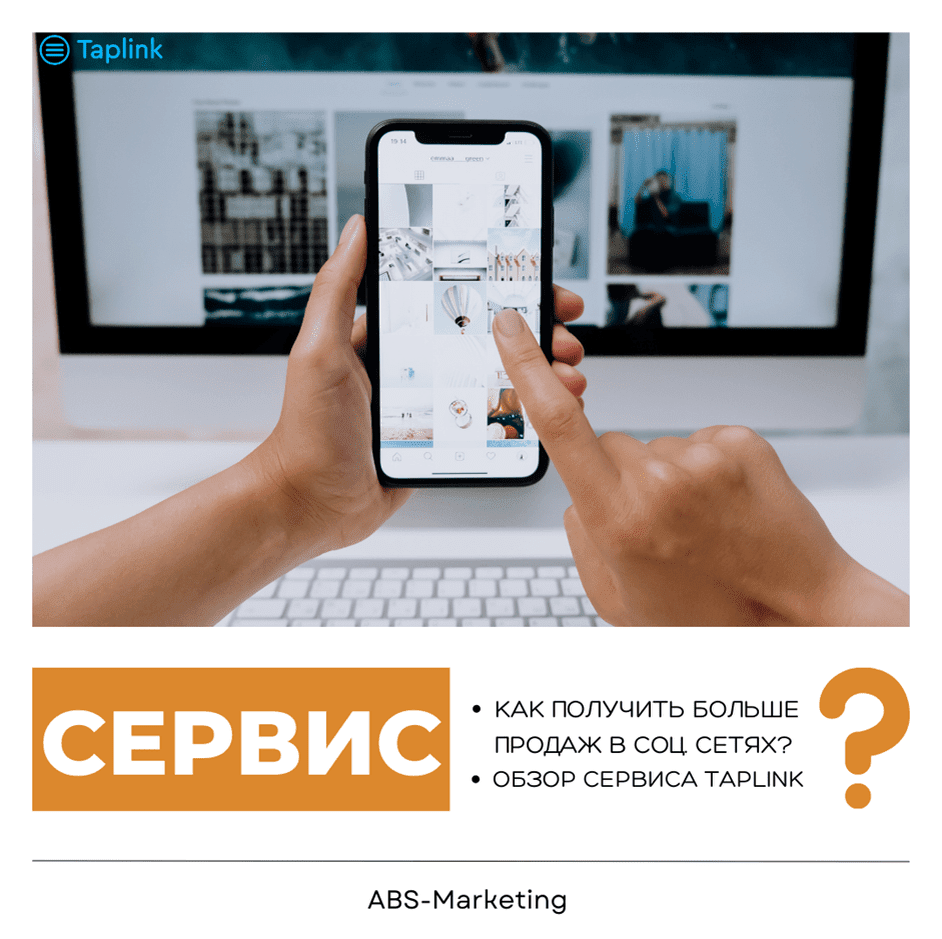
A compact starting point for visitors from social media is Taplink. It lets you bring product information, links and contact options together on a mobile page.
Features of Taplink
- Explain your product.
The space available in social profiles can limit how much product information a business presents at a glance. Taplink provides a separate page where visitors can find more information about the business and its offer.
- Help visitors make a decision.
Use images and concise text to introduce the offer, and answer common questions before asking visitors to take action. A countdown can support a genuine, time-limited promotion. Keep the page focused on the information someone needs to make a decision.
- Bring several links together.
Social platforms give you space to introduce the business. Use Taplink to organise several destinations on one page, with clear labels for actions such as browsing products, booking or getting in touch.
- Make contact easier.
Taplink supports buttons that link to messaging services or social networks. Visitors can use those links to open a conversation through their preferred channel. A page built with Taplink keeps those contact choices together so visitors can find the channel they want to use.
- Manage orders and online payments.
Forms and payments on the Business plan let you collect enquiries, accept payments and manage leads in Taplink.
How do you create a mobile website with Taplink?
Build the page in four stages:
1. Register with Taplink.
Create an account using one of the sign-up methods on Taplink’s registration page.

2. Edit the page.
Choose a template or start with a blank layout. Arrange text, images and links around the main action you want visitors to take, then adjust the design to match your brand.

3. Add information about your business and product.
Replace the sample content with information about your business, services and offer.

4. Publish the mobile website.
Share the page’s link or QR code through the channels your customers use.

After publishing, review the page and its links before directing customers to it.
Conclusion
Helping visitors from social media understand an offer is an important part of the customer journey. Taplink gives you a place to organise that information and guide visitors towards the next step. For help planning the page and its marketing role, our agency can discuss your requirements and the appropriate setup.
Contact our agency for help planning your website and marketing. More of our articles are available here.