Helping customers discover a company starts with clear information about what it offers and how to contact it. For businesses serving an audience that uses Yandex, one service to consider is Yandex Business. It brings together business information and promotion tools. Before paying for an advertising campaign, review the current terms and decide what result you want to measure.
What is Yandex Business?
Yandex Business is a service for managing a company’s presence on Yandex and planning its promotion. A useful profile helps potential customers understand the business, find the right contact details and decide on their next step.

Tools for a local business
Yandex Business covers several parts of that workflow. Review each area against your company’s needs instead of treating registration alone as a marketing strategy.
A business website
Yandex Business can be considered when planning a simple online presentation of your company. Prepare clear descriptions of products or services, accurate contact information and a useful next step for visitors. Review the available website tools and check how the result works on a phone before relying on it in a campaign.
A company profile
Yandex Business provides a place to maintain information about your organisation. Check the business category, address, opening hours, contact details and descriptions. These details should agree with the information customers see on your own website and at the business itself.
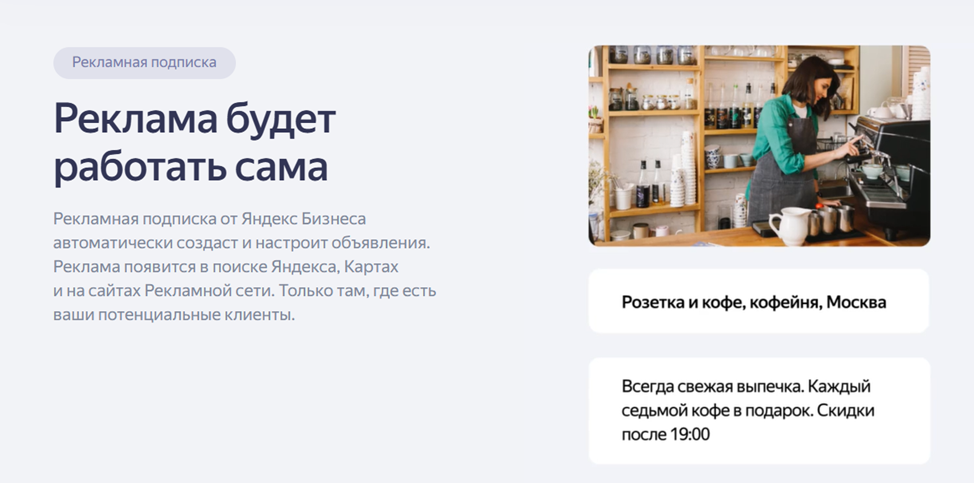
An advertising subscription
Yandex Business also offers advertising tools. Before starting, review the available placements, the destination of each advertisement and the budget conditions. Decide how you will distinguish an advertisement view from a useful enquiry or completed sale.
Performance information
Yandex Business can help you review interactions with your business presence. Identify which statistics are available in your account and connect them with your own enquiry records. Keep profile views, website visits and sales separate when assessing results.
Support and practical questions
Yandex Business support can be a starting point for account and profile questions. When requesting help, describe the issue clearly and provide the relevant profile or campaign details. Keep a record of the answer so that colleagues can follow the same process.
How do you add a company to Yandex Business?
Adding a company to Yandex Business begins with preparing accurate information and making sure the account is controlled by an authorised person.
Use the following checklist when setting up Yandex Business:
- Sign in to Yandex Business with the account that will be responsible for the company profile. Arrange access so that ownership does not depend on an employee’s personal account alone.
- Enter the company name and choose a category that describes its actual activity. Use the same public name that customers encounter elsewhere.
- State whether customers can visit a physical location. If they can, provide the correct address and check its position on the map; otherwise, use the appropriate setup for the way your business operates.
- Provide a working contact number and follow the ownership verification steps shown in your account. Make sure the person handling verification is authorised to manage the business information.
- Review the submission status and respond to any requests for clarification. This allows Yandex Business to assess the information under its current profile requirements.
- Once the profile is approved, check how it appears in Maps and Search. Review paid promotion separately, including its settings and budget, before activating a campaign.
After adding your company to Yandex Business, assign someone to maintain the profile and respond to changes in opening hours, services or contact information.
If you encounter a problem while setting up Yandex Business, consult the account guidance or contact support with a precise description of the issue.
Making practical use of Yandex Business
Yandex Business is most useful when the company information is accurate and the team follows up on customer enquiries. The following areas deserve regular attention in Yandex Business:
Visibility in Maps and Search
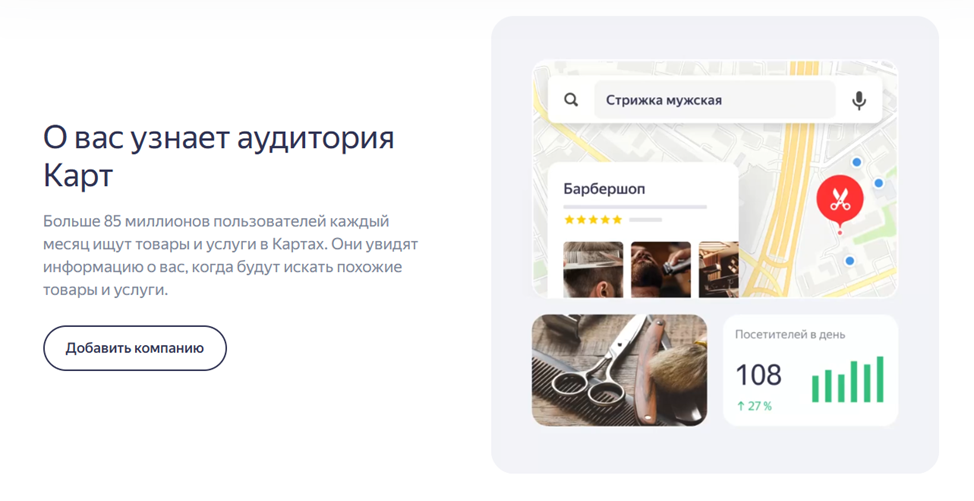
Yandex Business gives customers a way to discover and assess a company through its profile. Choose a relevant category, explain what you offer and keep the information specific to the actual business.
Control over company information
Yandex Business lets you maintain details that customers use when planning a visit or making contact. Check the phone number, address and opening hours regularly, particularly around holidays or a change of location.
Customer feedback
Yandex Business profiles can provide useful customer feedback. Read reviews for recurring questions and service problems, respond constructively and use what you learn to improve the customer experience. Do not treat a review response as a substitute for resolving the underlying issue.
Separating profile work from paid promotion
Yandex Business includes profile management and advertising activities with different purposes. Establish the information customers need first, then assess any paid options. This helps you decide which parts of Yandex Business fit your company’s workload and budget.
Yandex Business can form part of a local marketing plan alongside a useful website and reliable customer service. Assign clear responsibilities for the profile and use Yandex Business statistics together with your own records when reviewing progress.
How to assess user reviews
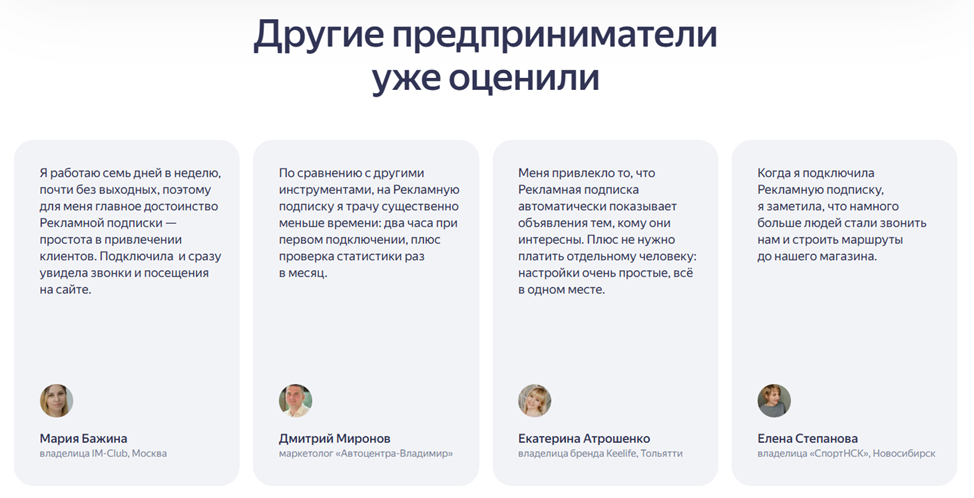
When reading reviews of Yandex Business, look for the type of company, the task involved and the period covered. An account of profile setup answers different questions from a report about a paid campaign. Compare that context with the way you intend to use Yandex Business, and look for practical information about maintenance, support and follow-up rather than broad promises of higher sales.
User experiences with Yandex Business can help you build questions for a trial or a support enquiry. Check whether a reported result refers to profile views, contacts or completed purchases before using it to set expectations for your own work with Yandex Business.
Planning your next step
Yandex Business tools are best introduced with a clear business objective. Complete the profile, check the customer journey and decide how enquiries will be handled. Before committing an advertising budget, review the current account conditions and define a manageable first campaign in Yandex Business.
Contact our agency for help planning your local marketing. You can also visit our website and browse more practical articles.