
A cloud project often involves more than renting a virtual server. Business email, backups, application hosting and network access all need to work together. Planning those parts as a system helps a team understand the resources it needs and who is responsible for maintaining them.
The ActiveCloud service range can be assessed through these connected requirements, from the first server deployment to email migration and recovery planning. This guide examines the main areas to review with ActiveCloud and how to relate them to the work your organisation needs to support.
What are cloud services used for?
Cloud services provide computing resources over a network. They can reduce the need to own and operate physical equipment, while introducing decisions about service costs, access, software licensing and provider responsibilities. Start by identifying which systems and data the business intends to host.
Planning cloud hosting with ActiveCloud: resources and operating requirements

Configuring virtual servers
ActiveCloud CloudServer can be assessed for virtual-server requirements such as CPU, memory, storage and public network access. Size the initial configuration around the application, and confirm how resource changes are made, including any restart or maintenance requirements.
Scaling resources and understanding billing
Compare the billing model with the workload. Establish which resources are charged, how changes affect the bill and what continues to incur a cost when a server is stopped. Plan resource changes around measured demand rather than assuming that capacity or spending adjusts automatically.
Availability and security responsibilities
Review the provider’s documented availability arrangements and the protections included in the proposed service. Define responsibility for operating-system updates, application security, account access and incident response. Redundant infrastructure and traffic filtering are parts of a wider operating plan.
Migration and deployment planning
Before moving virtual machines from another environment to ActiveCloud, inventory software, data and dependencies. Agree on the migration scope, costs, test process and rollback plan. Check the system before switching production traffic and allow time to resolve compatibility issues.
Hosting applications and planning capacity

Web applications and business software
ActiveCloud should be assessed against the requirements of the actual application: operating system, database, runtime, network access and licensing. Define which systems need isolation and how authorised users will reach them.
Software versions and deployment images
A prepared image can simplify deployment, but its software versions must suit the project. Check the required PHP, .NET, Java, Python or Node.js environment, and identify who will maintain dependencies and updates after deployment.
Matching resources to the workload
Prepare for changes in demand, such as a campaign or seasonal peak. Monitor the application before increasing capacity, test the effect of resource changes and plan how unused resources will be reduced afterwards.
Business email with ActiveCloud: account and migration planning

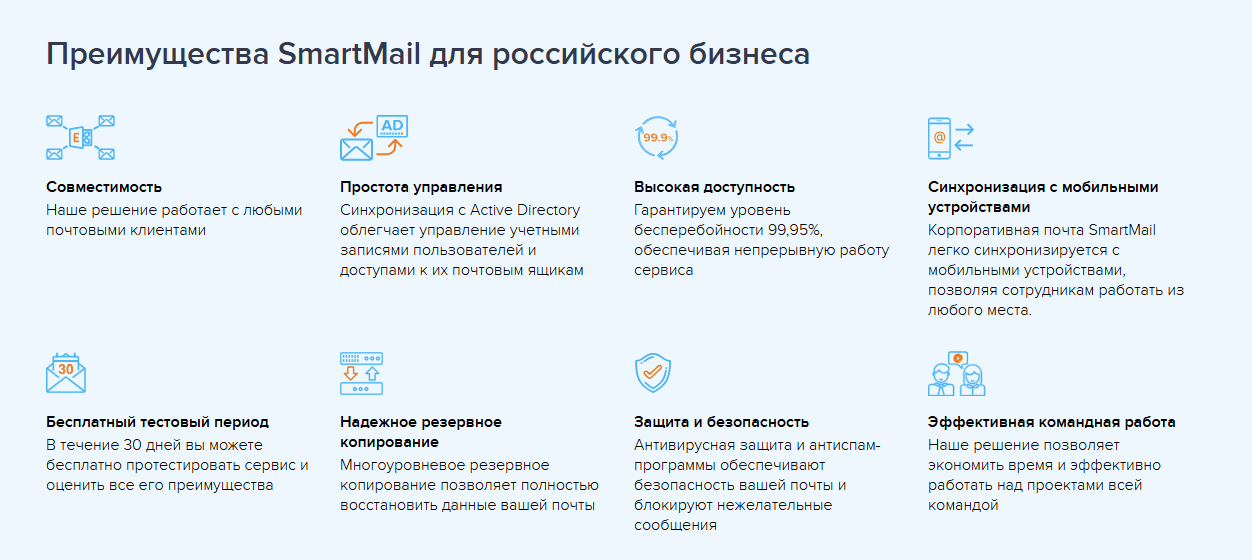
An address on the company domain provides a consistent identity for business correspondence. Plan account ownership, access and the handling of shared addresses alongside the mail service itself. If email is connected to a CRM, decide which correspondence belongs in the customer history and who can view it.
Preparing an email migration
ActiveCloud email should be assessed with a migration plan that covers messages, contacts, calendars and client settings. Confirm which data can be transferred, how access will work during the move and whether assistance is included. Test representative mailboxes before completing the switch.
Filtering and account protection
For business email from ActiveCloud, review spam and phishing controls, attachment handling and encrypted connections. Combine service-level protections with appropriate account access, user guidance and a clear process for reporting suspicious messages.
Support and service arrangements
Agree on the support channels, hours and response commitments relevant to the email service. Establish which client-configuration and migration tasks are covered, and give employees a clear route for reporting delivery or access problems.
Email as a team workspace
Calendars and contacts
When shared calendars and contacts are required, test invitations, permissions and synchronisation with the applications employees use. Include remote and mobile users in the test so that the workflow is consistent across the team.
Shared mailboxes and group addresses
Decide how addresses such as sales@ or support@ will be used. Define who can read and reply, how responsibility is assigned and where conversation history is kept. Confirm that the proposed service supports the access model.
Email clients and mobile access
When evaluating email from ActiveCloud, test the required versions of Outlook, Thunderbird and mobile applications. Check messages, contacts and calendars separately, as the supported functions can depend on the client and connection method.
Planning backups with ActiveBackup: recovery requirements
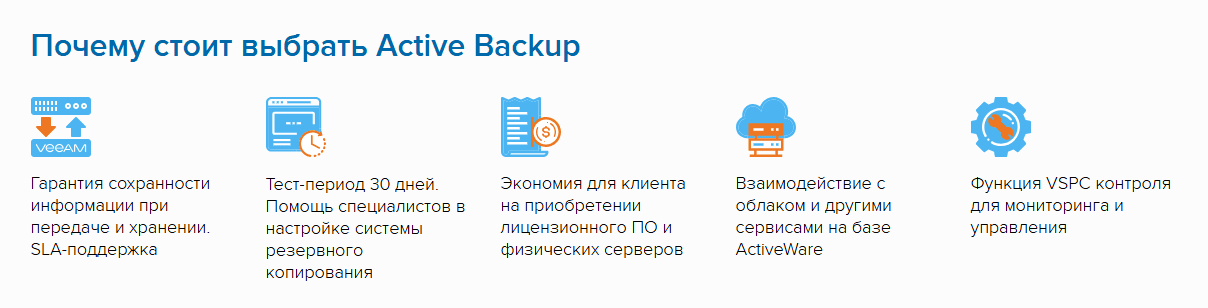
ActiveBackup is the backup service to assess within the ActiveCloud range. Begin by deciding what must be recoverable and which type of copy supports that requirement:
- File backups for selected files and directories;
- Virtual-machine backups for a complete working environment;
- System-image backups that include the operating system and application configuration.
When considering backup storage with ActiveCloud, compare storage location, access controls, retention and recovery requirements. Include any local storage needed by the organisation’s operating policies, and confirm how copies are protected and retrieved.
Restoring systems and planning disaster recovery
A useful backup plan includes a tested restoration process. Decide whether recovery will use the original system or a replacement environment, and check the compatibility and resources required for each route.
A disaster-recovery plan should identify the order in which services return, the dependencies between them and the people responsible. Set realistic recovery objectives and test the process before an incident.
Review the available functions for:
- Starting a system from a backup in a supported recovery environment;
- Running scheduled restoration tests;
- Managing recovery points and their retention.
Monitoring backup jobs
Track whether each backup job has completed successfully, when the last usable copy was created and which errors need attention. A job marked complete should still be supported by periodic recovery tests.
Organise the routine work around:
- Notifications that reach the person responsible for failed or missed jobs;
- Schedules matched to how often important data changes;
- Reports that help assess the agreed recovery and service objectives.
Cloud and local-system integration
ActiveBackup should be assessed alongside the other ActiveCloud services involved in the project:
- CloudServer for the virtual servers that need protection;
- ActiveWare for a wider business-infrastructure setup;
- and any local Windows or Linux systems that must be included.
Check the supported agents, operating systems and backup methods for each machine. Keep a clear inventory so that new systems are included and retired systems do not remain in the backup schedule unnecessarily.
Connecting the ActiveCloud services into an operating plan
ActiveWare: planning business infrastructure
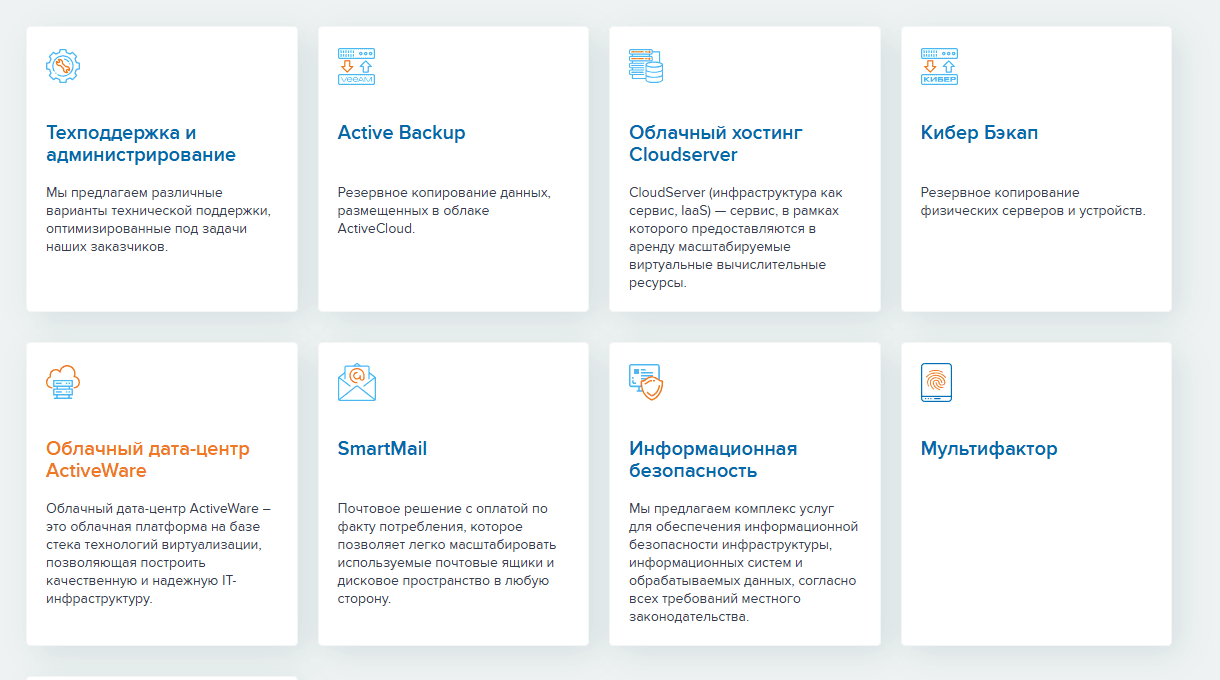
ActiveWare can be assessed for a project that brings together virtual machines, storage and network configuration. Define those requirements before choosing how the environment will be deployed and managed.
When evaluating ActiveWare, review the proposed arrangements for:
- Creating and provisioning virtual servers;
- Using repeatable configurations and deployment templates;
- Connecting the environment to existing business systems.
ActiveWare should also be reviewed for its underlying platform, supported workloads and administrative controls. Choose the configuration around the applications and operating practices the business needs.
Operating-system images and deployment automation
For deployments using ActiveWare, confirm support and licensing requirements for the intended images, such as:
- Windows Server;
- Supported Linux distributions, including Ubuntu or Debian;
- Custom installation media and images where required.
If cloning or reusable images are part of the workflow, plan how updates, credentials and machine-specific settings will be handled. Assess any scaling automation with realistic workloads before depending on it.
Which requirements should businesses discuss with ActiveCloud?

Small businesses
A small business considering ActiveCloud can start with a focused workload and a clear division of responsibilities. Typical requirements to discuss include:
- A virtual server for a website or CRM;
- Business email on the company domain;
- A backup schedule with a tested recovery process.
Growing organisations
A larger workload may introduce requirements for:
- Private or isolated environments;
- Automation of routine deployment and maintenance tasks;
- Container-based applications or a delivery pipeline.
Agree on the work the provider will perform and the work that remains with your team. Managed infrastructure still needs accountable application owners.
Large and distributed organisations
ActiveCloud can be considered when planning cloud or hybrid infrastructure with requirements such as:
- Connecting offices, branches and existing data centres;
- Applying the organisation’s security and access requirements;
- Designing for service continuity and recovery.
Define support ownership and service commitments in the proposed agreement, including how incidents and planned changes will be handled.
How to assess ActiveCloud?
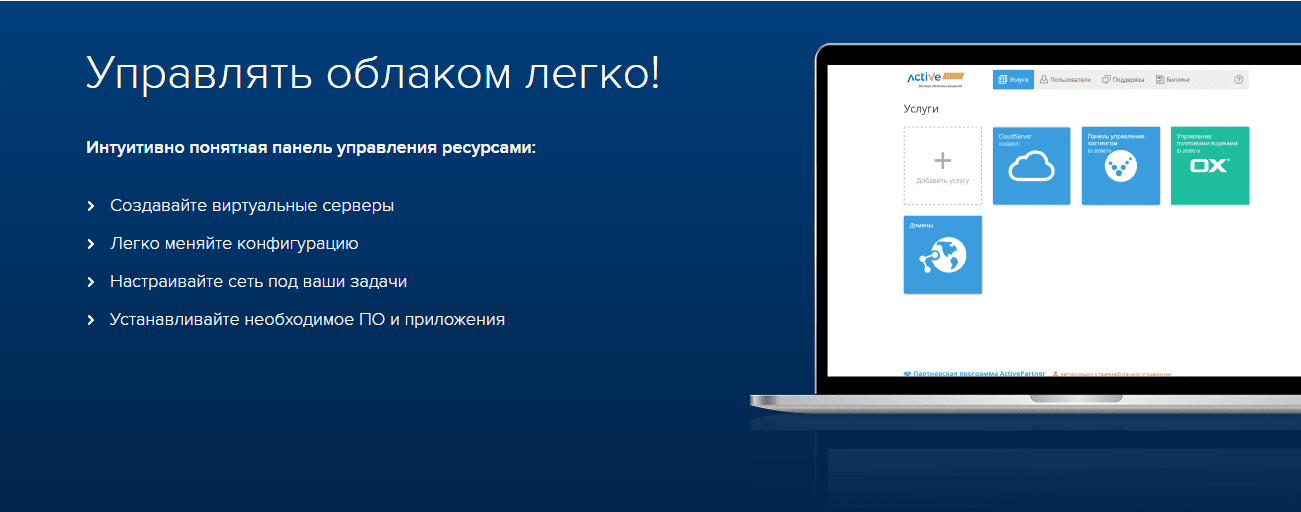
ActiveCloud should be considered as a connected set of services, using a requirements list that covers:
- Virtual-server configuration and capacity changes;
- Business email, user access and migration;
- Backups and tested restoration;
- Application security and network configuration;
- Support responsibilities and a clear cost model.
Before choosing ActiveCloud, test a representative workload and review the operating arrangements. The aim is a setup the business can maintain, measure and recover as its needs change.
Contact our agency for help planning your website and digital infrastructure. Explore more guidance in our articles.