CRM (Customer Relationship Management) software helps a business organise customer records, communication and follow-up. A useful CRM connects those records to a clear sales process and makes responsibilities visible to the people doing the work.
Choose a system by comparing its functions with the way your team handles enquiries, projects and customer relationships. One option to assess is Prostoy Business from Prostoy.

Which tasks should a CRM support?
As enquiries increase, teams need a consistent way to record information, assign work and follow up. A CRM can support that process, but its setup should reflect the tasks the business actually performs and the information staff need.
When assessing Prostoy Business, consider these areas:
- Customer records and sales follow-up. Review how calls, messages and email are linked to a customer, how the next action is recorded and how sales stages are reported. Clear ownership and useful reminders help the team manage open enquiries.
- Project tasks. Check how projects, task calendars and planning views fit your workflow. Staff should be able to find the files, deadlines and dependencies needed to carry out the work.
- Team coordination and permissions. Decide how employees communicate and which records they can access. Review the available communication tools and access settings against the responsibilities of each role.
- Document handling. Identify the templates, document history and file-sharing tasks the team needs. Test how staff create, find and update documents as part of a customer or project record.
- Stock and financial workflows. Establish which operational records should be held in the CRM and how they relate to the systems used for stock and accounting. Verify data flow and reporting responsibilities before relying on a combined view.
- Internal communication. Review the team’s requirements for discussion, meetings and shared updates. Choose the available tools that keep work-related communication connected to the relevant task.
- Website connections. Check how website enquiries and other online activities should enter the CRM. If website-management functions are relevant, compare their scope with the tools and support your site requires.
- Marketing and sales analysis. Identify which data from channels such as Yandex Direct and Google Ads is needed to assess enquiries and sales. Confirm the available connections and attribution rules before interpreting the reports.

For Prostoy Business, check the access options needed by the devices your team uses, including:
- Windows;
- iOS;
- Android.
Also review the available web access and test the tasks staff need to perform from a browser.
Assessing Prostoy Business
A useful comparison should consider the whole operating process. When reviewing Prostoy, focus on the following questions:
- Will the system reduce avoidable administrative work?
Review how customer information and documents are organised. Look for repeated entry, unclear ownership and difficult searches that the proposed workflow could improve.
Estimate the setup, training and administration work required to use Prostoy Business effectively. Software supports staff responsibilities; decide who will maintain the data and processes.
- Does the access model fit the organisation?
Check the current licence terms, user coverage and any limits relevant to your team. Include planned growth and additional access requirements in the comparison.
- Are the required functions available?
Prostoy Business should be assessed against a written list of required tasks. Identify which functions are included, which need configuration and which require a connection to another system.
- How will the implementation be managed?
Plan data preparation, configuration, testing and staff training. Agree who will carry out each stage and what support is available when a task requires specialist help.
- What support will the team need?
Review support channels, scope and response arrangements. Give staff a clear process for reporting issues and recording enough information for them to be investigated.
Planning a workable CRM rollout
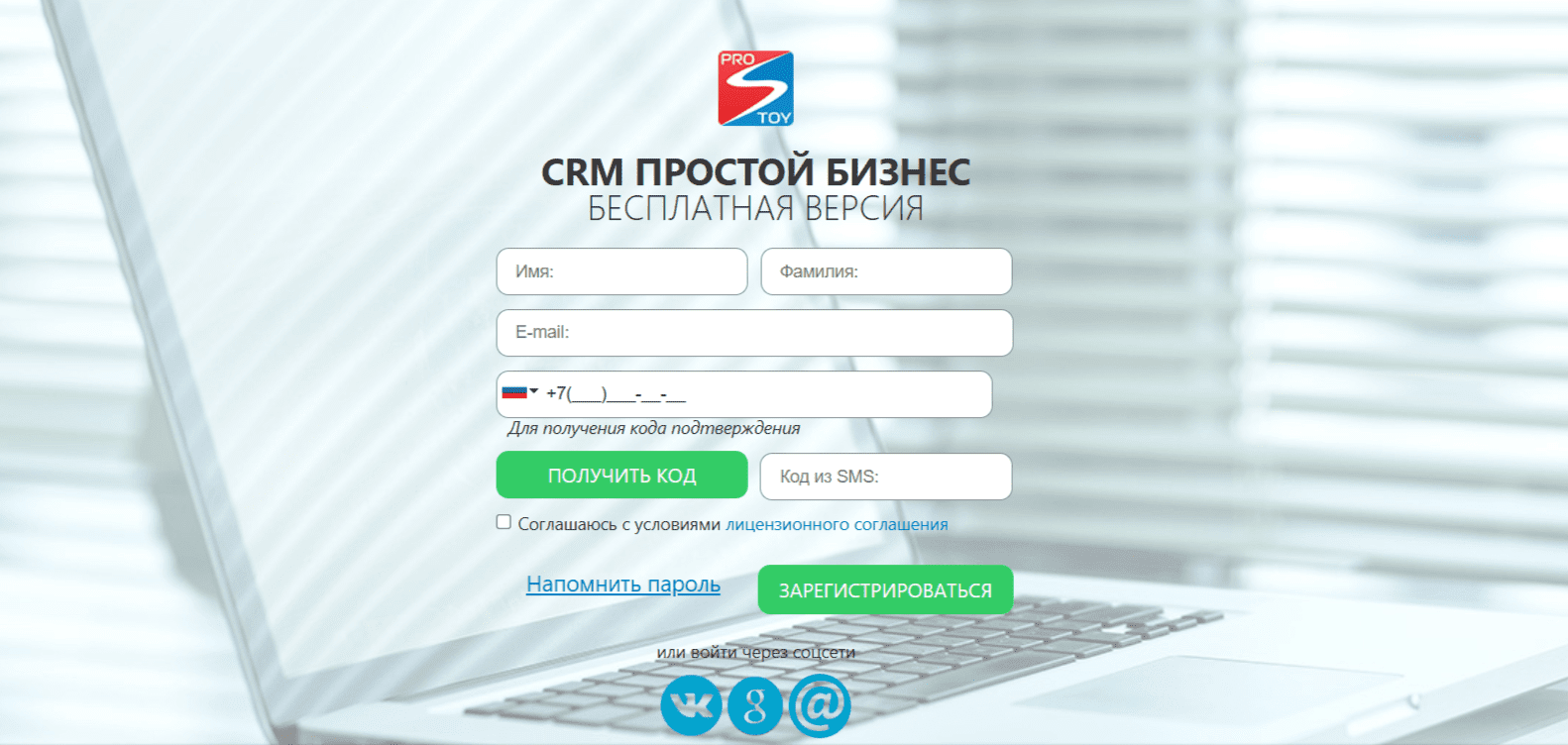
A CRM such as Prostoy Business is most useful when it supports a defined workflow. Start with the customer records and tasks that matter most, test the configuration with a small group and improve the process before extending it to the whole team.
Contact our agency for help planning your CRM and customer communication process. Explore more of our work on the agency website.