Discuss your goals and the next steps for your project


Consultation

Tell us about your project

ABS Marketing logo

Menu

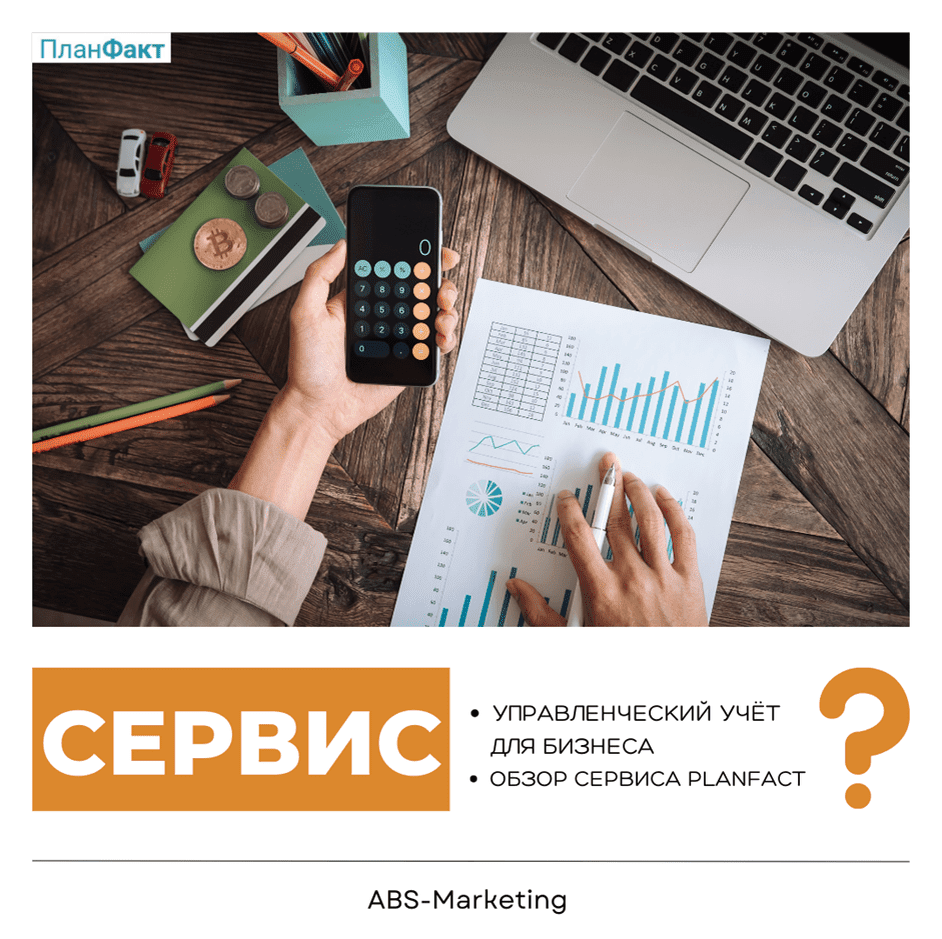
PlanFact: Organising Management Accounting and Reports

PlanFact: Organising Management Accounting and Reports

Management accounting brings together information about revenue, expenses, stock and cash movements. Collecting it manually across several spreadsheets can take time and make it difficult to keep reports consistent. A dedicated service can provide a more organised way to prepare and review those records.

What management-accounting tools are used for

These tools can help consolidate records from banks and other business systems, reducing repeated entry where suitable connections are available. Their value depends on the quality of the data and the way reports are used; a software subscription alone does not determine the financial results of a business.

A management-accounting process may bring together several types of information, including:

  • Revenue
  • Profit
  • Costs
  • Outstanding balances
  • Capital
  • Cash
  • Inventory

Additional information can be entered or imported where necessary. Before relying on the resulting reports, check categories, dates and opening balances so that the figures reflect the period and business activity you intend to analyse.

One cloud service to assess is PlanFact. It focuses on financial management and offers a way to organise information that might otherwise be spread across spreadsheets. Start by defining the reports and data sources your team needs.

Management accounting with  PlanFact
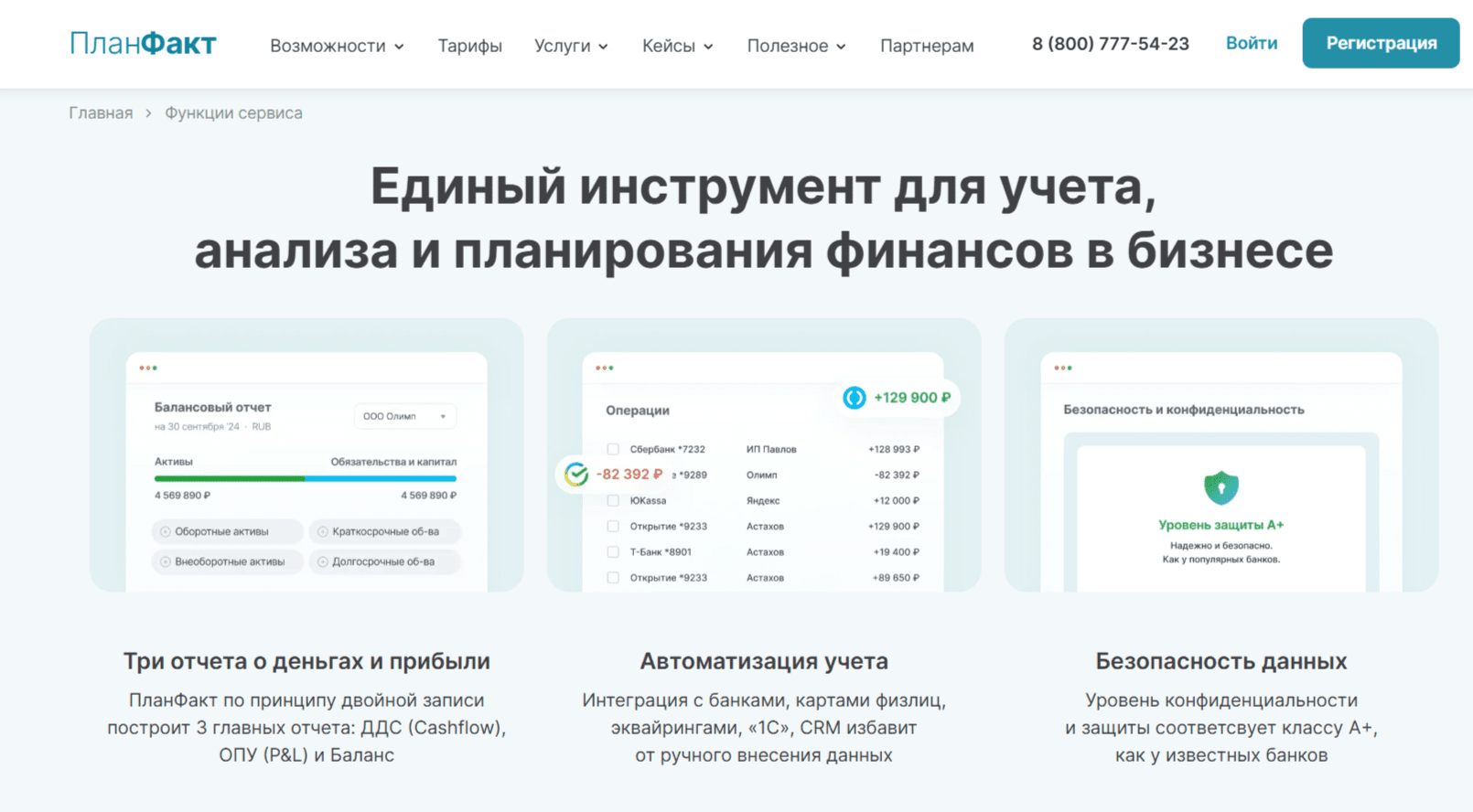
PlanFact: Organising Management Accounting and Reports

When evaluating the service, check its current connections to the systems you use, such as Bitrix24 or amoCRM, along with bank-statement and Excel import options. Test a small set of records and confirm how corrections, duplicates and missing fields are handled.

For teams considering the PlanFact Telegram bot, confirm which entry and reporting functions are currently available. Decide which tasks are suitable for a messenger and which should be completed in the main account.

If supporting files are part of that workflow, check how they are attached to transactions and who can access them. Keep the relationship between a transaction and its evidence clear.

In PlanFact, review the available access levels before inviting colleagues. Different roles may need to enter records, review reports or manage settings; permissions should match those responsibilities.

Preparing the service for your business

  1. Account registration.  Start with the current registration process on the  PlanFact website. Confirm account access and identify who will administer the service for your organisation.
  2. Define the scope.  Decide which business activity, reporting period and records will be included first. Document the information you already have and the gaps that need to be resolved before importing it.
  3. Prepare the records.  List the transactions, categories and balances needed for the first set of reports. Use a manageable sample to check the setup before loading a larger volume.
  4. Review corrections.  Establish how staff will correct an entry and how the change will affect reports. Check that the team can trace the reason for an adjustment.
  5. Assign responsibilities.  Identify who enters data, checks transactions and reviews the results. Invite only the people who need access and confirm their permissions in the current account settings.
  6. Monitor the process.  Follow the first reporting period from data collection to review. Investigate missing entries or unexpected totals, and compare the results with the records from which they were produced. Use those checks to refine the routine before the next reporting period.
  7. Reports.  Use  PlanFact  to assess the reports relevant to your business. Check the selected period, categories and filters, and make sure the people reading a report understand what its figures include.
  8. Working together.  The service  can form part of a shared accounting workflow. Agree when records should be updated, who reviews them and how questions or corrections are communicated.
  9. Notifications.  Review any available notifications and choose those that support your team’s routine. Avoid treating an alert as a substitute for checking that the underlying records are complete.
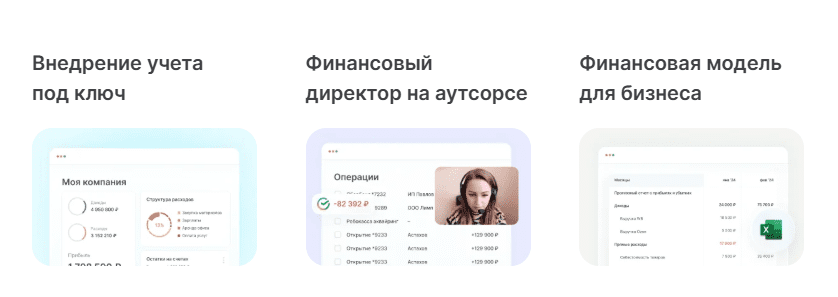
PlanFact: Organising Management Accounting and Reports

Making the reports useful

A management-accounting service such as  PlanFact  can help organise financial information and make it easier to review. Begin with reliable records and a small set of reports tied to actual management questions. PlanFact  is best evaluated through that practical workflow. For help planning your website and marketing, contact  our agency.

To explore our broader work, visit  ABS Marketing  or learn more about the  agency.
Share:

More articles

OUR TEAM

Behind every successful project is a team where experience, creativity, and collaboration come together. Our agency brings together experts from various fields of marketing: from strategy and analytics to design and social media management. We understand the market, know the tools, and speak the language of business.

WHY CAN YOU TRUST US?

Marketing support

Marketing support

Support for your marketing and advertising projects

Project team

Project team

Skills matched to your project's needs

Transparency and honesty

Transparency and honesty

Open communication throughout the entire partnership

Case studies

Cases

Use of modern technologies and tools

Client reviews

Reviews

A personalized approach to every client and project

SHALL WE DISCUSS YOUR NEEDS?

Please fill out this short form, and one of our experts will be happy to contact you to discuss your marketing goals and find the best solutions.

Where can we message you? (optional)

Select the messengers linked to the phone number above. Include the country code in your number.

You can enable SmartCaptcha to protect the form from automated submissions. External verification does not load before your separate permission.

Full SmartCaptcha permission text

This choice applies to forms on this page for up to 24 hours. Turning verification off reloads the page and clears entered text. Enquiry consent and analytics preferences are separate.

Without SmartCaptcha, email absmarketing.ru@gmail.com.

Submit a request

Where can we message you? (optional)

Select the messengers linked to the phone number above. Include the country code in your number.

You can enable SmartCaptcha to protect the form from automated submissions. External verification does not load before your separate permission.

Full SmartCaptcha permission text

This choice applies to forms on this page for up to 24 hours. Turning verification off reloads the page and clears entered text. Enquiry consent and analytics preferences are separate.

Without SmartCaptcha, email absmarketing.ru@gmail.com.

Leave Feedback and Suggestions

Your suggestions help us grow and improve — please share your ideas!

Where can we message you? (optional)

Select the messengers linked to the phone number above. Include the country code in your number.

You can enable SmartCaptcha to protect the form from automated submissions. External verification does not load before your separate permission.

Full SmartCaptcha permission text

This choice applies to forms on this page for up to 24 hours. Turning verification off reloads the page and clears entered text. Enquiry consent and analytics preferences are separate.

Without SmartCaptcha, email absmarketing.ru@gmail.com.

Feedback and Messages for Management

Your letters and feedback are important to us. You can contact management directly to share your thoughts.

Where can we message you? (optional)

Select the messengers linked to the phone number above. Include the country code in your number.

You can enable SmartCaptcha to protect the form from automated submissions. External verification does not load before your separate permission.

Full SmartCaptcha permission text

This choice applies to forms on this page for up to 24 hours. Turning verification off reloads the page and clears entered text. Enquiry consent and analytics preferences are separate.

Without SmartCaptcha, email absmarketing.ru@gmail.com.

Free consultation + a complimentary audit. Only 7 spots left.

Job application

Submit your application, and we’ll contact you to discuss the job openings!

Where can we message you? (optional)

Select the messengers linked to the phone number above. Include the country code in your number.

You can enable SmartCaptcha to protect the form from automated submissions. External verification does not load before your separate permission.

Full SmartCaptcha permission text

This choice applies to forms on this page for up to 24 hours. Turning verification off reloads the page and clears entered text. Enquiry consent and analytics preferences are separate.

Without SmartCaptcha, email absmarketing.ru@gmail.com.

Other questions

Send us your question—we’ll get back to you as soon as possible!

Where can we message you? (optional)

Select the messengers linked to the phone number above. Include the country code in your number.

You can enable SmartCaptcha to protect the form from automated submissions. External verification does not load before your separate permission.

Full SmartCaptcha permission text

This choice applies to forms on this page for up to 24 hours. Turning verification off reloads the page and clears entered text. Enquiry consent and analytics preferences are separate.

Without SmartCaptcha, email absmarketing.ru@gmail.com.

Would you like a free consultation with great terms? ​

Answer 4 short questions — and we’ll put together personalized marketing solutions for you, complete with bonuses from our partners.

Please provide your contact information, and we'll get in touch with you to discuss solutions that will take your business to the next level
Where can we message you? (optional)

Select the messengers linked to the phone number above. Include the country code in your number.

You can enable SmartCaptcha to protect the form from automated submissions. External verification does not load before your separate permission.

Full SmartCaptcha permission text

This choice applies to forms on this page for up to 24 hours. Turning verification off reloads the page and clears entered text. Enquiry consent and analytics preferences are separate.

Without SmartCaptcha, email absmarketing.ru@gmail.com.