Messaging is an important way for customers to contact a business. The challenge for a sales team is keeping those conversations connected to the right customer record and the next action. A service such as Wazzup focuses on connecting messaging with CRM workflows. This guide explains what to consider when evaluating Wazzup for that purpose.
What is Wazzup?
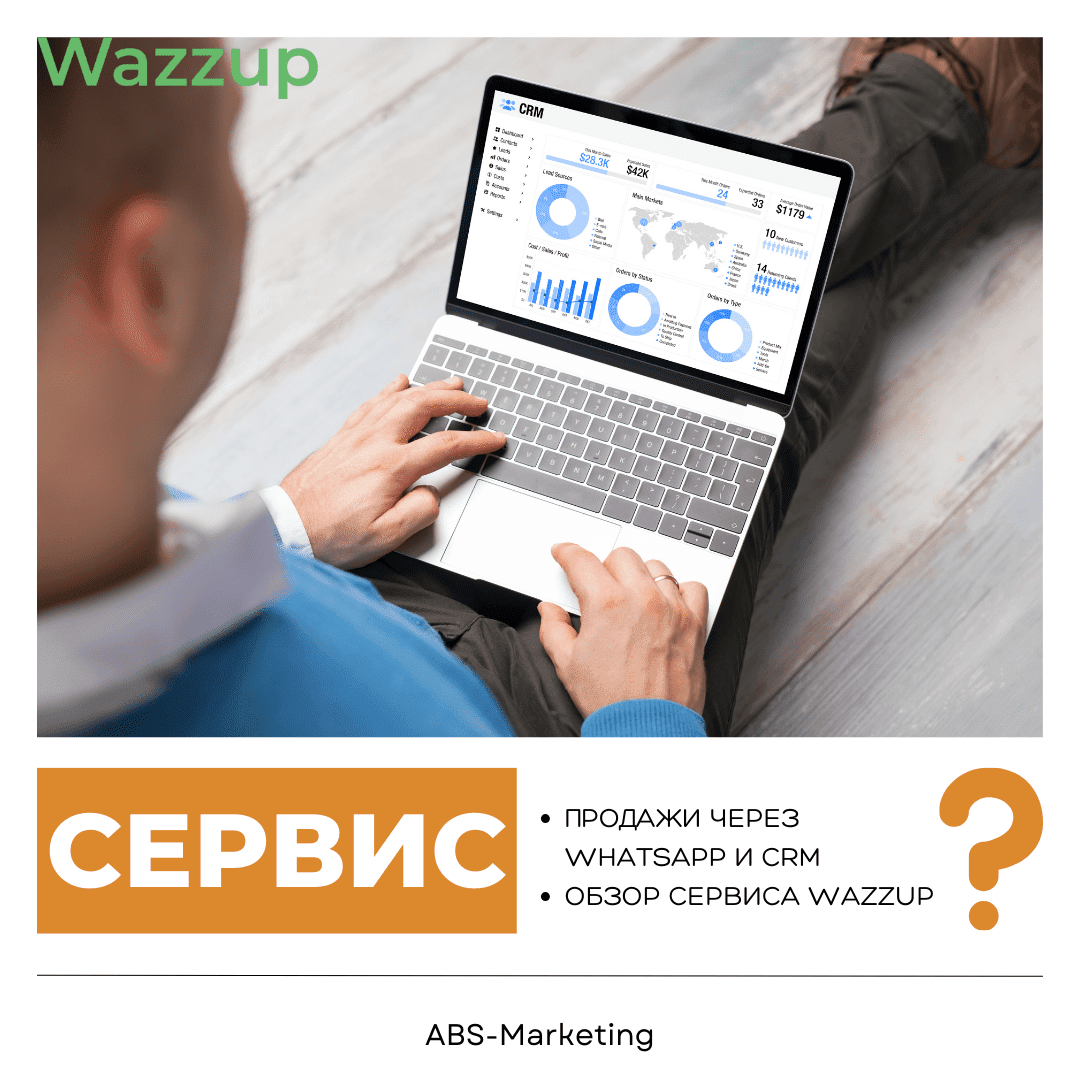
Wazzup is a messaging-integration service. Its role is to help teams work with customer conversations alongside CRM records. When planning a connection for WhatsApp or Telegram, check the supported CRM, connection method and account requirements for your setup.
Planning a useful messaging integration
- Connect the right systems:
Wazzup can be considered when assessing how messaging should fit a CRM such as amoCRM or Bitrix24. Before setup, identify the accounts, numbers, users and permissions involved, and test the connection with a small, controlled workflow.
- Evaluate the fit for your team:
A useful assessment of Wazzup should focus on your own process: how an enquiry arrives, who responds, what is recorded and how the next step is assigned. Use those tasks to define the pilot and its success criteria.

- Make conversations easy to follow:
When setting up Wazzup, decide which conversations each employee should see and what managers need to review. Define how shared numbers, ownership and automated messages will work before giving the team access.
- Connect conversations to customer records:
Review how new contacts and deals are created and how messages are associated with existing records. Test duplicate handling and confirm that important conversation history appears where the team expects it.
Building a practical team workflow
- Clear ownership and handovers:
A shared record of communication can help colleagues take over an enquiry when someone is unavailable. Agree on assignment rules, record useful context and make the next action visible to the person responsible.
- Connection monitoring:
Wazzup should be included in your normal operational checks. Monitor connection status and failed messages, and decide how staff should respond if a channel becomes unavailable.
- Access when working away from the desk:
If your team needs mobile access, review the available Wazzup options alongside the CRM workflow. Check account access, notifications and the handling of customer information on the devices staff use.
Learning from examples of Wazzup
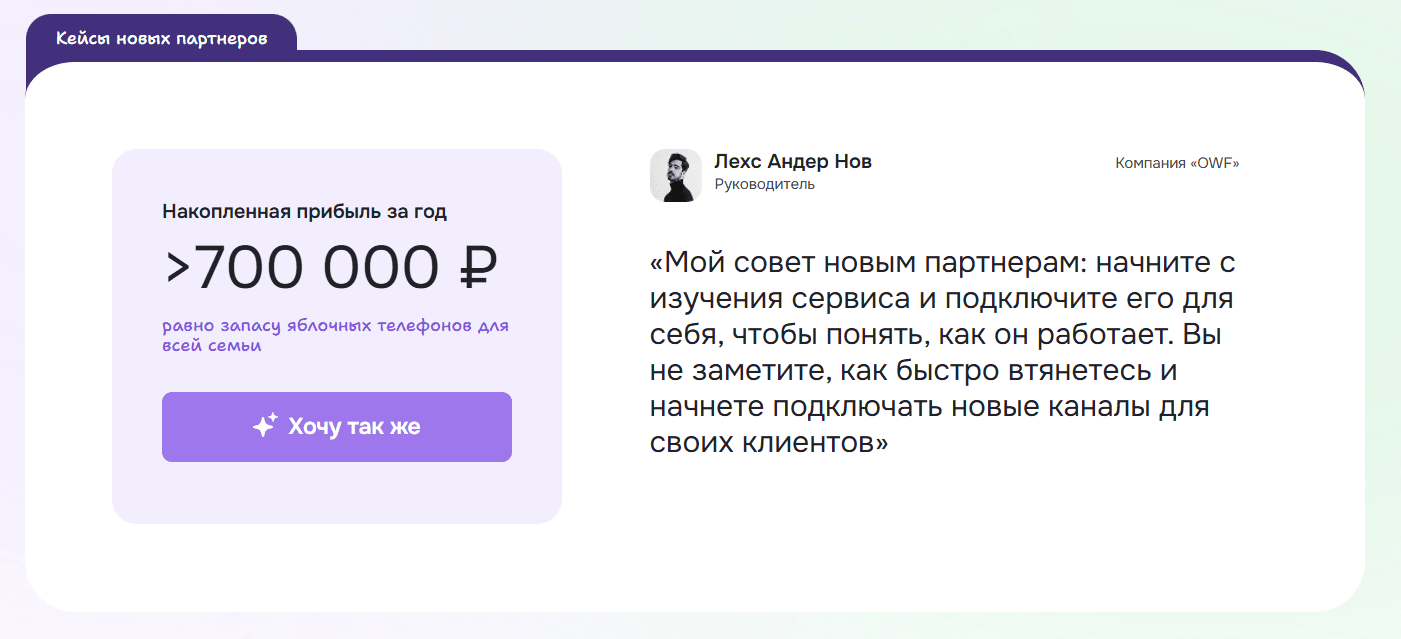
Implementation examples can help you frame questions for a pilot. Look for a workflow similar to your own and identify which configuration, staffing and follow-up practices contributed to the reported result.
Use the provider’s examples to guide your questions, then assess the integration with your own team and data.
Everyday tasks to assess with Wazzup and your messaging channels
- Starting a conversation from the customer record.
When considering Wazzup, check how staff select a customer and send an appropriate message from the CRM. Confirm the channel’s contact rules and avoid creating unnecessary duplicate contacts.
- Handling common questions consistently.
Prepare useful responses for recurring questions and decide when staff should adapt them. Message templates should save time while still reflecting the customer’s actual enquiry.
- Finding the relevant customer information.
Test how a conversation opens the matching CRM record and whether staff can see the details needed for a helpful response. Review cases where one person uses several numbers or channels.
- Interpreting message status.
Check which delivery and read indicators are available for the selected connection. Use those indicators to support follow-up, while considering that a read message does not by itself show the customer’s intent.
- Keeping track of unanswered enquiries.
Define responsibility for new and ongoing conversations. Review unanswered messages and handovers so that the team can identify gaps in follow-up.
- Helping the team adopt the workflow.
An implementation of Wazzup should include a short introduction to the agreed process. Show staff how to find records, assign conversations, use templates and report a connection problem.
Evaluating feedback from other users

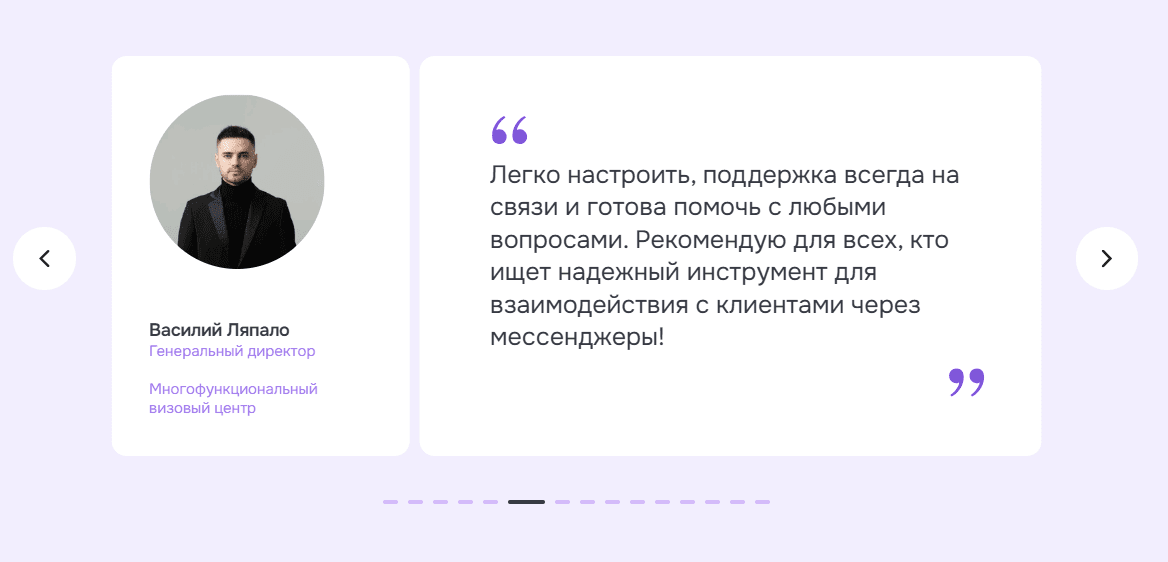
Choosing a plan for your requirements
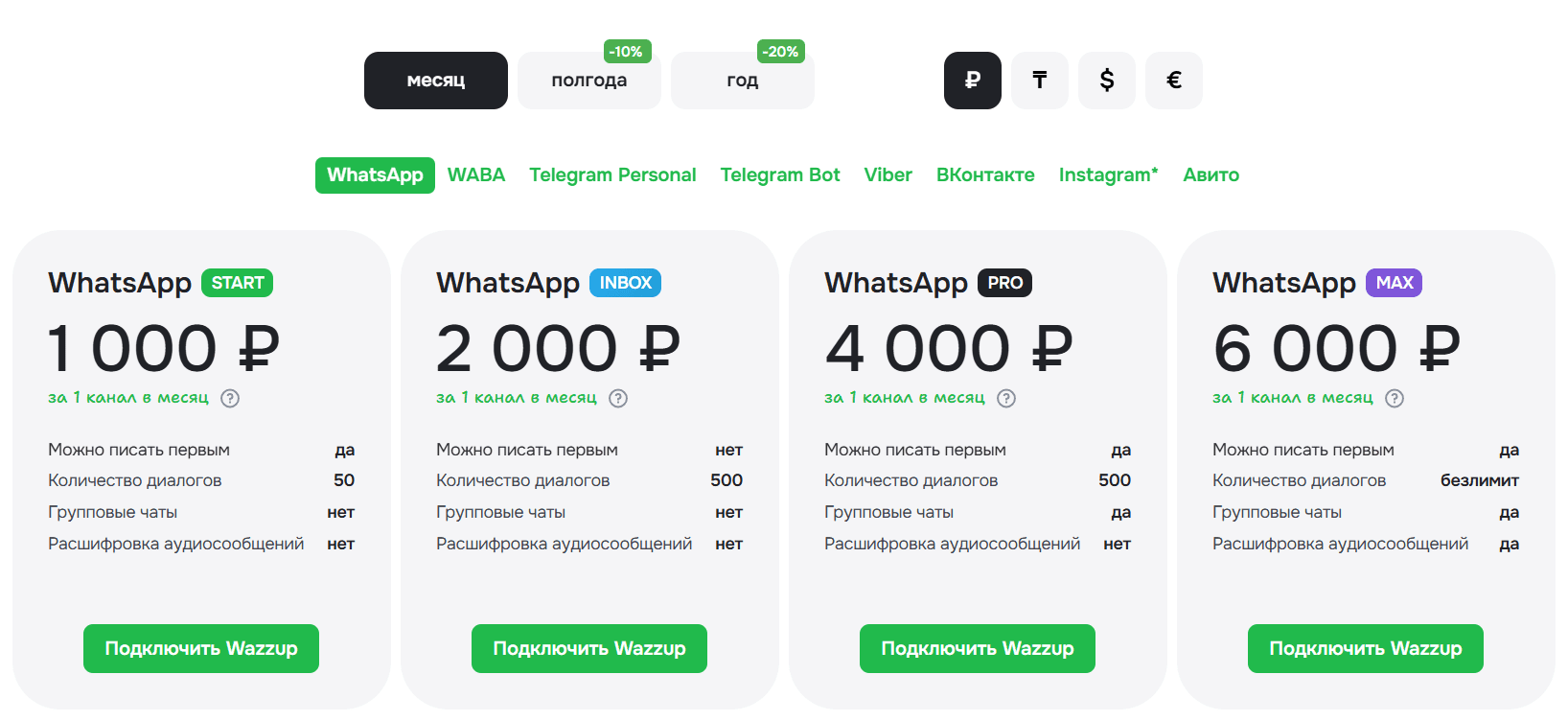
Wazzup should be assessed against the channels, users and functions your team needs. Compare the current plans and confirm any limits or connection-specific charges before ordering.
Compare the total cost over the period you intend to use the service, including any annual-payment conditions. Choose the commitment that suits your evaluation and operating plans.
Questions to resolve before launch
Check which WhatsApp connection method is being used, what message types are supported and what conditions apply to outbound communication. With Wazzup, also confirm the exact CRM integration and how multiple numbers, teams or locations will be managed. Include these questions in your pilot rather than assuming that every connection behaves the same way.
Making messaging part of the sales process
The value of a tool such as Wazzup depends on a clear team workflow as well as the connection itself. Define ownership, test record creation and train staff to use the information consistently. Review the results of the Wazzup setup against practical measures such as response handling, complete customer records and reliable handovers.
Contact our agency for help with CRM and customer communication planning. Explore more of our work on the agency website.