
How do you move a website to new hosting?
A website migration is easier to manage when it is broken into clear stages. Prepare a complete backup, set up the destination, test the website and then direct visitors to the new environment. The following checklist helps you plan the work.
- Choose a suitable hosting provider.
Compare providers against the website’s technical requirements and your budget. Check that the intended hosting environment supports the CMS, database and software versions your site needs.
- Prepare the website data.
Back up the website files and databases before making changes. Keep a recoverable copy outside the environment you are replacing. If you use a CMS such as WordPress, its backup tools may help, but check that the archive includes everything needed for a restore.
- Transfer the website files.
Copy the files from the existing hosting account to the destination using a suitable transfer method or the provider’s control panel. Preserve the directory structure and check that the transfer has completed before proceeding.
- Create the destination database.
Create a database and a user with the access the site requires. Store the new connection details securely; the website configuration must use the correct database name, user and credentials.
- Import the database
Use the hosting panel or an appropriate database-management tool, such as phpMyAdmin, to import the database backup. Check the import result and investigate any errors before bringing the site online.
- Update the website configuration.
Update the site’s configuration file, such as wp-config.php for WordPress, with the destination database settings. Review other environment-specific settings that may have changed during the move.
- Test the website.
Check important pages and functions in the new environment. Include navigation, images, forms, email handling and other interactive features. Confirm that any test submissions or messages are appropriate before sending them.
- Plan the domain changeover.
If the domain stays the same, update the relevant DNS settings when the new environment is ready. A change of domain or URL structure is a separate task and may require redirects. Keep a recovery plan and monitor the site after the changeover.
Migration can require technical work, especially when a site uses custom code, several databases or external integrations. Ask the hosting provider or a developer to help with the parts you cannot verify. One provider you can consider is SpaceWeb.
What should you check when considering SpaceWeb?
SpaceWeb is a hosting provider. Begin by matching its available services to the website or application you intend to run, rather than choosing a plan on its name alone.
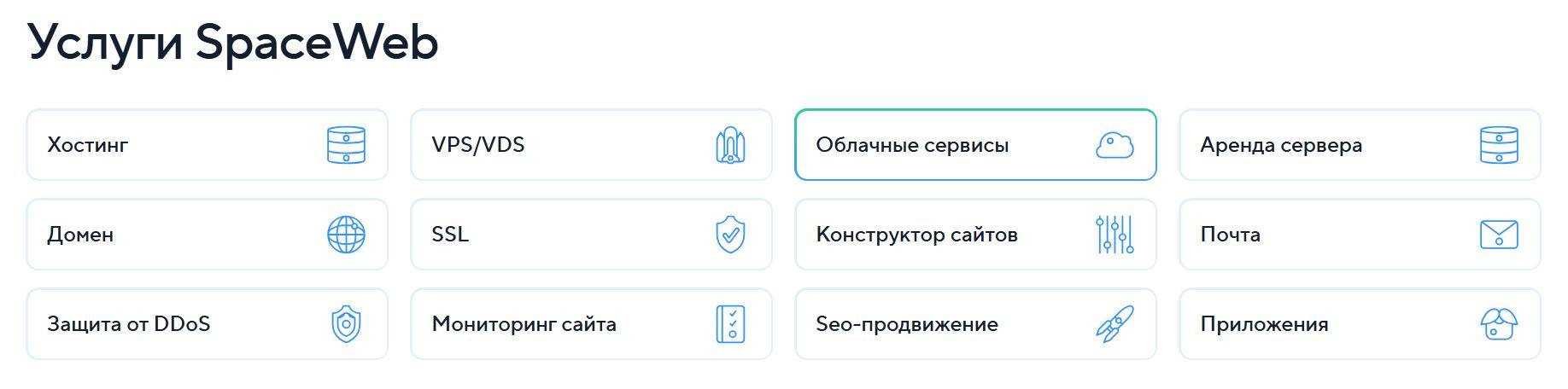
When comparing SpaceWeb plans, estimate the storage, traffic and processing requirements of your project. Leave room for expected growth and check how an upgrade would work. The SpaceWeb service information should also be checked against the programming languages, database and server configuration your application requires.
If you need more control, review the server options available from SpaceWeb. A virtual server can give you greater control over the software environment, but the appropriate choice depends on the resources provided and who will administer it. Check what is managed by the provider and what remains your responsibility.
For a project with changing resource requirements, ask SpaceWeb which infrastructure options fit the workload and how capacity can be changed. Review the software, storage and administration requirements before selecting an environment.
When evaluating SpaceWeb, include the supporting services your website needs. Check certificate installation, backup and restore arrangements, monitoring and access controls. The presence of a backup feature is useful only if you understand its coverage and can restore the required data.
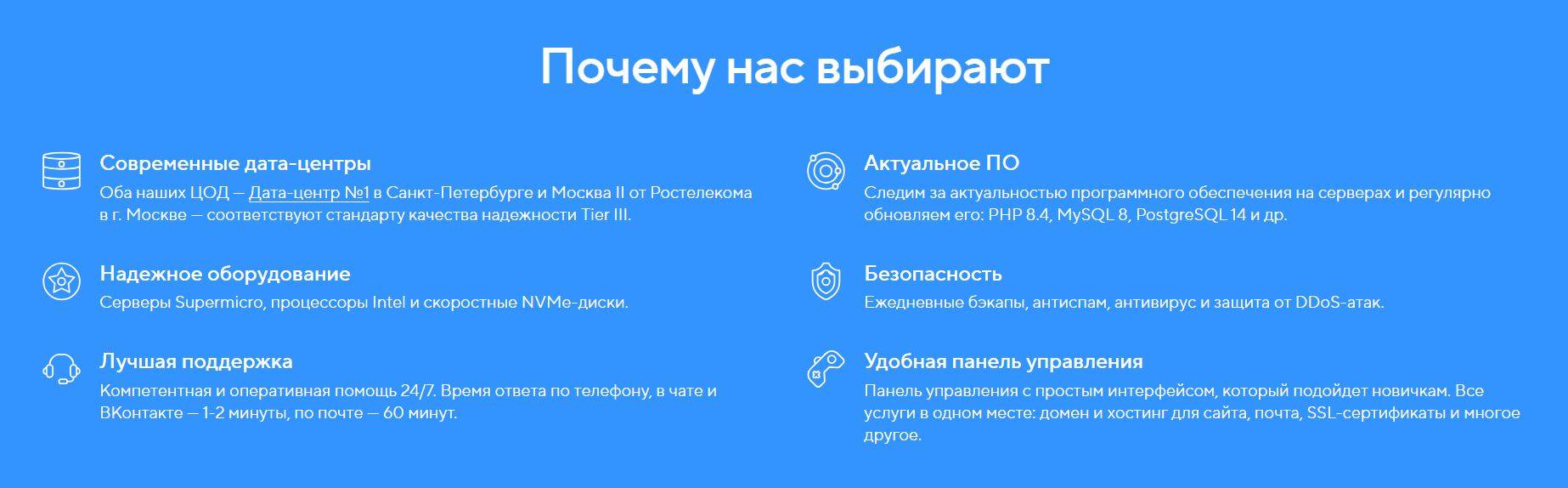
Discuss the migration and support arrangements with SpaceWeb before ordering. Establish the support scope and any migration requirements so that responsibilities are clear.
A practical migration plan
A move to SpaceWeb should begin with a clear inventory of the website, its data and its technical dependencies. Select a suitable environment and prepare a complete backup before transferring anything. Use the available SpaceWeb documentation and support channels to clarify uncertain setup details. Test the destination before the changeover, and retain a recovery path until the new environment has been checked. Once the website is running on SpaceWeb, monitor key pages, forms and email handling to confirm that the migration meets your requirements.
Contact our agency for help planning your website and marketing. You can also explore our other articles.