Discuss your goals and the next steps for your project


Consultation

Tell us about your project

ABS Marketing logo

Menu

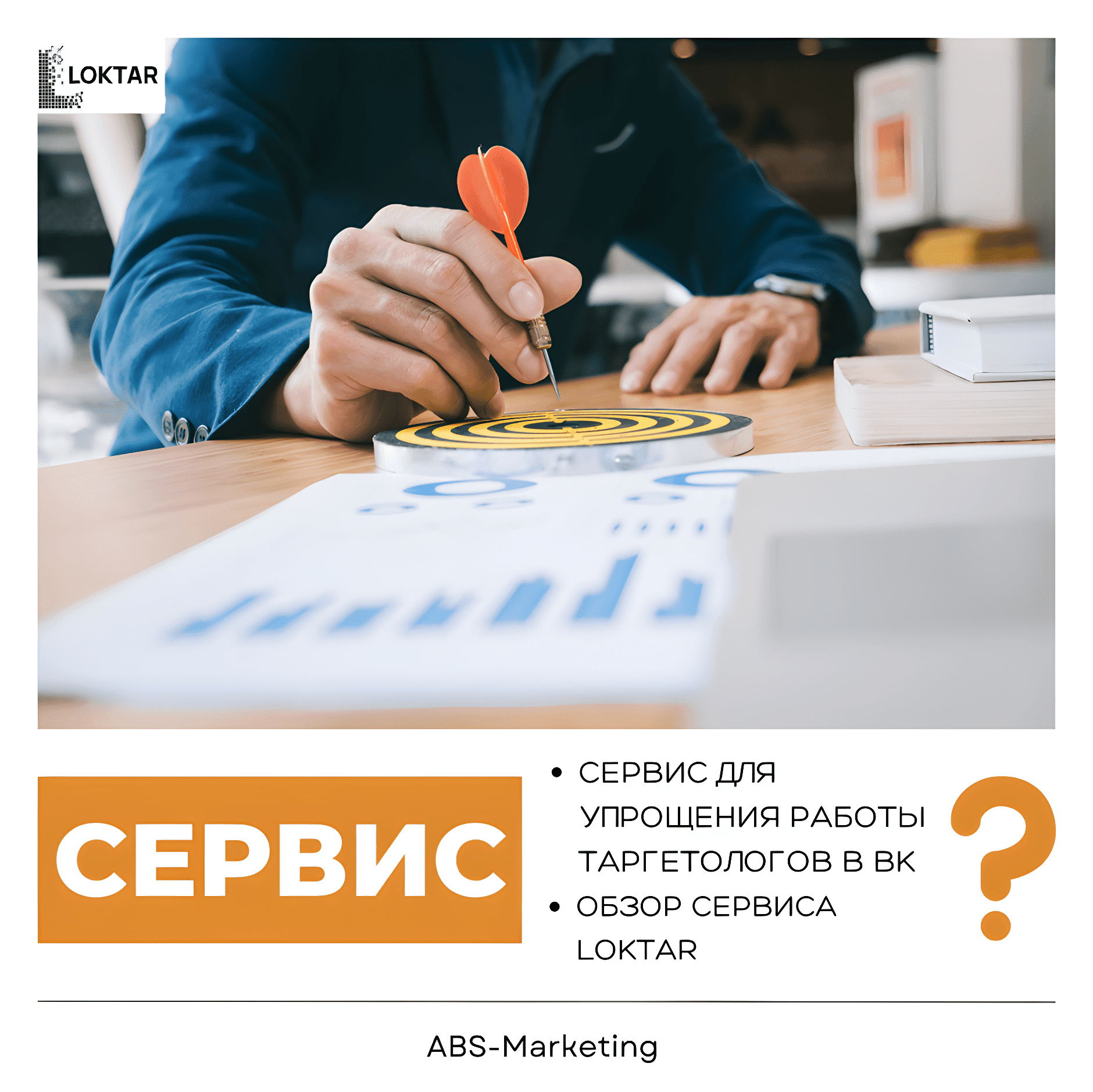
Loktar: Planning a Manageable Advertising Workflow

Loktar advertising workflow and campaign management

An advertising specialist handles research, planning, campaign setup and performance analysis. Repeating administrative tasks can leave less time for the decisions that matter. A useful workflow makes routine work consistent while keeping the specialist responsible for the strategy and the final checks. Typical tasks include:

  • Researching the intended audience;
  • Analysing campaign responses and conversions;
  • Coordinating online promotion;
  • Planning budgets, messages and tests;
  • Launching, reviewing and adjusting campaigns.

Copying settings, preparing reports and checking many advertisements individually can become difficult to manage. Before automating a task, describe the steps and the errors you want to prevent. This helps you decide whether a tool simplifies the work or merely moves it to another interface.

When considering  Loktar, compare its available functions with those routine tasks. A useful evaluation should focus on whether the setup helps you:

  • Reduce repetitive manual work;
  • Complete necessary tasks consistently;
  • Make changes with a clear review process;
  • Keep campaign information organised;
  • Leave time for analysis and planning.
Loktar advertising workflow and campaign management

The following areas provide a practical framework for that assessment. Test them with a small campaign and confirm which advertising accounts and tools are supported by the configuration you intend to use.

Understanding the cost of an enquiry

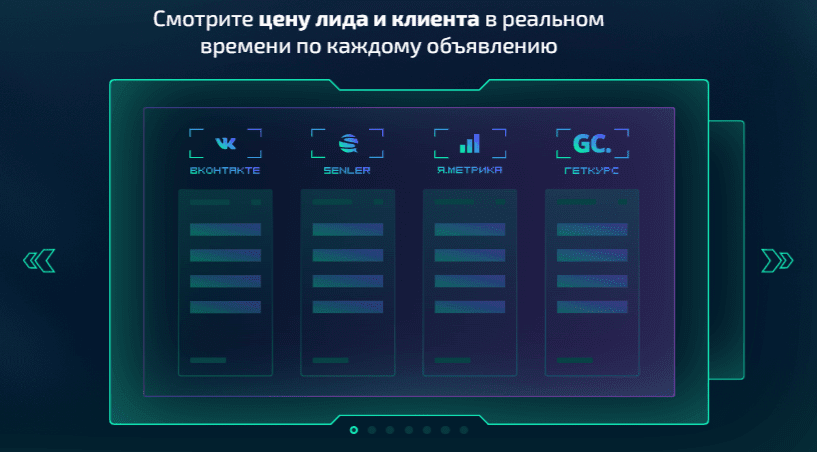
When a business uses several advertising channels, it needs a consistent way to compare their results. Define what counts as an enquiry before calculating its cost. A submitted form, a new subscriber and a completed sale represent different outcomes and should not be combined without explanation.

When assessing reporting in  Loktar, check how advertising costs and outcomes are brought together. Confirm the date range, attribution method and treatment of duplicates so that figures from different sources can be compared meaningfully.
Loktar advertising workflow and campaign management

A report is useful when the team understands what each figure represents. For a subscriber-based campaign using  Senler, for example, distinguish the  cost per retained subscriber  from the number of  unsubscribes.

Managing advertisement and post changes

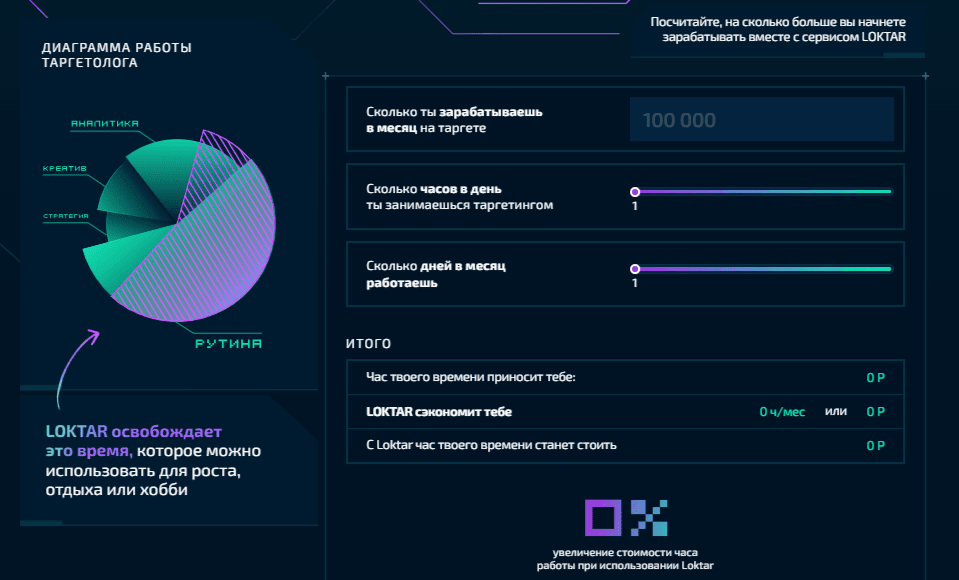
When reviewing editing tools in  Loktar, check whether you can change only the settings you intend to update. Preview the effect and keep a record of the previous settings before applying a change to many advertisements.

  • Has the intended audience for a product changed? Review the message and relevant targeting criteria together. Update the advertisements selected for that campaign, then confirm that unrelated campaigns were not changed.
  • Has a clothing shop added a new product range? Review who the new offer is relevant to before changing the campaign’s audience criteria.
Loktar advertising workflow and campaign management

Repeated post edits also benefit from a clear process. Identify which elements need to change and which must remain unchanged. Your editing checklist might cover:

  • Selecting the posts included in a batch;
  • Adding or replacing text;
  • Updating images;
  • Checking link previews;
  • Reviewing buttons and other interactive elements.

Loktar  should be assessed against the editing tasks your team actually performs. Check the result in the advertising platform as well as the management interface, especially after a change that affects many items.

Keeping UTM tags consistent

Campaign tags help connect a visit with the campaign that brought it. Agree a naming convention before generating links. A practical sequence is:

  • Confirm the destination page;
  • Identify the campaign source, such as Google Ads,  YouTube or  VK;
  • Choose a consistent value for the traffic medium;
  • Add the campaign name and any relevant content or keyword detail.

If a tool generates tags for you, check the resulting URL and confirm that the destination still works. Follow the same naming convention when a campaign connects with services such as  Senler  or  Bitrix24.

Automation is useful when it produces predictable, readable links. If you use  Loktar  for this task, test the generated tags and confirm that they appear as intended in your analytics.

Planning audience segments

Audience segmentation should begin with a reason for treating groups differently. Choose a useful distinction, such as the offer or customer need, and avoid creating more segments than your budget and analysis process can support.

A manageable test can follow three steps:

  • Prepare an advertisement for a defined offer;
  • Choose the audience variable you want to compare;
  • Create and review the planned segments before launching the test.

Check audience overlap, budget allocation and the consistency of the message across segments. Review the results before adding more variations.

Clear names help a team manage those variations. When assessing naming tools in  Loktar, choose a convention that identifies the offer, audience and version. Make the names understandable to colleagues and use the same structure in reports.

Building a manageable advertising workflow

Evaluate  Loktar through the tasks it needs to support: reporting, controlled editing, campaign tags and audience organisation. Start with a small workflow, inspect the results and keep the parts that make the work clearer. Contact  our marketing agency  for help with your campaign planning and analytics setup.

Explore more practical advice in our  articles.
Share:

More articles

OUR TEAM

Behind every successful project is a team where experience, creativity, and collaboration come together. Our agency brings together experts from various fields of marketing: from strategy and analytics to design and social media management. We understand the market, know the tools, and speak the language of business.

WHY CAN YOU TRUST US?

Marketing support

Marketing support

Support for your marketing and advertising projects

Project team

Project team

Skills matched to your project's needs

Transparency and honesty

Transparency and honesty

Open communication throughout the entire partnership

Case studies

Cases

Use of modern technologies and tools

Client reviews

Reviews

A personalized approach to every client and project

SHALL WE DISCUSS YOUR NEEDS?

Please fill out this short form, and one of our experts will be happy to contact you to discuss your marketing goals and find the best solutions.

Where can we message you? (optional)

Select the messengers linked to the phone number above. Include the country code in your number.

You can enable SmartCaptcha to protect the form from automated submissions. External verification does not load before your separate permission.

Full SmartCaptcha permission text

This choice applies to forms on this page for up to 24 hours. Turning verification off reloads the page and clears entered text. Enquiry consent and analytics preferences are separate.

Without SmartCaptcha, email absmarketing.ru@gmail.com.

Submit a request

Where can we message you? (optional)

Select the messengers linked to the phone number above. Include the country code in your number.

You can enable SmartCaptcha to protect the form from automated submissions. External verification does not load before your separate permission.

Full SmartCaptcha permission text

This choice applies to forms on this page for up to 24 hours. Turning verification off reloads the page and clears entered text. Enquiry consent and analytics preferences are separate.

Without SmartCaptcha, email absmarketing.ru@gmail.com.

Leave Feedback and Suggestions

Your suggestions help us grow and improve — please share your ideas!

Where can we message you? (optional)

Select the messengers linked to the phone number above. Include the country code in your number.

You can enable SmartCaptcha to protect the form from automated submissions. External verification does not load before your separate permission.

Full SmartCaptcha permission text

This choice applies to forms on this page for up to 24 hours. Turning verification off reloads the page and clears entered text. Enquiry consent and analytics preferences are separate.

Without SmartCaptcha, email absmarketing.ru@gmail.com.

Feedback and Messages for Management

Your letters and feedback are important to us. You can contact management directly to share your thoughts.

Where can we message you? (optional)

Select the messengers linked to the phone number above. Include the country code in your number.

You can enable SmartCaptcha to protect the form from automated submissions. External verification does not load before your separate permission.

Full SmartCaptcha permission text

This choice applies to forms on this page for up to 24 hours. Turning verification off reloads the page and clears entered text. Enquiry consent and analytics preferences are separate.

Without SmartCaptcha, email absmarketing.ru@gmail.com.

Free consultation + a complimentary audit. Only 7 spots left.

Job application

Submit your application, and we’ll contact you to discuss the job openings!

Where can we message you? (optional)

Select the messengers linked to the phone number above. Include the country code in your number.

You can enable SmartCaptcha to protect the form from automated submissions. External verification does not load before your separate permission.

Full SmartCaptcha permission text

This choice applies to forms on this page for up to 24 hours. Turning verification off reloads the page and clears entered text. Enquiry consent and analytics preferences are separate.

Without SmartCaptcha, email absmarketing.ru@gmail.com.

Other questions

Send us your question—we’ll get back to you as soon as possible!

Where can we message you? (optional)

Select the messengers linked to the phone number above. Include the country code in your number.

You can enable SmartCaptcha to protect the form from automated submissions. External verification does not load before your separate permission.

Full SmartCaptcha permission text

This choice applies to forms on this page for up to 24 hours. Turning verification off reloads the page and clears entered text. Enquiry consent and analytics preferences are separate.

Without SmartCaptcha, email absmarketing.ru@gmail.com.

Would you like a free consultation with great terms? ​

Answer 4 short questions — and we’ll put together personalized marketing solutions for you, complete with bonuses from our partners.

Please provide your contact information, and we'll get in touch with you to discuss solutions that will take your business to the next level
Where can we message you? (optional)

Select the messengers linked to the phone number above. Include the country code in your number.

You can enable SmartCaptcha to protect the form from automated submissions. External verification does not load before your separate permission.

Full SmartCaptcha permission text

This choice applies to forms on this page for up to 24 hours. Turning verification off reloads the page and clears entered text. Enquiry consent and analytics preferences are separate.

Without SmartCaptcha, email absmarketing.ru@gmail.com.