Moving a website to a new server is easier when you plan the sequence before changing anything. You need a usable backup, a compatible server and a way to test the site before switching traffic. Using FirstVDS (FirstVDS website) as an example, this guide walks through the main stages of a migration.
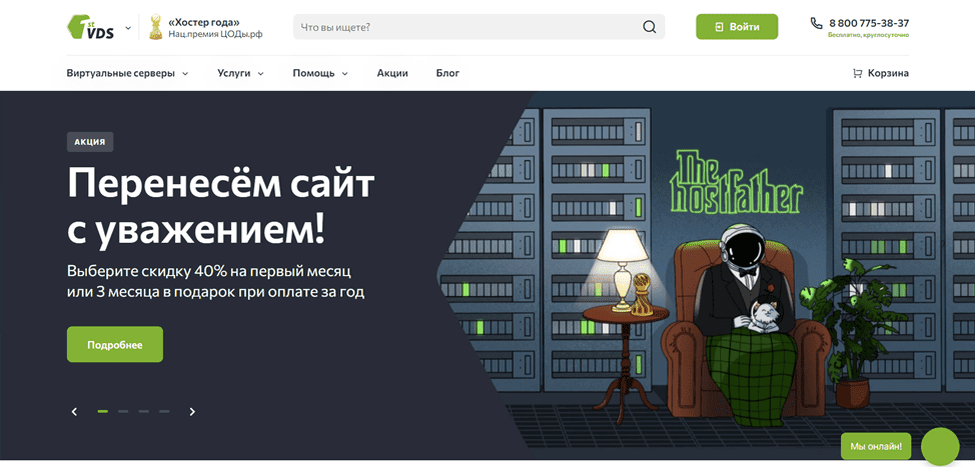
Moving a website to a server: step by step
FirstVDS offers virtual dedicated servers. Choose a configuration that matches your application and the level of administration you can provide. A virtual server gives you:
- Resources allocated under your chosen plan;
- Administrative access to the server environment;
- Control over the software and configuration you maintain.
Step 1: Back up the website
Create a backup of both the website files and its database. Keep a copy separate from the server you are replacing, and check that you can read the files and database export. Record the configuration details needed to restore the application.
Step 2: Choose a plan and create the server
Estimate the storage, memory and processing capacity your website needs, allowing for its current traffic and application requirements. Then create the server in the FirstVDS control panel with the appropriate operating system and configuration.
Step 3: Install and configure the software
Prepare the web server, database and application runtime before copying the site. Check that the versions and extensions are compatible with your website. Depending on the selected setup, a server-management panel from FirstVDS may help with configuration; confirm which software and licences your plan includes.
Step 4: Transfer the website
Copy the files and database to the new environment, then update the application’s connection details. The available transfer method depends on your access and hosting setup:
- Using a file-transfer client. Copy the website files with an appropriate client, such as FileZilla.
- Using SSH. Transfer files with tools such as scp or rsync, and import the database using a suitable database tool.
- Using a control panel. If your source and destination panels support a compatible backup format, restore the backup through the panel used with FirstVDS.
Step 5: Test the new server
Check the pages, images, navigation, forms and any account or checkout functions before sending visitors to the new server. Confirm that the database is connected, the required tasks run and HTTPS works for the final domain. Keep the old environment available while you verify the migration.
Step 6: Point the domain to the new server
Once the new site is ready, update the relevant DNS records through the service that manages your domain’s DNS:
- Review the existing records and change the website’s destination;
- Use the new server’s address while preserving unrelated services, such as email.
Step 7: Monitor and maintain the server
After the switch, check traffic and application errors and confirm that visitors reach the correct server. Running a website on FirstVDS also requires a maintenance routine that covers:
- Software updates;
- Backups and restore checks;
- Resource usage and server monitoring.
Finish the migration only after the live site and its essential functions have been checked.
What to consider when choosing FirstVDS
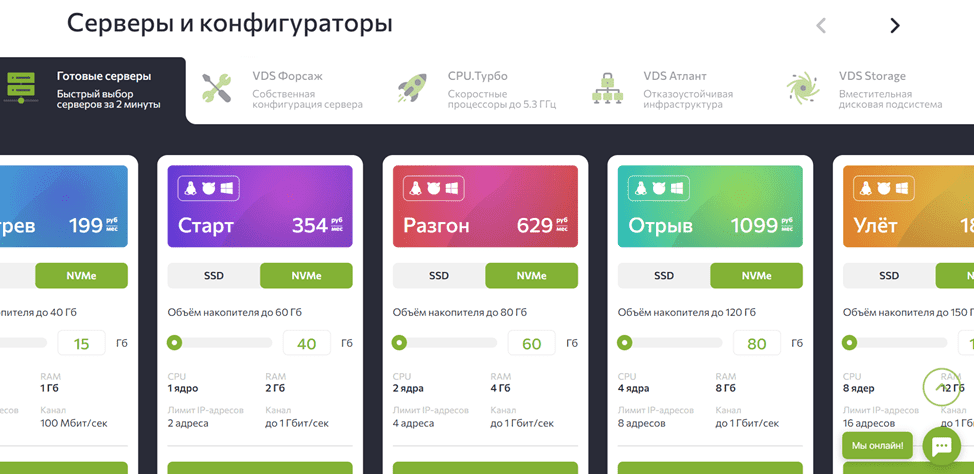
When moving a website to FirstVDS, compare the server configuration with your workload and the support you need. The following points can help you assess a plan.
- Storage and performance. Check the storage type and capacity in the selected FirstVDS plan. Website speed also depends on the application, database, caching and available resources.
- Configuration flexibility. Administrative access lets you install compatible software and adjust the environment to your application. Plan who will maintain those settings after launch.
- Recovery and continuity. Decide how you will back up the site, monitor failures and restore service. Check which tasks are included in the plan and which remain your responsibility.
- Server management. Review the control panel and support options before ordering. A familiar management environment can make routine work easier, particularly if your team has limited server experience.
- Total cost. Compare FirstVDS plans with any additional costs for licences, backups or administration. Choose a configuration you can operate and maintain within your budget.
A successful migration combines preparation, testing and a controlled change of destination. Once those steps are planned, FirstVDS can provide the server environment for your website. Review the available options at FirstVDS before choosing your configuration.
Before using a promotion, review its terms and eligibility when placing your order.
Contact our marketing agency (ABS Marketing) for help planning your website and marketing.
Visit our website and browse our articles for more information.