Review widgets can bring customer feedback into a website at the point where visitors are assessing a business. When evaluating SmartWidgets for this task, focus on the review sources, the clarity of the presentation and how the widget fits the page. Useful feedback should help visitors make an informed decision.
A review block is one part of a broader website experience. It needs to work alongside clear service information, navigation and a usable enquiry process. Choose a widget around a specific purpose, then assess its effect through observations and measurements rather than assuming that installation will increase sales.
What to assess in a SmartWidgets integration
- Customer enquiries.
Place reviews where they answer a relevant question about your business. Compare enquiry activity before and after the change while also considering other changes to the page or campaign.
- Installation and configuration.
Check the current installation instructions and the settings available for the widget you choose. If the service supplies an embed code, test it on a suitable page before adding it across the website.
- Platform and CMS compatibility.
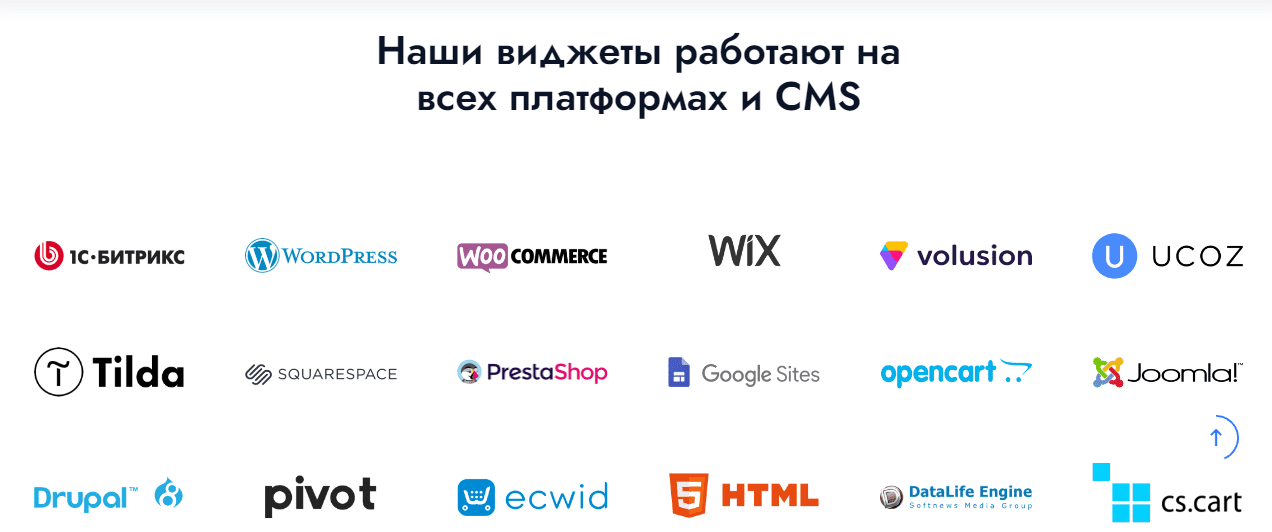
Confirm that the installation method works with your CMS, theme and existing scripts. Also establish who will maintain the integration and investigate problems after an update.
- Layout on different devices.
Review the widget at the actual widths used by your visitors. Text, controls and links should fit without forcing the page to scroll sideways or obscuring other content.
- Ongoing cost and effort.
A ready-made widget may reduce development work, but it still needs configuration and maintenance. Include subscription costs, setup time and ongoing checks when comparing options.
Planning a SmartWidgets setup
- Create an account.
Follow the current registration process and provide the account details requested by the service. Choose who will administer the integration and keep access under the control of your business.
- Choose and configure the widget.
Select the review source and layout that suit the page. Check the business identity, text size, available controls and links before publishing.
- Install the supplied code.
Use the documented installation method for your website. If you need help, confirm the support available for the selected service and explain the CMS, page and issue involved.

Combining reviews from several sources
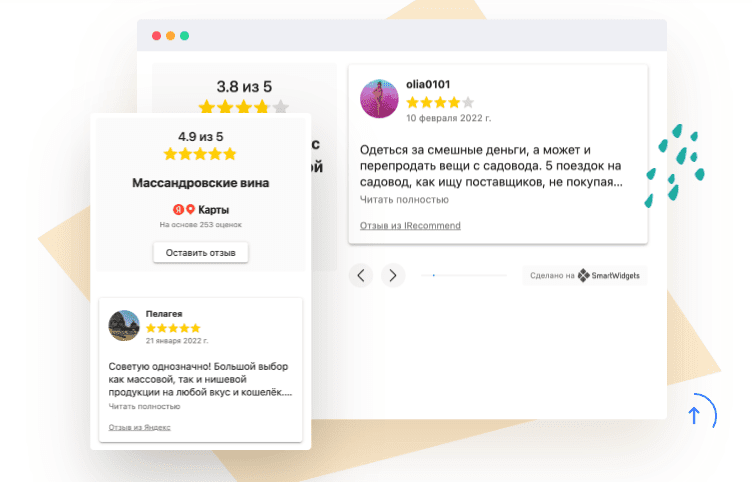
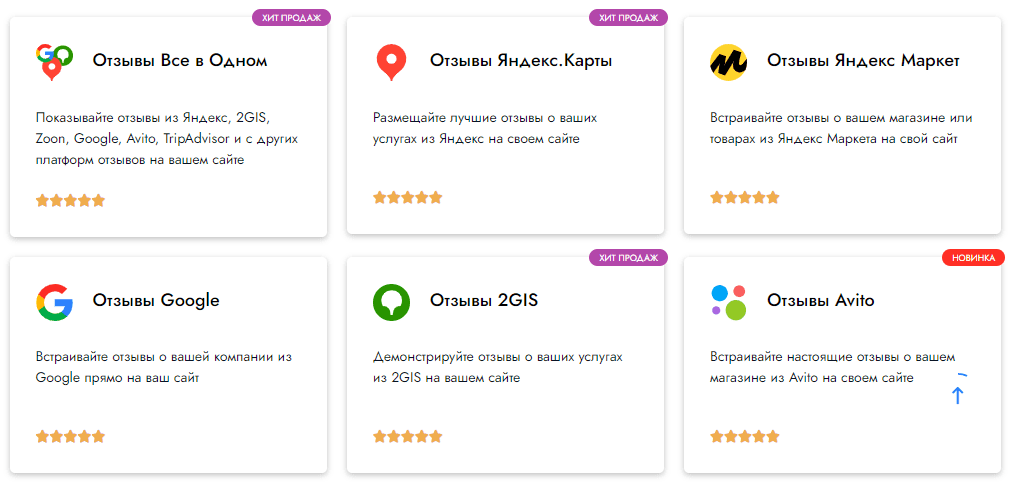
A combined review widget can bring feedback from sources such as Yandex Maps, Google and 2GIS into one section. Check which sources the selected widget currently supports and make sure each one refers to the correct business profile.
Points to review:
- Clear attribution to the original review source
- A useful route for customers who want to read or leave feedback
- A readable, accessible presentation on the page
Keep the source of the feedback visible and understand how selection or moderation affects what appears. The purpose is to provide useful evidence about the business, not to make unsupported promises about sales or search rankings.
Using Yandex Maps reviews on a website
A Yandex Maps review block can give visitors another way to assess customer experiences. Confirm the company profile before connecting it and check that the displayed feedback and links relate to your business.
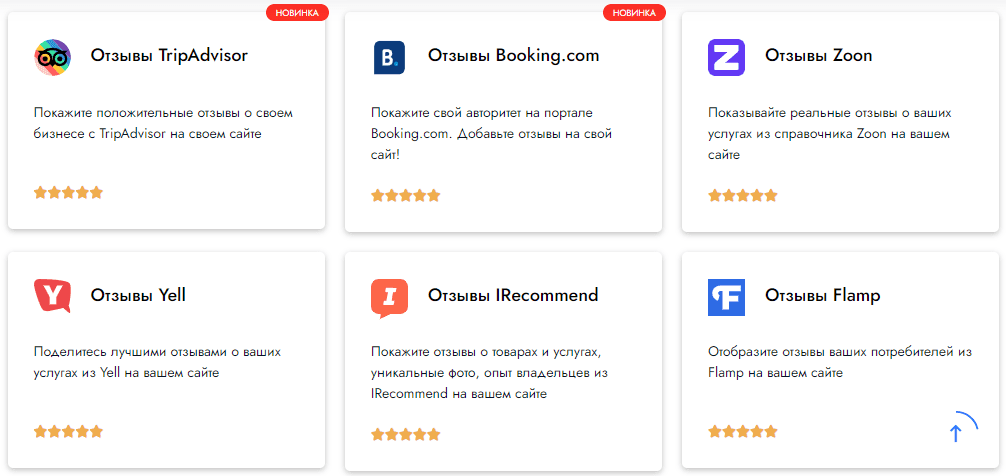
Useful checks include:
- Whether the review source and business identity are clear
- Whether visitors can read enough context to understand the feedback
- Whether the block remains usable without slowing or disrupting the page
After connecting a Yandex Maps widget, test its links and presentation as a visitor. Monitor whether the block is helpful in the customer journey, without treating it as a guarantee of search visibility or sales.
Using Avito reviews on a website
For businesses with a relevant Avito profile, customer feedback may provide useful context for new visitors. Check that the widget connects to the intended profile and presents the source clearly.
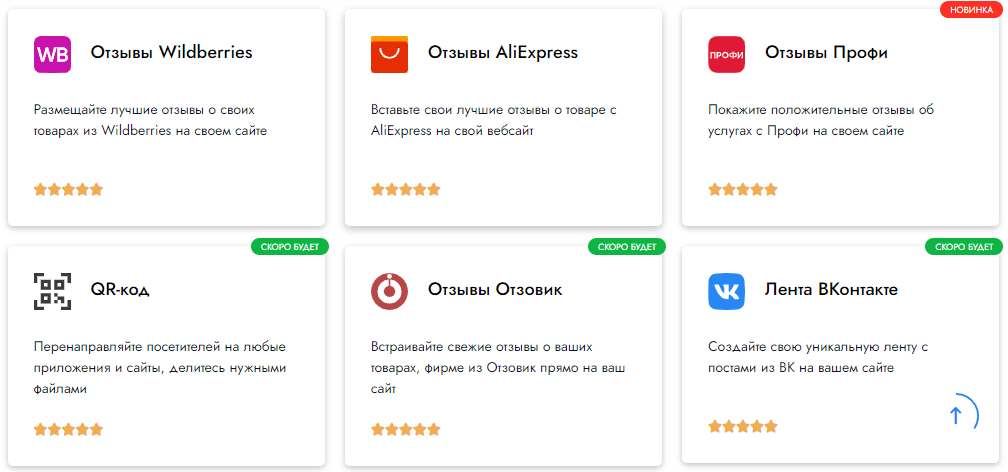
Review the following:
- The relationship between the profile and the business on your website
- The route to the original feedback and any review controls
- The reading experience on mobile and desktop screens
Assess the finished block through normal page use. A review widget should support the information on the page; its presence alone does not establish an increase in traffic or purchases.
Working with 2GIS reviews
Feedback from a 2GIS business profile can help visitors explore other customers’ experiences. Check the profile identity, the text shown and the way the widget opens the original source.
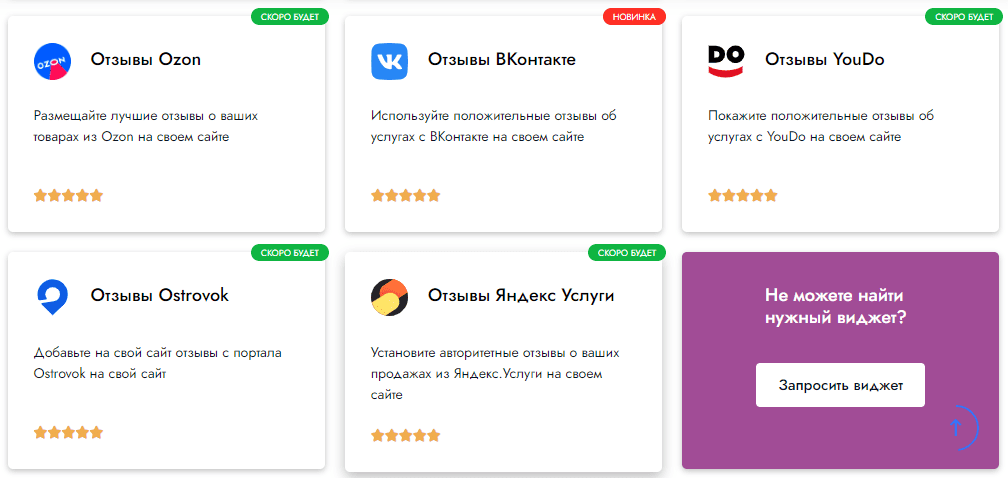
What to check in a 2GIS review block
- Useful context for people considering the business
- Visible attribution to the review platform
- Clear links and controls
- A layout that fits the page and its devices
Choosing a widget for a defined purpose
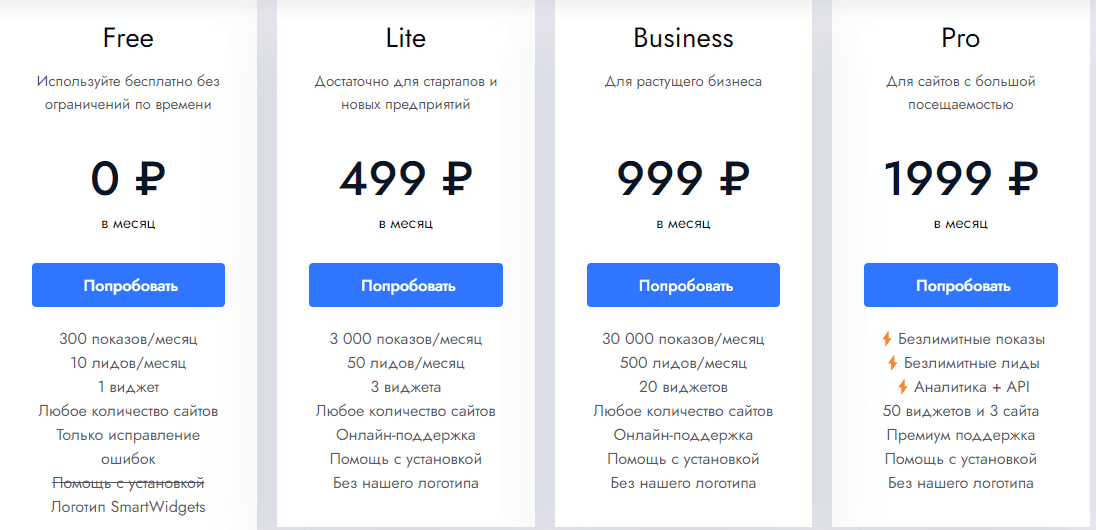
Before selecting a SmartWidgets subscription, decide which pages and review sources need it. Confirm the current availability and conditions of the chosen features, then test a focused setup before expanding it.
What to check in a subscription
- Initial evaluation — access for a practical test.
Confirm whether a trial or entry-level option supports the review source and page you need to evaluate, and understand any limits before installing it.
- Website coverage — the number of sites and widgets required.
Check how usage is counted and which reporting or support options are included. Choose coverage that matches the planned rollout.
- Presentation controls — the design settings needed for your site.
Review branding, layout and customisation options using a real page. Confirm that the selected plan includes the controls you intend to use.
- Integrations and support — requirements for a larger implementation.
If the project needs an API or specialist assistance, confirm availability, scope and terms directly with the provider before planning the work.
Compare current subscription conditions against these requirements. Keep a record of what is included and review it when the number of pages or widgets changes.
Review content can support a visitor’s assessment of a business, but it should not be treated as an automatic search-ranking improvement. Pay attention to page performance, accessibility and the overall quality of the information alongside any conversion measurements.
Start with one useful placement, check the result and decide whether further widgets are justified. A smaller, well-maintained integration may be more helpful than repeating the same review block throughout the site.
A practical approach to review widgets
SmartWidgets can be assessed as an option for presenting review sources on a website. The important steps are to select the correct business profiles, configure a readable layout, confirm current service terms and test the published result. Review the block as part of the complete customer journey, including navigation and the enquiry process, and keep its claims consistent with the feedback it actually displays.
Contact our agency for help planning your website and marketing. Browse more practical guidance in our articles.