An effective messaging campaign starts with a clear purpose and a suitable channel. Email, SMS and messaging apps can help businesses share service updates, product news and relevant offers. Decide what recipients need to know, how they expect to receive it and what action the message should support before choosing the tool.
Campaign planning involves both content and technical setup. Consider audience selection, personalisation, sending times and the data needed to assess the response. A messaging service such as NotiSend can be evaluated against these requirements, including the channels available to your business and the connections needed to manage them.
Why do businesses use messaging campaigns?
Campaigns provide a structured way to share useful information with customers. They can support service announcements, product updates and promotional communication. The aim is relevant contact at an appropriate frequency, with a clear process for handling responses.
Choosing a service for email, SMS and messaging apps
Quality and relevance matter as much as sending frequency. When assessing a service such as NotiSend, consider the following parts of the workflow:
- Delivery status and the handling of messages that cannot be delivered.
- How customer responses reach the people responsible for follow-up.
- Personalisation that makes a message more useful to the recipient.
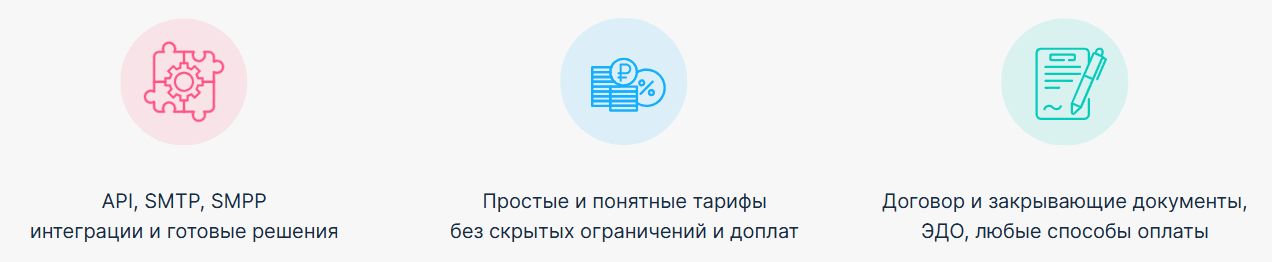
- Connections with business tools, including CRM systems and an API where required.
NotiSend should be assessed through the tasks your team needs to carry out: creating messages, configuring channels and reviewing results. Test these tasks before committing to a wider rollout.
What to assess when choosing NotiSend for campaigns
NotiSend is a messaging service to consider when planning email, SMS and app-based communication. Confirm the supported channels and the conditions relevant to your account, then assess the following areas:
- Ease of use.
Try preparing a message and reading its report. Check that the people responsible for campaigns can complete those tasks and understand the results.
- Message formats.
Decide whether each channel needs text, images or other media. In NotiSend, check which formats are available for the channels you intend to use.
- Account and cost options.
Compare current terms with expected message volume, channel costs and the functions your team needs. Include setup and ongoing administration in the budget.
- Data handling.
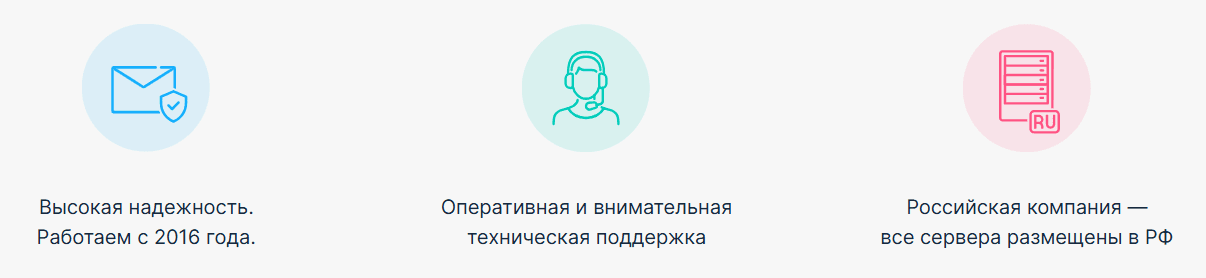
Review the data-processing arrangements offered by NotiSend, including hosting, access controls and the responsibilities of your own organisation.
A provider assessment should consider the complete workflow and the applicable service terms. A convenient interface alone does not establish whether the service fits your requirements.
Campaign functions to review in NotiSend
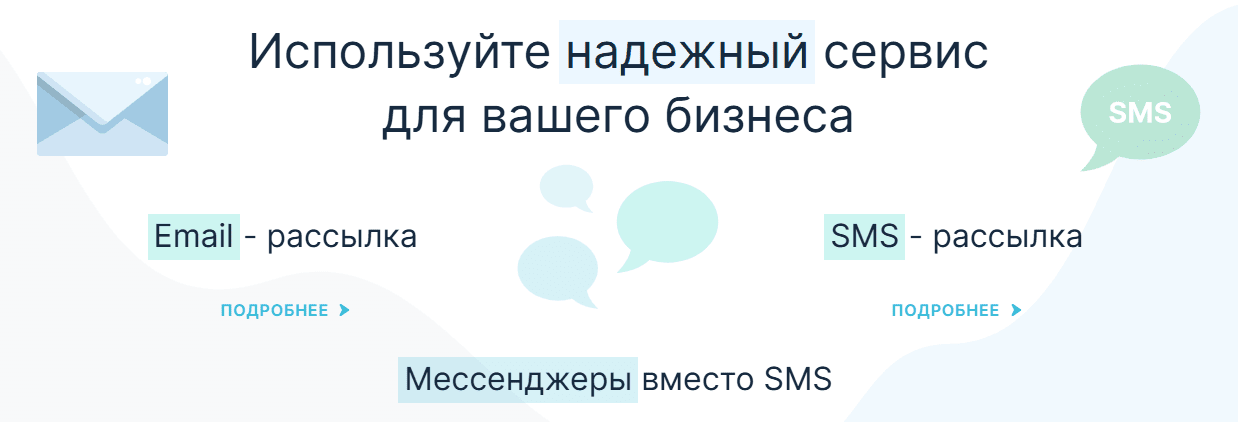
- Channel management
Identify which email, SMS and messaging channels the campaign needs. Confirm availability and test how messages are prepared and tracked in each one.
- Templates and personalisation
Use a reusable layout and relevant customer fields to keep messages consistent. Check how personalisation behaves when information is missing or incomplete.
- API and integrations
Review how NotiSend will connect to your internal systems or other services, and define which information each connection should exchange.
- Reporting
Choose reports that help you assess the purpose of each campaign and make practical decisions about the next one.
How do you prepare a campaign with NotiSend?
Account setup
Before setting up an account with NotiSend, check the information, access and current account terms you need. Once the account is available, configure the required sending channels and prepare a small test campaign.
Choosing between email, SMS and messaging apps
When planning a campaign in NotiSend, select the channels that fit the message and the recipient’s preferences.
- Email can carry detailed information such as company news, recommendations and event announcements.
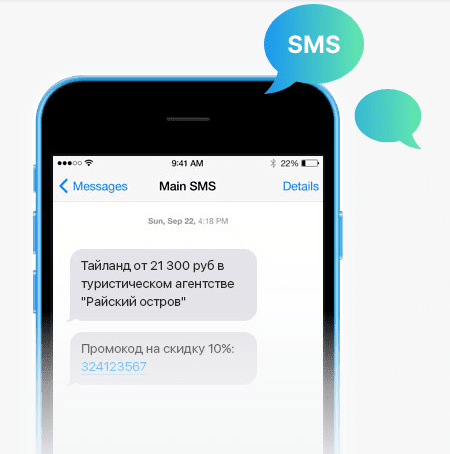
- SMS is suited to brief messages where a concise notification is useful. Consider timing, length and cost when preparing the text.
- Messaging apps such as WhatsApp, Telegram and VK may form part of the communication plan. Confirm the available business connection and message formats before including a channel in a campaign.
Preparing templates and personalisation
NotiSend can be assessed for the template and personalisation options your campaigns require. Adapt the layout, colours and branding to the message. Use recipient information, such as a name or a relevant offer, only when it improves the communication, and test the result before sending.
Planning API connections and reporting
NotiSend should be evaluated against a defined integration task. Identify which system supplies contacts, which events should trigger messages and where delivery or campaign results need to be recorded. Confirm the available API or connector before implementing that flow.
Choose reporting that helps you understand deliveries, reported opens, link clicks and unsubscribes where those measures are available for the channel. Connect the results to the purpose of the campaign.
Planning WhatsApp communication with NotiSend
A messaging-app campaign should begin with the customer’s expectations and a suitable business connection. Check the channel’s available functions and sending requirements. Measure the response from your own audience instead of assuming a particular open rate.
Can a channel sequence help manage messaging costs?
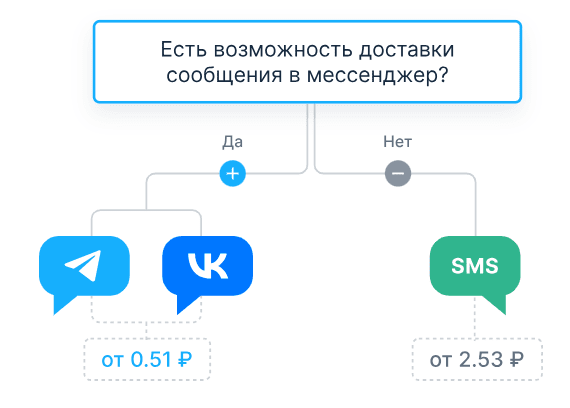
NotiSend can be assessed for a workflow that uses one channel before another. If a fallback sequence is available and appropriate, define when an SMS should follow an app message and test the delivery-status rules. Compare the complete cost and avoid unnecessary duplicate messages.
How to prepare a useful email campaign
When creating an email with NotiSend, choose a layout that makes the main message and next action easy to find. Adapt the content for the audience and preview it on smaller screens. Check personalised fields, images and links before scheduling the campaign.
Using email to maintain customer contact
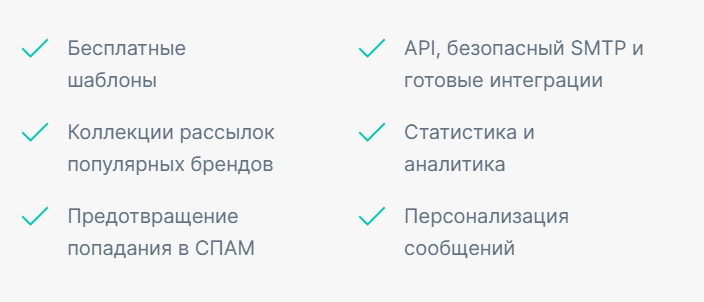
Email can support an ongoing communication plan through news, relevant offers and product guidance. Give each message a purpose and review whether the sequence remains useful to subscribers.
Personalisation and responsible sending
When using NotiSend, prepare accurate recipient data, relevant content and an appropriate sending setup. Personalisation can improve context, but it does not guarantee delivery or a particular response. Monitor the campaign and handle unsubscribes consistently.
How should you assess the results?
Review each campaign after it has run. Compare the intended outcome with the available delivery, engagement and response data. NotiSend reports should be assessed for the measures your team needs, including the detail available for each channel.
Use the findings to refine the content, audience and timing of future messages. Compare similar campaigns where possible so that changes are easier to interpret.
Reviewing data arrangements with NotiSend
Choose a provider using documented service and data-processing arrangements. Hosting location is one part of that assessment; also consider access, support and the information your organisation intends to send.
What should you check about hosting and access?
Confirm where relevant data is stored, how access is controlled and which safeguards the service describes. Assess those arrangements against your own requirements rather than treating location alone as a security guarantee.
Is NotiSend a suitable choice for your business?
NotiSend can be assessed through a small campaign that represents your intended use. Compare usability, channel availability, reporting and total cost, and confirm that your team can manage the ongoing work.
Explore NotiSend’s account options here and check the current trial and sending terms before relying on a particular allowance.
A project using NotiSend should connect a clear communication plan with tested channel settings and useful reporting. Review the customer experience as well as the campaign’s business outcome.
Contact our agency for help planning your messaging and email campaigns. Explore more guidance in our articles.