Discuss your goals and the next steps for your project


Consultation

Tell us about your project

ABS Marketing logo

Menu

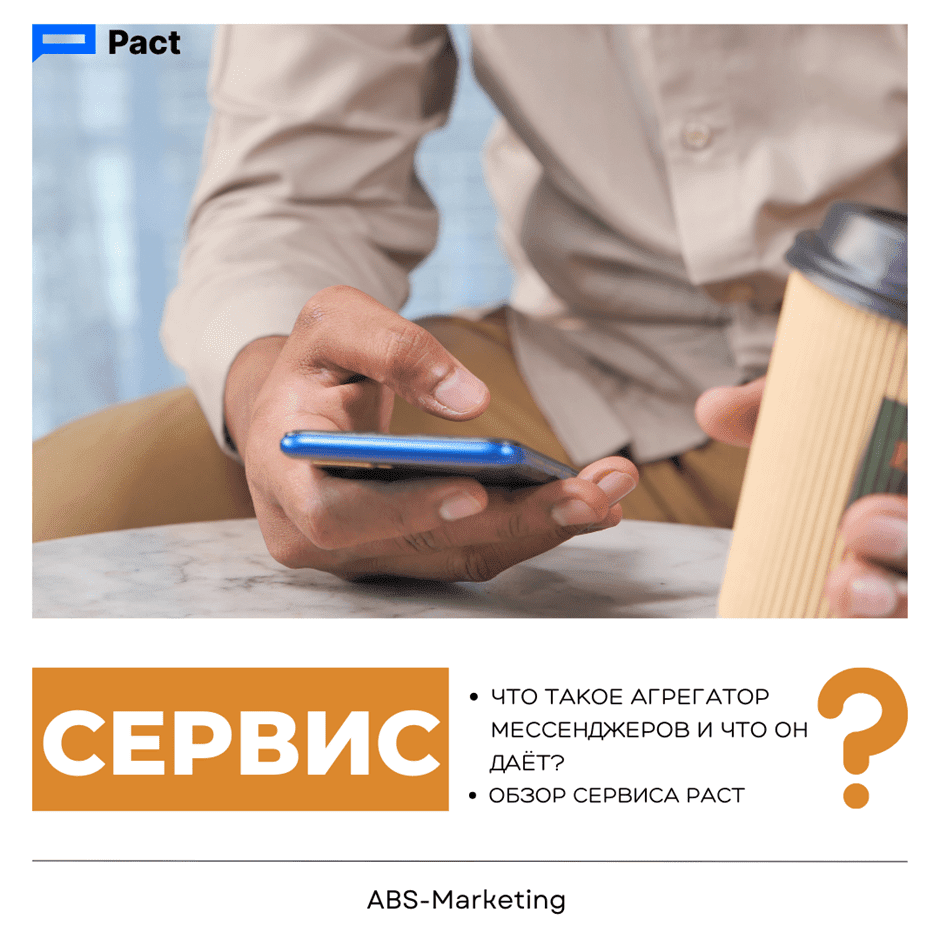
Pact: Choosing a Shared Messaging Workspace for Business

Pact business messaging and CRM workflow

What is a shared messaging workspace?

A messaging aggregator  brings conversations from several channels into a common workspace. For a business, the aim is to make customer communication easier to assign, follow and connect to the rest of the sales or support process.

What can a shared workspace improve?

  1. Organisation. A common view of incoming messages can reduce the need to switch between separate accounts. Its usefulness depends on clear ownership and a consistent way to record the next action.
  2. Response handling. A structured inbox helps staff review new messages, identify priorities and follow up on open conversations. Agree on the process before deciding which automation is helpful.
  3. Customer communication. Customers may use different channels to reach the same business. Keep those conversations connected to the right customer record so that staff can respond with appropriate context.
  4. Access control. Review who can read, send and export messages. A shared workspace needs suitable account permissions and a clear process for adding or removing team members.

How do you choose a messaging aggregator?

Start with the channels and workflows your team needs. One service to consider is  Pact. Assess the available connections against real tasks, such as assigning an enquiry or linking it to a CRM record. Review any  Pact  automation and reporting features as part of that process, and confirm the requirements of the particular connection you intend to use.

What belongs on your requirements checklist?

  • The right messaging channels. Identify where customers already contact you and check the proposed integration for each channel, such as  WhatsApp, Telegram or  Viber. Connection methods and available functions can differ between channels.
  • Usability. Staff should be able to find conversations, understand ownership and carry out common tasks without losing important context.
  • Useful functions. List the message, attachment and conversation-handling functions your work requires. Test them with the actual channel and account configuration you plan to use.
  • Security and permissions. Review authentication, user access, data handling and the provider’s security information. Decide which information belongs in the workspace and who is responsible for administering it.
  • Cost. Compare the total cost of the channels, users and functions you require, including any connection-specific charges.

Planning the account inventory for  Pact

Pact setup  starts with knowing which accounts and records the team uses. Pact  should be evaluated against that inventory. Existing or older communication records may be associated with services such as  WhatsApp, Telegram, Skype, Slack, Viber, WeChat  and  Hangouts. Treat this as an inventory of sources to review, then confirm which current connections are actually available for the workflow you intend to build.

Pact  can be assessed against a practical checklist:

  1. A clear shared interface;
  2. Useful, manageable notifications;
  3. Access from the devices the team needs;
  4. The required conversation and attachment handling;
  5. Appropriate access and data-protection arrangements.

CRM workflows to assess with  Pact.

  • Check the intended integration with  amoCRM or  Bitrix24  and review the applicable API and account requirements;
  • Test receiving and sending messages from the intended workspace and CRM record;
  • Confirm that staff can find the right customer and conversation;
  • Review automated messages, their triggers and the channel’s outbound-message rules;
  • Test the file, image, video or audio types your process requires;
  • Define when automated responses should hand over to a person;
  • Check how any website messaging entry point connects to the team;
  • Review the meaning and coverage of response-time and message reports.

Comparing cost and scope

Before choosing  Pact, list the channels and functions you will actually use. Check how they are charged and whether adding another team or number changes the cost.

Pact business messaging and CRM workflow

When comparing a connection to  amoCRM or  Bitrix24, verify the current terms for the CRM integration and any website widget separately. Include setup and ongoing administration in your planning.

A manageable communication process

A useful  Pact  setup connects the selected messaging channels to a clear team process. Decide how enquiries are assigned and recorded, and test the required links to  amoCRM or  Bitrix24  before expanding the rollout. Compare the available  Pact  options against your requirements and review the workflow after the team has used it in practice.

Contact  our agency  for help with CRM and customer communication planning. Find more information on our  website.
Share:

More articles

OUR TEAM

Behind every successful project is a team where experience, creativity, and collaboration come together. Our agency brings together experts from various fields of marketing: from strategy and analytics to design and social media management. We understand the market, know the tools, and speak the language of business.

WHY CAN YOU TRUST US?

Marketing support

Marketing support

Support for your marketing and advertising projects

Project team

Project team

Skills matched to your project's needs

Transparency and honesty

Transparency and honesty

Open communication throughout the entire partnership

Case studies

Cases

Use of modern technologies and tools

Client reviews

Reviews

A personalized approach to every client and project

SHALL WE DISCUSS YOUR NEEDS?

Please fill out this short form, and one of our experts will be happy to contact you to discuss your marketing goals and find the best solutions.

Where can we message you? (optional)

Select the messengers linked to the phone number above. Include the country code in your number.

You can enable SmartCaptcha to protect the form from automated submissions. External verification does not load before your separate permission.

Full SmartCaptcha permission text

This choice applies to forms on this page for up to 24 hours. Turning verification off reloads the page and clears entered text. Enquiry consent and analytics preferences are separate.

Without SmartCaptcha, email absmarketing.ru@gmail.com.

Submit a request

Where can we message you? (optional)

Select the messengers linked to the phone number above. Include the country code in your number.

You can enable SmartCaptcha to protect the form from automated submissions. External verification does not load before your separate permission.

Full SmartCaptcha permission text

This choice applies to forms on this page for up to 24 hours. Turning verification off reloads the page and clears entered text. Enquiry consent and analytics preferences are separate.

Without SmartCaptcha, email absmarketing.ru@gmail.com.

Leave Feedback and Suggestions

Your suggestions help us grow and improve — please share your ideas!

Where can we message you? (optional)

Select the messengers linked to the phone number above. Include the country code in your number.

You can enable SmartCaptcha to protect the form from automated submissions. External verification does not load before your separate permission.

Full SmartCaptcha permission text

This choice applies to forms on this page for up to 24 hours. Turning verification off reloads the page and clears entered text. Enquiry consent and analytics preferences are separate.

Without SmartCaptcha, email absmarketing.ru@gmail.com.

Feedback and Messages for Management

Your letters and feedback are important to us. You can contact management directly to share your thoughts.

Where can we message you? (optional)

Select the messengers linked to the phone number above. Include the country code in your number.

You can enable SmartCaptcha to protect the form from automated submissions. External verification does not load before your separate permission.

Full SmartCaptcha permission text

This choice applies to forms on this page for up to 24 hours. Turning verification off reloads the page and clears entered text. Enquiry consent and analytics preferences are separate.

Without SmartCaptcha, email absmarketing.ru@gmail.com.

Free consultation + a complimentary audit. Only 7 spots left.

Job application

Submit your application, and we’ll contact you to discuss the job openings!

Where can we message you? (optional)

Select the messengers linked to the phone number above. Include the country code in your number.

You can enable SmartCaptcha to protect the form from automated submissions. External verification does not load before your separate permission.

Full SmartCaptcha permission text

This choice applies to forms on this page for up to 24 hours. Turning verification off reloads the page and clears entered text. Enquiry consent and analytics preferences are separate.

Without SmartCaptcha, email absmarketing.ru@gmail.com.

Other questions

Send us your question—we’ll get back to you as soon as possible!

Where can we message you? (optional)

Select the messengers linked to the phone number above. Include the country code in your number.

You can enable SmartCaptcha to protect the form from automated submissions. External verification does not load before your separate permission.

Full SmartCaptcha permission text

This choice applies to forms on this page for up to 24 hours. Turning verification off reloads the page and clears entered text. Enquiry consent and analytics preferences are separate.

Without SmartCaptcha, email absmarketing.ru@gmail.com.

Would you like a free consultation with great terms? ​

Answer 4 short questions — and we’ll put together personalized marketing solutions for you, complete with bonuses from our partners.

Please provide your contact information, and we'll get in touch with you to discuss solutions that will take your business to the next level
Where can we message you? (optional)

Select the messengers linked to the phone number above. Include the country code in your number.

You can enable SmartCaptcha to protect the form from automated submissions. External verification does not load before your separate permission.

Full SmartCaptcha permission text

This choice applies to forms on this page for up to 24 hours. Turning verification off reloads the page and clears entered text. Enquiry consent and analytics preferences are separate.

Without SmartCaptcha, email absmarketing.ru@gmail.com.