
Customer reviews give a business a view of the experience it actually delivers. Reading them regularly, responding constructively and acting on recurring issues makes review management part of everyday service improvement. The DailyGrow platform brings review-management and marketing-analysis tools into one service. This guide explains how those tools can fit into a practical workflow for a single location or a business with several branches.
A review can help a prospective customer understand what to expect. It can also reveal a problem that the business has missed. The aim is to learn from that feedback, respond clearly and make improvements that customers can recognise.
Why review management matters
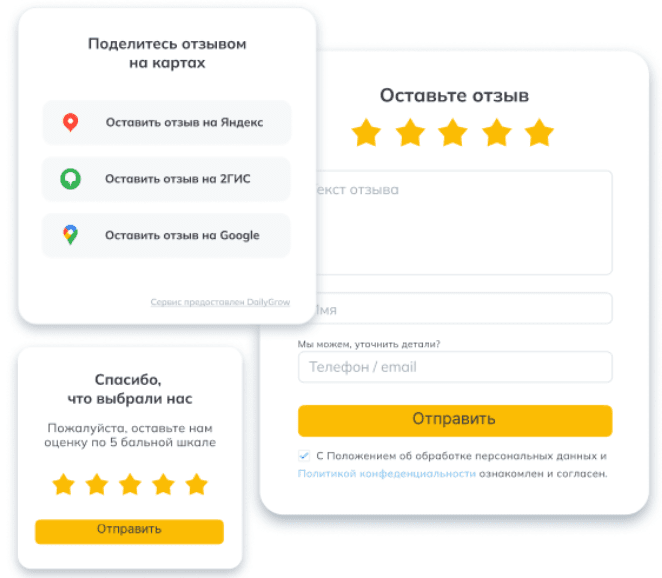
Reviews influence how people assess a business and provide evidence of customer experience. A structured approach helps you use that information in several ways:
- Building trust: Detailed, authentic feedback gives prospective customers context about a product or service. A helpful business response shows how the company handles questions and concerns.
- Supporting customer decisions: People use reviews to compare alternatives. Keep company information accurate and make it easy to find genuine feedback from customers with relevant experience.
- Responding to problems: A negative review may describe a service failure that needs attention. Acknowledge the concern, investigate it and explain an appropriate next step instead of arguing with the reviewer.
- Finding recurring issues: Repeated complaints about the same part of a service are useful signals. Group them by topic and assign someone to investigate the underlying cause.
Tools such as DailyGrow can help a team organise this work. Assign responsibility for responses and review the unresolved issues regularly so that feedback leads to action.
How DailyGrow supports review management
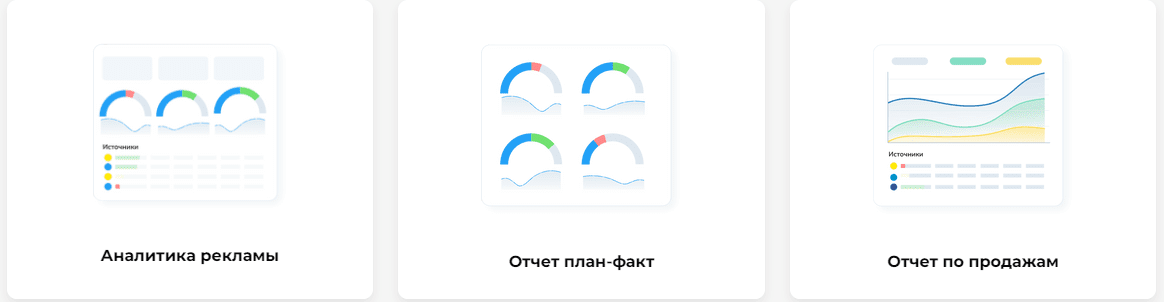
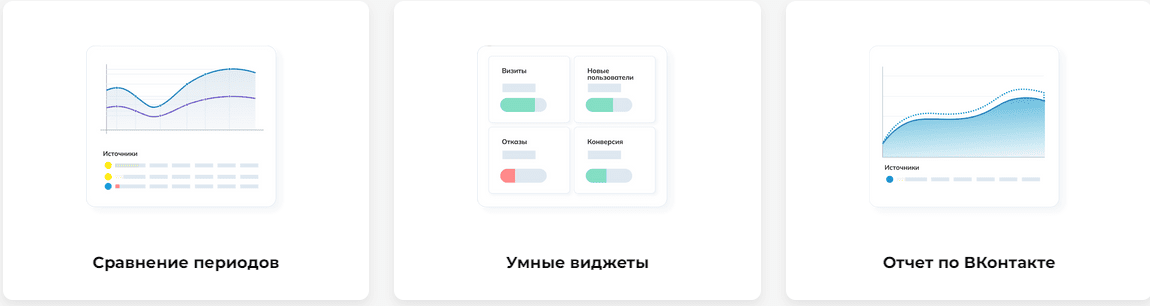
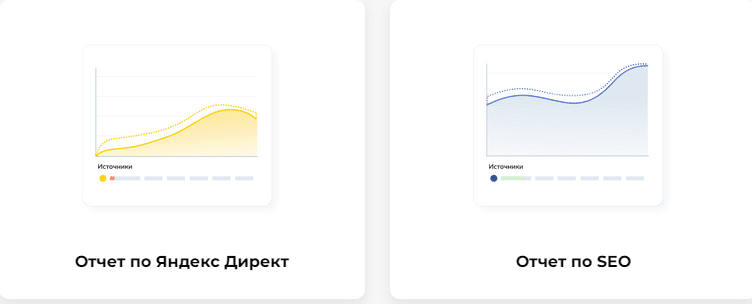
The DailyGrow service includes tools for collecting and working with reviews:
- Review collection from supported platforms, including Yandex Maps and 2GIS, helps bring feedback into a common workflow.
- Reply management helps a team prepare responses from a central workspace. Check the connections required for each review platform, and adapt any suggested wording to the customer’s actual concern.
- Handling critical feedback gives staff a way to identify issues and follow them through. Focus on resolving the problem and responding fairly; a dissatisfied customer’s experience is still useful feedback.
- Review information across branches: DailyGrow provides a way to review feedback for multiple locations. Comparing branches can help identify where a process works well and where further investigation is needed.
Combining feedback with marketing analysis
Review management and marketing reporting answer different questions. Feedback helps explain customer experience, while advertising data shows how people discover and contact the business. DailyGrow offers tools in both areas, allowing a team to organise the information within the same service.
Connecting data sources

The DailyGrow platform supports connected data sources for marketing analysis. A useful reporting setup should help you:
- Bring relevant website metrics from services such as Yandex Metrica or Google Analytics into the reporting workflow;
- Compare campaign results using consistent goals and reporting periods;
- Review marketing activity alongside customer feedback without treating a review rating as a direct measure of advertising performance.
Assessing advertising performance
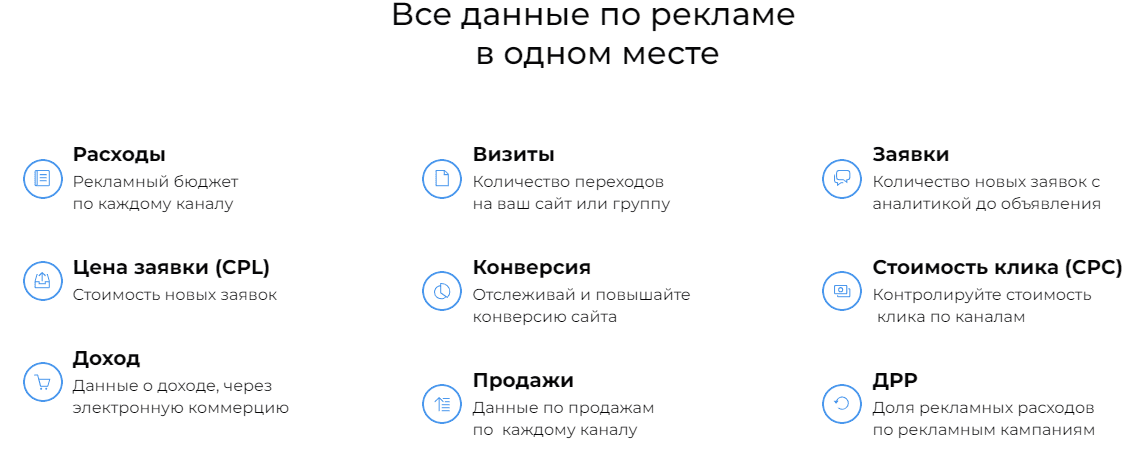
Reporting tools in DailyGrow can support regular campaign reviews. Start with clear questions and use the reports to compare:
- Planned and actual results, so the team can see where performance differs from the agreed target;
- Results by channel, including paid advertising and organic search, using comparable definitions for leads and sales.
Building a useful reporting routine
Before connecting tools, decide what the business needs to learn from its advertising. The following steps can help you organise a project in DailyGrow:
1. Connect the relevant sources
Add the sources used by your campaigns and confirm that the selected goals represent meaningful actions. Check the incoming data before relying on a report, especially when channels measure conversions differently.
2. Agree on targets and responsibilities
Set realistic targets for leads, sales or other business outcomes and assign responsibility for monitoring them. Review performance at a regular interval, with enough context to distinguish a tracking issue from a change in demand.
3. Use dashboard widgets
DailyGrow includes reporting widgets that help visualise key measures. Choose a small set of metrics relevant to your decisions, such as spend, conversions and acquisition cost, rather than filling a dashboard with every available number.
Reports that support decisions
One useful role of DailyGrow is to bring related measures into reports that a team can discuss and act on. Different views serve different purposes.
Plan versus actual
Compare the agreed target with the recorded result. If there is a gap, investigate the assumptions behind the plan, the tracking setup and the activity completed before deciding what to change.
Period comparisons
Compare similar periods to understand the direction of change. Account for seasonality, campaign launches and changes in measurement so that a difference is not interpreted out of context.
Business outcomes
Review leads, sales and conversion measures alongside the quality of the enquiries received. Keep branch-level review trends as a separate view of customer experience, then use both types of evidence to prioritise improvements.
Making feedback part of everyday work
Review management is most useful when it has an owner and a clear response process. The DailyGrow service can support that workflow alongside marketing reporting, but the team still needs to investigate issues and act on what it learns.
To assess whether the platform fits your requirements, request a demonstration from DailyGrow and bring a concrete example of your review or reporting workflow. Ask which sources, locations and permissions your project needs.

Your first project in DailyGrow should include testing the relevant connections and agreeing on how the team will use the results. Review the available plan and terms against your actual needs.
Contact our agency for help with review management and marketing analytics. You can also browse our articles.