Scheduling social media posts can reduce repetitive publishing work. It is particularly useful when a team manages several accounts: preparing posts in advance makes it easier to review content and keep track of publication dates.
Scheduled publishing with SMMplanner
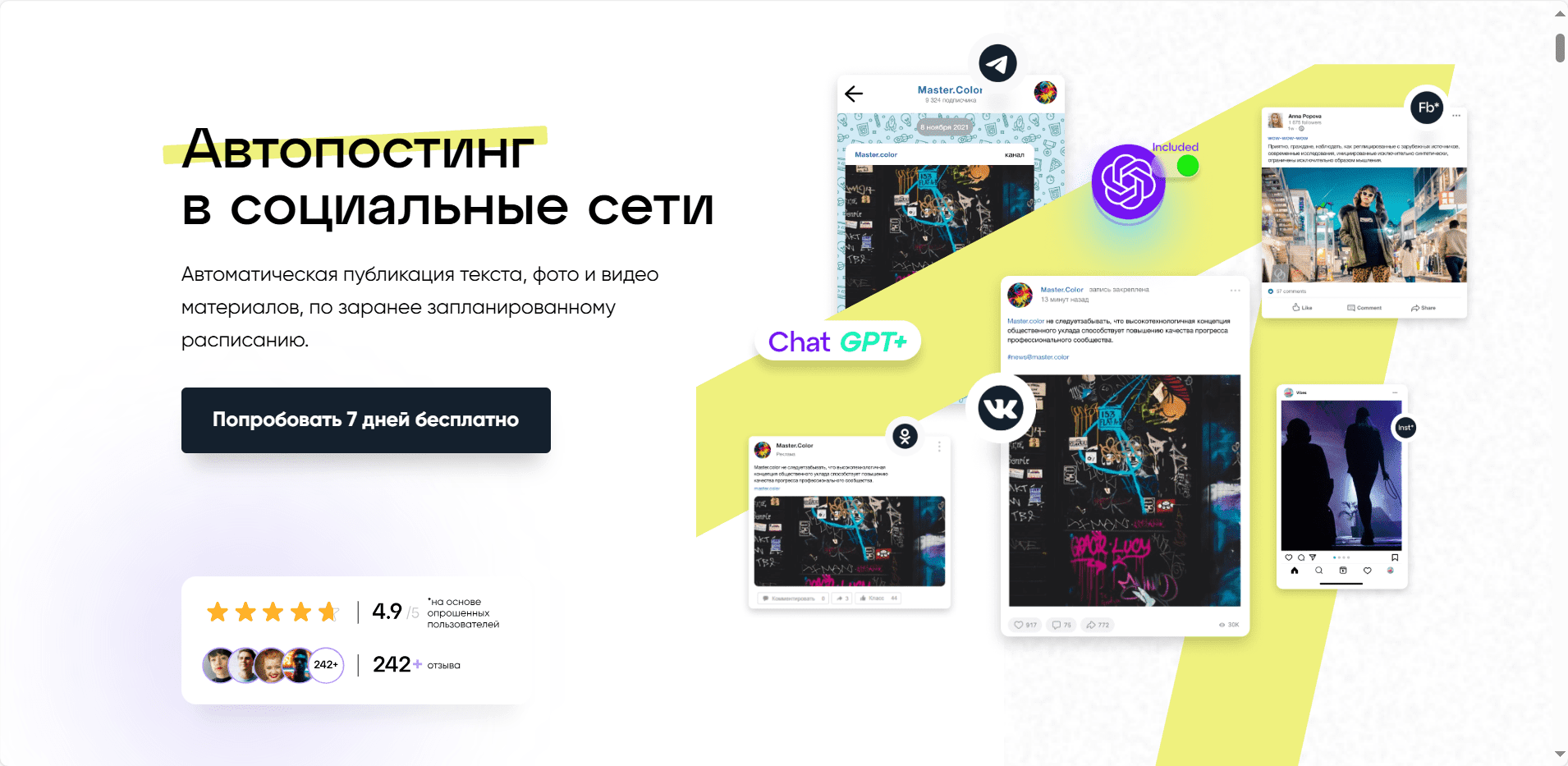
The SMMplanner service is described in the source review as a way to prepare posts for several social networks from one workspace. This can reduce manual switching between accounts. With SMMplanner you can organise a publishing schedule and prepare content for different channels. SMMplanner supports content formats such as images, video and GIFs in the workflow described in the review. Available formats and publishing options depend on the connected network and current plan.
How do you set up SMMplanner?
The review describes a straightforward interface. The following steps explain the general setup process; current button names and connection requirements may differ.
Create an account
To start using SMMplanner follow these steps:
- Open the official website and find the option to get started;
- Choose an available registration or sign-in method;
- The original review referred to an agency promotional code. Check its current validity and conditions before relying on any bonus;
- Confirm your email address if requested during registration.
Connect your social media accounts
After registering with SMMplanner you can connect the social networks you intend to manage.
The review used the Accounts section to add a social account and grant the permissions required by SMMplanner. Follow the platform’s current official connection process and review the permissions requested before approving access.
The number of connected accounts depends on the plan. The historical plan list for SMMplanner included a maximum of 150 accounts; it should not be treated as the current limit.
Prepare and schedule posts
The workflow described in the review starts in the Posts section: create a post, add its content and choose a publication time. Depending on the network and plan, a post may include text, emoji, links, location information or media. The review also describes saving drafts so that content can be prepared before publication.

The SMMplanner image editor described in the review includes cropping, filters, colour adjustments, stickers and captions.
Additional settings
Other sections and settings described in SMMplanner include:
- Projects. Group related posts and accounts into projects to organise your content work.
- Teams. Arrange collaboration between the people preparing and publishing content.
- UTM parameters. Add campaign parameters to links so that analytics can distinguish visits from different posts or campaigns.
Plans described for SMMplanner
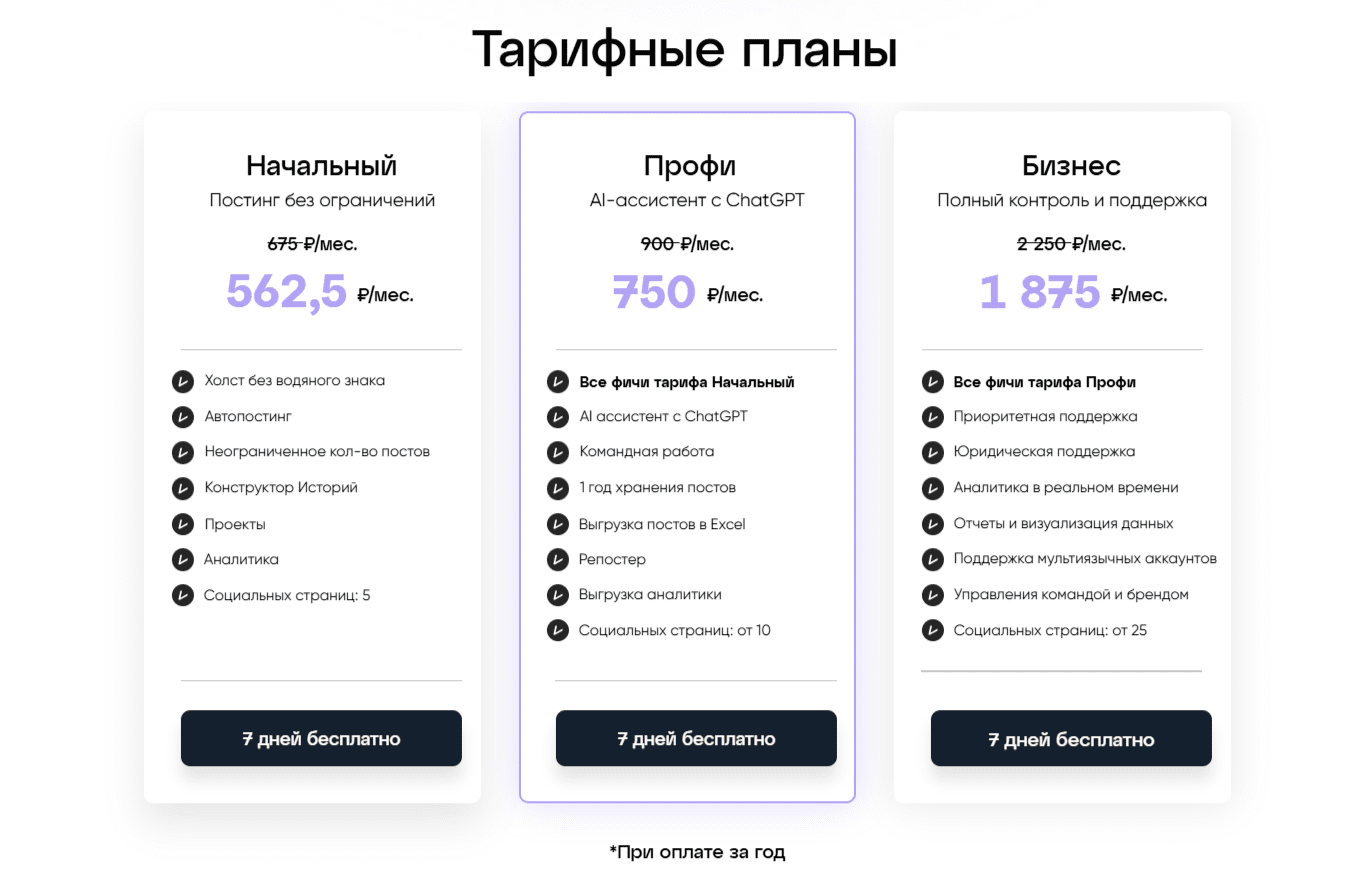
The historical review listed five plans, distinguished in part by the number of social accounts. These names and limits describe that review, not a current offer:
- 5 accounts — Starter;
- 10 accounts — Professional;
- 25 accounts — Small Business;
- 50 accounts — Medium Business;
- 150 accounts — Large Business.
Conclusion
Scheduled publishing is one part of social media management. The tools described in SMMplanner can support content preparation and teamwork, but they do not replace editorial planning or checking how a post appears on each network. If you have questions, our agency can help you consider the next steps. The original article also described a promotional code for 14 days of free use; confirm current availability and conditions with the provider.
Historical promotional code: abs-marketing.
If you have further questions, we will be happy to discuss them. You can browse more articles through this link.