Telephony integration connects a phone system with other business applications. It can help staff handle calls, find customer information and reduce repetitive work.
A phone system may be connected to several types of software, including:
- CRM. A CRM integration can display an existing customer’s record when a call arrives, helping staff review the interaction history and handle the enquiry;
- ERP. An order management integration can support callback requests and notifications about order status, depending on the systems and configuration;
- Contact management. Connecting a phone system to a contact directory can make it easier to find a person and place an outgoing call;
- Marketing Automation. Linking calls with marketing tools can help assess which campaigns generate telephone enquiries.
Telephony integrations can use APIs (application programming interfaces), CTI (computer telephony integration), SIP (Session Initiation Protocol) and other technologies, depending on the connection required.
A useful integration makes customer information and call handling easier to manage. One service discussed in the source review is Sipuni.
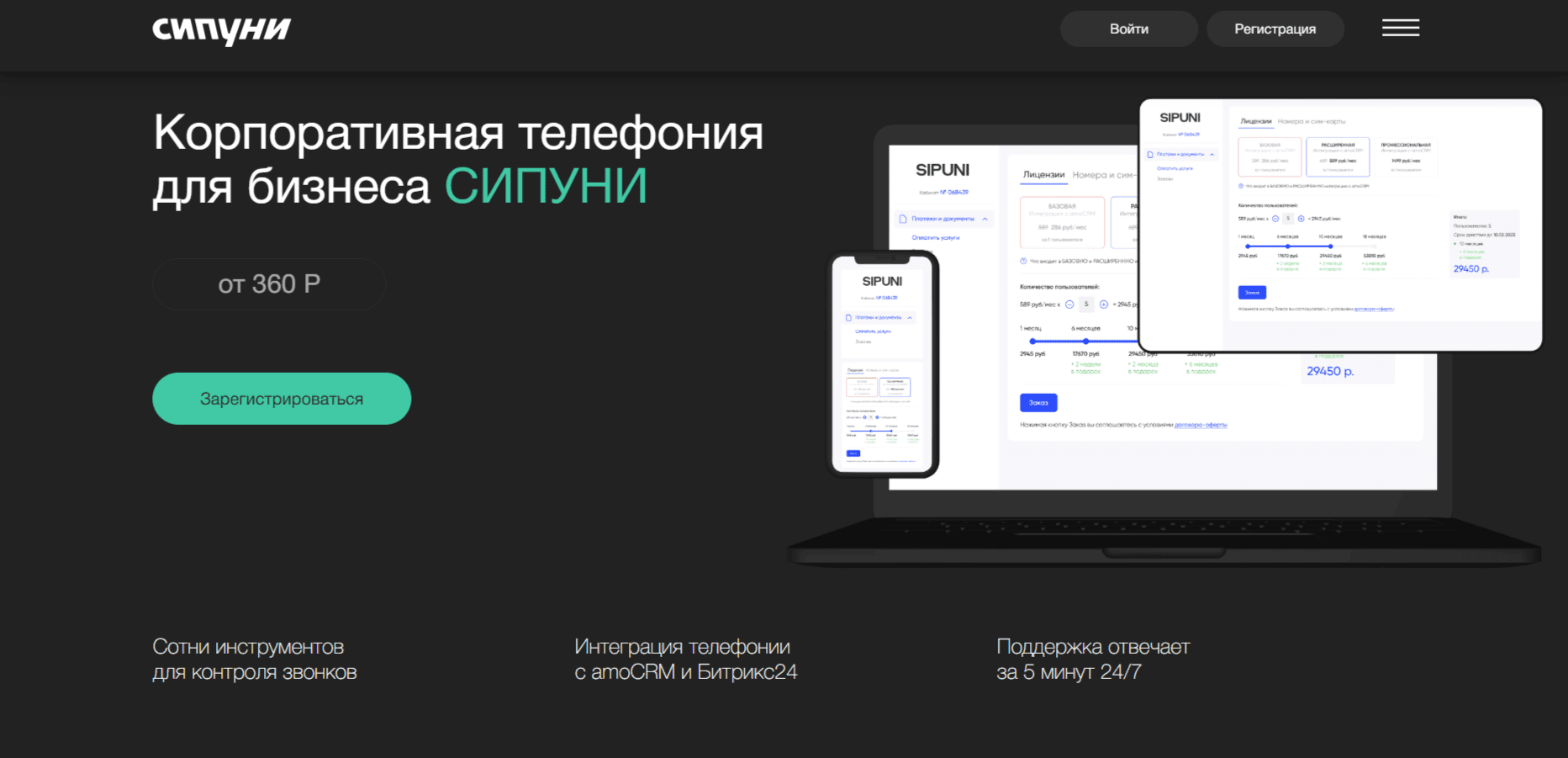
Sipuni telephony integration
Sipuni is described as a cloud service for business telephony, with tools for managing calls and customer communication. Sipuni uses SIP (Session Initiation Protocol) to carry voice communication over the internet.
The source review describes the following functions in Sipuni.
Virtual numbers and call routing
Sipuni is described as offering numbers from different regions and countries, together with routing rules based on the time and day of the week. Check current number availability and applicable conditions with the provider.
IVR: interactive voice response
An automated voice menu lets callers select a department, reach an appropriate employee or hear information.
Call tracking
The call tracking tools described for Sipuni can help connect incoming calls with marketing channels and analyse how calls relate to sales.
Call analytics
The analytics described for Sipuni include waiting time, call duration and missed-call statistics.
CRM integration
Connecting Sipuni to a CRM can make customer records and related information available to staff when an incoming call is received.
Call recording
Recordings can be reviewed to analyse conversations and support staff training. Whether recording is appropriate depends on the organisation’s requirements and applicable rules.
Sipuni is described as offering different plans and feature options. Check the current pricing model before choosing a plan. The original review also mentioned language support from Sipuni and a promotional code: SIPUNI_2651_9186. It was described as providing one month of free use; current eligibility and conditions have not been confirmed.
Connecting Sipuni with amoCRM
The integration of Sipuni with amoCRM is described as bringing Sipuni call handling into the CRM workspace, alongside customer records.
The capabilities described for the Sipuni and amoCRM integration include:
- Identifying an existing customer. When a call arrives, a matching amoCRM record can be displayed with the customer’s interaction history;
- Call history. Calls can be recorded in the customer’s CRM history, helping staff review previous contact and follow-up work;
- Viewing the customer record before answering. A preview of the customer’s information can help staff understand the context of an incoming call;
- Call recording. Sipuni is described as supporting recordings for reviewing service quality and training staff;
- Creating tasks and deals. The integration can create tasks and deals from calls according to its configuration;
- Reporting. Sipuni is described as providing call reports that can support a review of the team’s work.

Connecting Sipuni with amoCRM can bring call handling and customer information into the same workflow. The result depends on how records, routing and follow-up processes are configured.
Conclusion
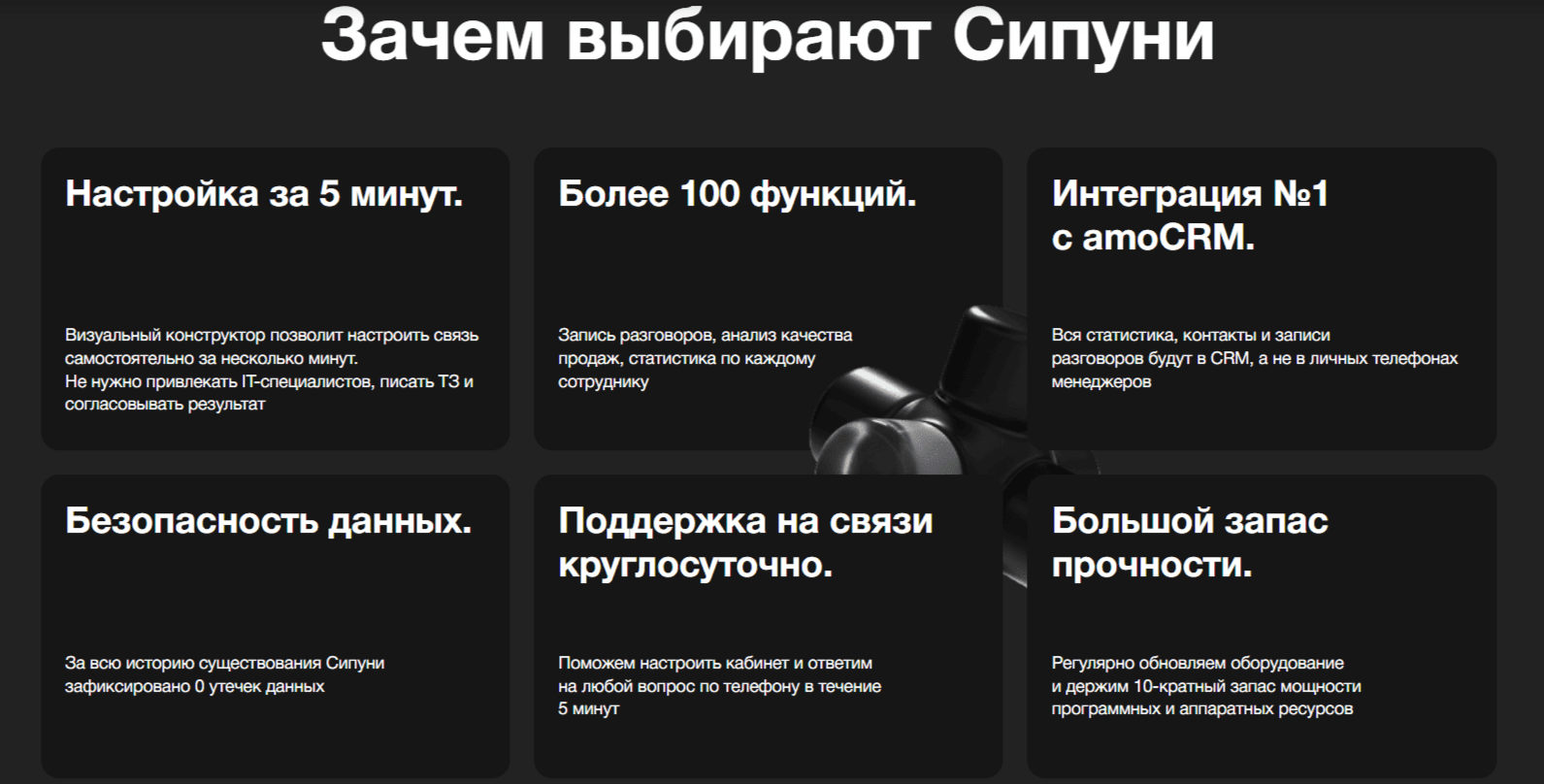
Before choosing Sipuni for a CRM integration, identify the call-handling and reporting tasks that matter to your business. Check the current features and connection requirements with Sipuni before implementing the connection. The original review’s promotional code SIPUNI_2651_9186 was associated with one month of free use; verify its validity rather than assuming that offer is still available.
If you have questions, our agency can help you consider the next steps. You can read more articles through this link.