Business communications need more than a working telephone number. A team also needs a clear way to administer services, assign access, handle enquiries and understand costs.
This guide considers the business-account tools and communication services offered by the Russian provider Beeline. It explains what to assess when planning account management, cloud telephony and business messaging, with availability and terms checked for the intended location.
Business accounts as an administration point
An online business account can provide a place to manage contracted services and view usage information. Start by identifying who needs access and which decisions they are authorised to make.
- Account functions to check
Review the available controls for tariffs, usage details, billing and additional services. Confirm which changes can be made online and which require an authorised request to the provider.
- Users and access roles
When several people administer communications, their responsibilities should be separate. Check the roles available from the provider for viewing reports, changing services and handling payments, and give each user only the access their work requires.
- More than one business unit
If your organisation has several branches or legal entities, confirm how they can be represented in the account. Agree who can view each unit’s services and how costs will be allocated.
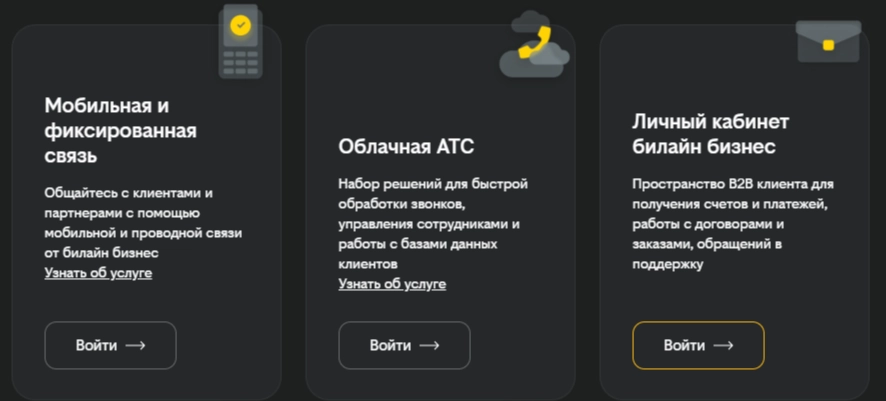
Cloud PBX and business telephony
A cloud PBX manages telephone functions through a hosted service. The implementation needs to account for numbers, staff devices, connectivity and the way calls should reach the team.
- Routing and call handling
Define routing rules for departments, staff availability and out-of-hours calls. If voice menus, recording or call statistics are required, confirm the available functions and agree how recordings and reports will be accessed.
- Connecting telephony to a CRM
A CRM connection can associate calls with customer records when the required integration is supported and configured. Test caller matching, new contacts, notes and follow-up tasks using the team’s actual workflow.
- Speech analysis
If speech-analysis functions are included, assess the accuracy and usefulness of their output with representative calls. Staff should review conclusions before using them to evaluate service quality.
Business SMS and customer messages
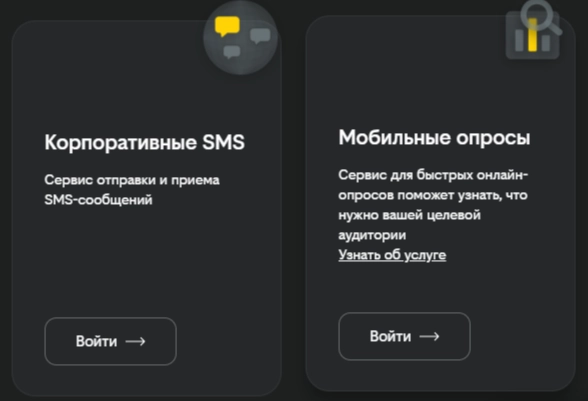
SMS can support short, time-sensitive communication, such as an expected service notification. Choose the channel according to the customer’s preferences and the purpose of the message.
- Message types
Separate order updates and reminders from promotional campaigns. Use accurate recipient information and establish a clear process for permission, delivery issues and requests to stop messages.
- Sender identification
Confirm the requirements for registering and using a sender name. A recognisable sender and a clear message help recipients understand who is contacting them.
- Audience selection
Send each message to the relevant, permitted audience. Review how lists are created and updated, and avoid repeating messages to people who no longer need them.
- Comparing communication channels
SMS may be useful where a short message is appropriate, but delivery and response are not guaranteed. Compare it with email, telephone or other channels using actual customer needs and results.
Planning mobile services with Beeline
A mobile-service brief should reflect where staff work, how they use their devices and which functions are essential.
- Business plans
Compare current voice, data and messaging allowances with realistic usage. Check out-of-bundle charges and any contractual conditions before selecting a plan.
- Additional requirements
List needs such as fixed internet access, technical support or specialist communication services. Confirm availability and terms for each rather than assuming they are included.
- Remote staff
Check coverage, connectivity and device requirements for staff working away from the office. Agree how they will contact support and what to do when their usual connection is unavailable.
Connecting accounts, telephony and CRM
An integration is useful when it removes a specific break in the workflow. Map the information that needs to move between systems and identify the authoritative record.
- Account visibility
Decide which information staff need in the business account and which belongs in the CRM or another application. Avoid assuming that one screen will provide every function.
- Automation rules
Define how calls, enquiries and messages should be associated with customer records. Test duplicates, failed transfers and staff changes as well as the expected successful path.
- Compatibility
Beeline should be asked to confirm the exact CRM connector and version needed for your setup. Check any additional costs, permissions or maintenance responsibilities.
Access security and support
Business communication records need appropriate access controls and a clear support process.
- Controls to verify
Review the account’s authentication options, permissions and available activity records. Ask which safeguards apply to the particular services you are buying.
- Support arrangements
Confirm the contact route, service hours and escalation process for business customers. Record who in your organisation can raise and approve support requests.
- Staff guidance
Use available documentation or training to explain routine tasks and common problems. Keep internal instructions for your own routing rules and responsibilities.
Reporting and cost control
Useful reporting connects service usage to a budget and an operational question. Decide who reviews the reports and how often.
- Usage and billing detail
Check the reports available for calls, messages and charges. Reconcile them with the contracted plans and the way costs are allocated internally.
- Call-handling measures
Where the data is available, review missed calls and response times alongside the customer outcome. Define the measures consistently before comparing teams.
- Notifications
Check whether the account supports relevant usage or spending alerts. Assign someone to investigate them rather than relying on an alert alone.
Adding services as the team changes
A growing business needs a documented process for adding and removing users, numbers and services.
- New users and locations:
Confirm the lead time, authorisation and technical steps required to extend the setup. - Plan changes:
Compare the cost and conditions of a change with the team’s actual usage. - Geographical requirements:
Check service availability, coverage and any roaming or international charges for the locations involved.
Mobile administration and remote access
If staff need to manage services away from the office, evaluate the supported access methods and the actions available through them.
- Applications and web access:
Confirm which interfaces support your devices and the tasks staff need to perform. - Remote responsibilities:
Define who may change routing, view reports or administer users while working remotely. - Data consistency:
Test how changes appear across connected systems and how synchronisation problems are reported.
Preparing the initial setup
A clear implementation plan makes the first rollout easier to assess.
- Account registration:
Confirm the organisation details and authorisation required to establish the account. - Service configuration:
Document telephone routing, message settings and any connections to existing tools. - Launch preparation:
Train the first users, make test calls and verify the reporting before moving the wider team.
Reviewing future needs with Beeline Business
As the team’s needs change, ask the provider about functions that would address a specific problem. Distinguish features available in your contract from options that still need confirmation.
- Additional CRM or ERP connections
Evaluate a new connection by the records it must transfer and the manual work it would remove. - AI-assisted call analysis
Where offered, test transcription or analysis with representative calls and check the output before using it in staff or customer decisions. - Mobile administration
Confirm that proposed mobile functions support the devices, permissions and tasks your team requires. - Security improvements
Review available authentication and access-management options as staff and services change. - Services for smaller teams
Keep the configuration proportionate to your needs and the time available to administer it.
A decision to use Beeline Business should therefore be based on the services available now, their terms and a plan for managing them.
Beeline Business: a practical communications plan
When evaluating the provider, start with the account, telephony, messaging and mobile functions needed for your customer journey. Define responsibilities and test the connections between them.
Use a limited rollout to check call handling, reporting and staff access. Resolve issues before adding more users or relying on automated processes.
You can explore Beeline Business with a written requirements list and ask for a proposal that matches the locations and services involved.
Review the available business communication services and current terms through the provider’s offer. You can also visit Beeline Business.
Contact our agency for help planning your customer communications, or explore our services.