An online graphics editor provides a place to turn an idea into a visual for a website, campaign or social post. A useful result still needs a clear message, readable text and a layout suited to the audience. Start with those requirements before choosing a template or an effect.
Supa is a browser-based editor for creating visual content. You can approach a design from a template or a blank layout, then adapt the text, images and composition to the task. Check any AI-assisted features separately against the tools and subscription available to your account. Supa is relevant to teams working with Russian-language content. For a bilingual campaign, prepare a separate version of the design for each audience. Translate the wording within the visual, check that the chosen fonts support both languages and adjust the layout when the text changes length.
Why use an online graphics editor?
Supa can be assessed for graphics used in marketing, social media, websites, presentations and advertising. Working in a browser can simplify access to the editor, while the project still needs suitable assets, clear ownership and an export process.
What should you review in Supa before starting?
- Online access. Check the browsers, devices and account access that your team will use, along with how projects are saved.
- Templates. Choose a layout that suits the message and destination, then adapt it rather than keeping irrelevant template content.
- Editing controls. Try a representative design to see whether text, images and layout changes are manageable for the people doing the work.
- Export and publishing. Confirm the formats and resolution needed by the website, social network or advertising platform.
- AI-assisted tools. Check which functions are available, what they generate and how their output will be reviewed before publication.
Preparing a design in Supa
Break the work into a few clear stages, allowing time for content preparation and review:
- Account preparation:
Create or access the appropriate account, review its conditions and decide who will own and maintain the project. - Template or blank layout:
Choose a starting point that matches the destination and message. A social post, presentation slide and advertising banner need different amounts of information and different reading priorities. - Content and layout:
Add the approved text, images, background and supporting elements. Supa provides visual editing controls; use them to build a clear composition rather than adding elements without a purpose. - Animation and assisted design:
Where suitable functions are available, consider animation or AI-assisted design only when it helps explain the message. Review generated or automated results for accuracy, readability and consistency with the brand. - Save, export and check:
Export a sample in the format required by the destination. Check its dimensions, quality, text and file size before publishing. Confirm the export options included in the account rather than assuming that every format is available.
Working with layout controls
- Drag-and-drop
Arrange elements visually, then check their relative size, spacing and reading order. A simple layout is often easier to refine than a crowded one.
- Alignment and spacing
Use the available guides and alignment controls to create consistent edges and gaps. Check the finished composition yourself instead of relying entirely on automatic placement.
- Icons and visual elements
Select elements that help the reader understand the message. Confirm that each asset is suitable for the intended use and avoid mixing unrelated visual styles.
- Typography
Choose a readable font, a useful text size and enough space between lines. Review contrast against the background and avoid effects that make small text harder to read.
Supa for Russian-language and multilingual work
When choosing Supa for a team, consider the language of the interface and support material alongside the language of the finished content. A Russian-language working environment may suit some users, while the visual itself can still need a separate English or multilingual version.
Language-related details to check in Supa include:
- Character support. Test the chosen font with every script and symbol used in the design, including Cyrillic where required.
- Template content. Replace example wording with text that suits the intended market and audience.
- Support language. Confirm that the team can obtain guidance in a language it can use effectively.
- Instructions and training. Choose relevant guides and give new users enough context to follow the agreed design process.
Planning AI-assisted work with Supa
If you intend to use AI features in Supa, first confirm their current availability and scope. Treat generated material as a draft that needs review. It should support a design brief, not replace the decisions about message, audience and factual accuracy.
A useful AI-assisted workflow to evaluate in Supa is:
- Write a clear brief — for example, a minimal banner for a summer campaign with a defined message, size and visual direction.
- Review the generated result against the required composition, colours, typography and content, where the selected tool supports that type of output.
- Refine the design by editing the wording, selecting suitable elements and adapting the layout to the actual task.
- Check proposed improvements for alignment, readability and brand consistency before applying them to the finished piece.
Assisted tools can help explore ideas, but the designer or content owner remains responsible for the final result. Verify names, prices and other factual text, and inspect the exported visual at its intended size.
Tasks to consider for Supa include:
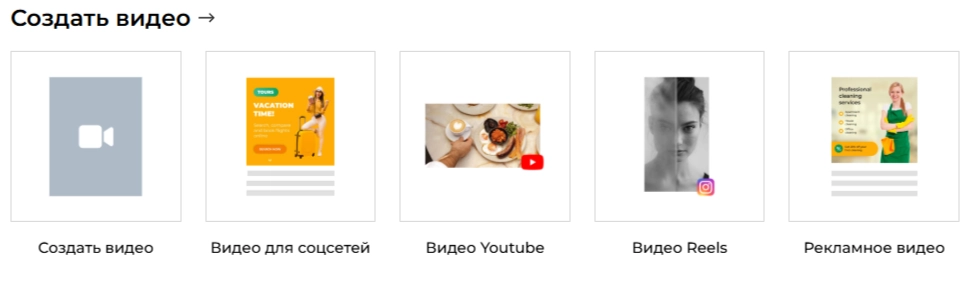
Supa can form part of a workflow for several kinds of visual content:
- Social posts and stories for channels such as VK or Telegram.
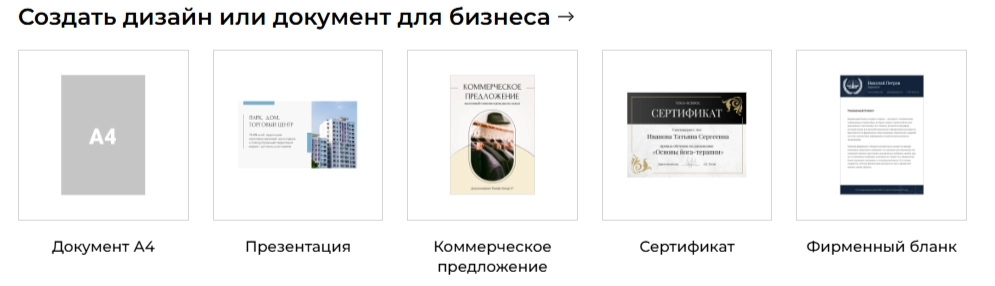
- Presentations and visual material for a business proposal.
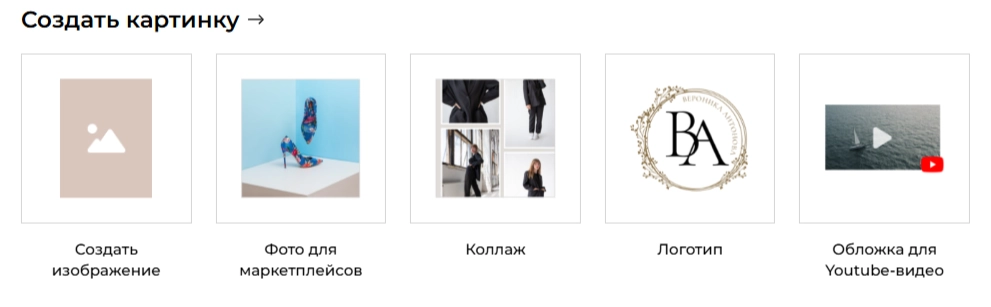
- Brand-related layouts such as a business card, poster or early identity concept, with appropriate originality and usage checks.
- Advertising visuals such as banners, campaign images and previews.
- Channel and website graphics for YouTube, TikTok, a website or an email campaign.
Practical design habits
- Use readable type, especially for visuals viewed on a small screen.
- Create a clear hierarchy so the main message is visible before the supporting detail.
- Use assisted tools for a defined purpose and review their suggestions before accepting them.
- Adapt the layout to each required size. In Supa, check the available resizing controls and inspect every output instead of assuming that a smaller version will remain readable.
- Keep approved colours, fonts and reusable elements organised so that future projects can follow a consistent visual style.
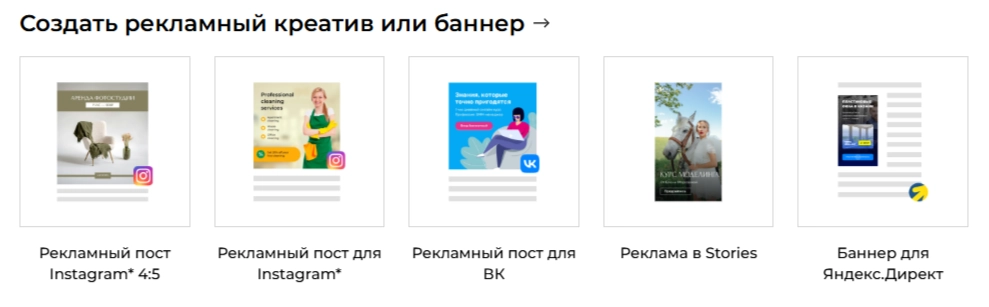
How to compare Supa with other editors
Supa can be compared with other visual-editing tools using a representative task. When assessing Supa, focus on the requirements that matter to the team:
- Working language. Check whether the interface, help and font support fit your users and content.
- Learning effort. Try the same task in each shortlisted tool and compare the steps involved. Supa should be evaluated with the skills and workload of the actual team in mind.
- Assisted features. Confirm which AI or automated functions are included and how much review their output needs.
- Suitable templates. Look for layouts that can be adapted to your market and message without extensive rework.
- Subscription and usage conditions. Compare the current cost, export options, asset permissions and collaboration requirements.
Building a checklist for Supa
Before adopting Supa, review:
- Browser access and the project-saving workflow;
- The editing controls needed for your typical designs;
- Language support and suitable starting templates;
- Any required AI-assisted functions and their limits;
- Export formats, dimensions and quality;
- Project ownership, sharing and team responsibilities.
Creating useful visuals with Supa starts with a clear brief
Supa provides an online environment to assess for visual-content work. Choose a suitable starting layout, add accurate content and refine the hierarchy before exporting. The quality of the result depends on those decisions as well as the editor.
If you need an online design tool for a Russian-language team or a multilingual project, test Supa with a real task. Review the working process and the finished output before making it the default tool for the team.
Use the linked sign-up information to review the current account conditions and available functions: Supa sign-up information.
Contact our agency for help planning your visual content and marketing. Explore further guidance in our articles.