Discuss your goals and the next steps for your project


Consultation

Tell us about your project

ABS Marketing logo

Menu

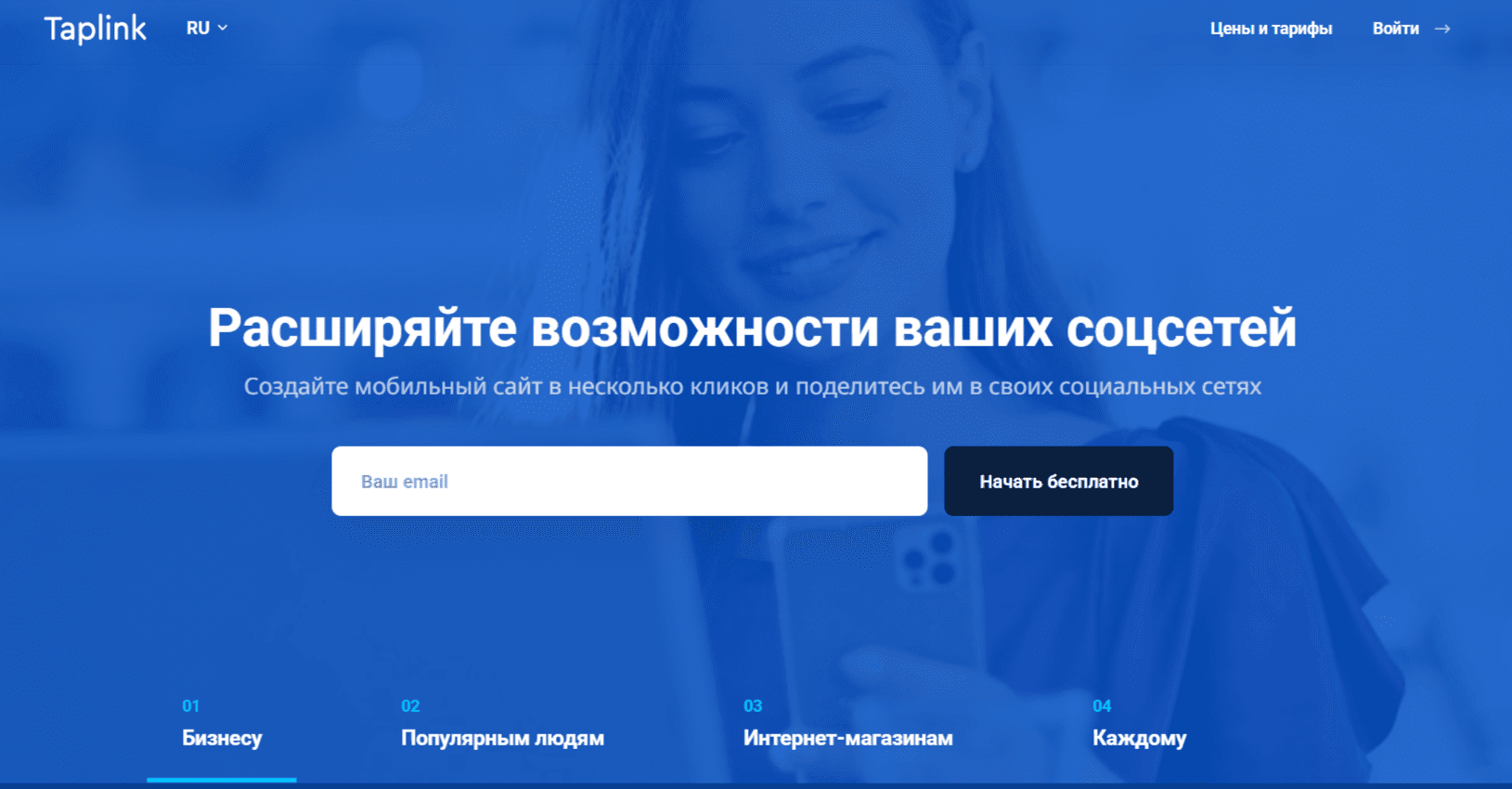
Taplink for social media sales
Make your offers easier to find from social media
Build a mini-site that brings links, products and enquiries together
Social media gives businesses a way to reach new audiences and communicate with customers. A compact profile, however, may not offer enough space to explain every product or link to every destination. Taplink brings important links together on a mobile-friendly mini-site, helping visitors find the information they need.

The service can organize your offers, present products and collect orders or enquiries. This article looks at how Taplink can support sales and customer communication from social media.

What is Taplink and how can it support customer communication?

Taplink is a mobile website and link-in-bio builder that collects useful links and information for social media visitors in one place.

Where a profile’s layout or link options are limited, Taplink provides a separate page for links, text, photos, video and product information. Visitors can explore your offers without searching across several profiles and channels.

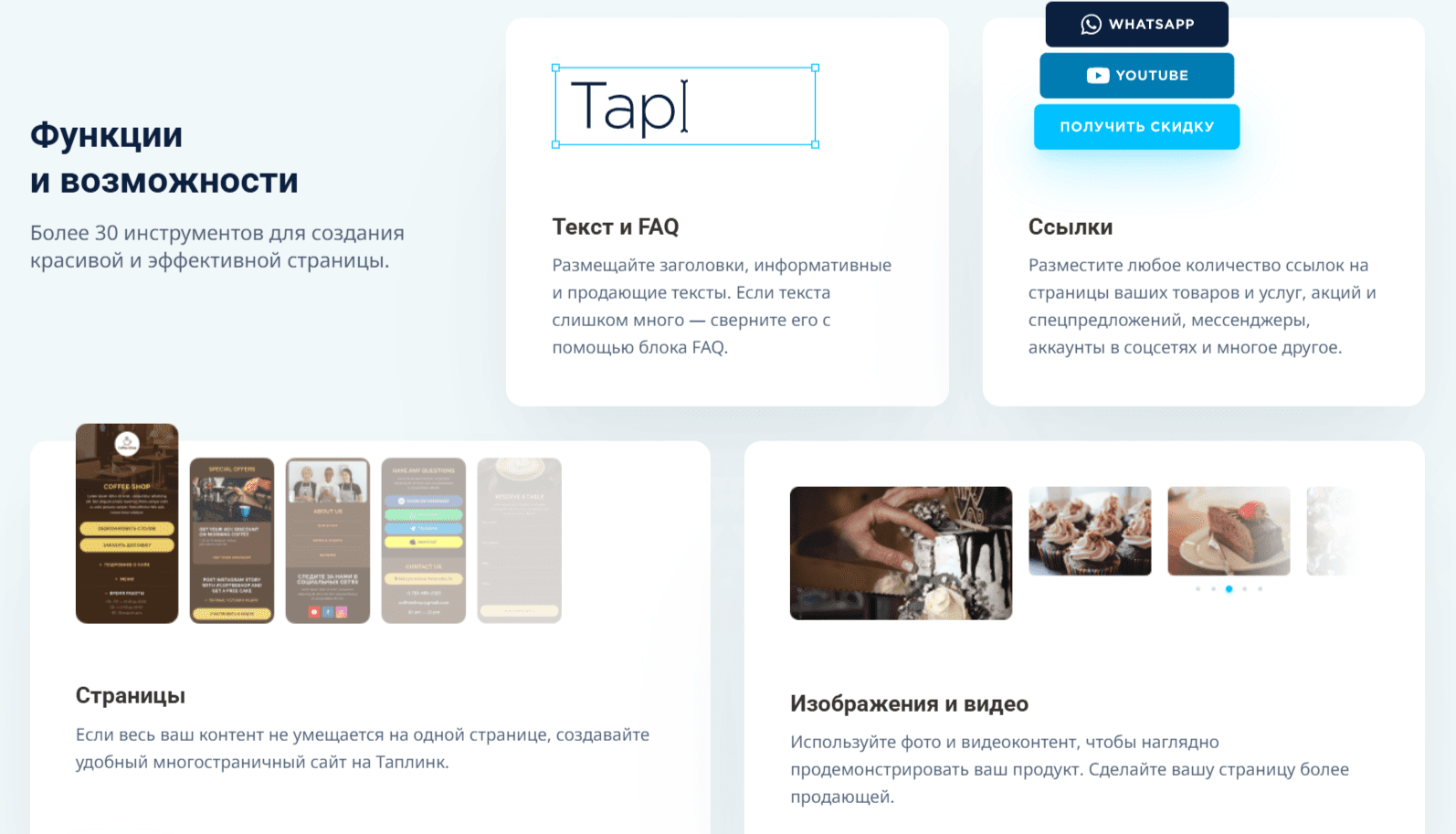
Features for presenting offers on social media

Text, FAQs and supporting content

Text blocks and FAQ sections help explain products and services, answer common questions and give visitors the information they need to decide what to do next.

Product images and video

Photos and video help demonstrate a product or service. Use relevant, clear media to explain the offer and complement the information on the page.

Multipage mobile landing pages

Depending on the plan, Taplink supports multipage sites for organizing company information, offers and product categories. Check the current plan requirements before designing your page structure.

Click analytics and advertising pixels

Link click statistics help evaluate traffic and campaign performance. Supported advertising pixels can provide additional measurement and remarketing options, subject to your consent and privacy requirements.

Templates and design customization

Taplink provides themes and templates, with further design options available on selected plans. Adapt the layout, visual style and animation to suit your brand and the needs of mobile visitors.

Countdown timer

A countdown timer can communicate a genuine deadline for a promotion or offer. Keep the displayed deadline consistent with the actual offer terms.

Who can use Taplink?

Businesses of different sizes

Taplink brings contact information and offers together on a mobile landing page. It can suit service businesses, consultants and companies that operate online or in person.

Online stores and sellers

A product catalogue, ordering tools, payment integration and messaging links can help a seller present an offer without building a large website. Availability depends on the chosen plan and integrations.

Creators and bloggers

Creators can organize social profiles, sponsored content, paid products, collaboration forms and media on one mobile-friendly page.

Experts, coaches and course creators

Taplink can collect enquiries, present consultations, support webinar registration and display a portfolio on a mini-site that is straightforward to update.

Freelancers and independent professionals

A mini-site can present services, customer feedback, prices and contact buttons, giving prospective clients a clear overview of your work.

Working around profile limitations with Taplink

A social media profile may offer limited space for links and detailed information. Taplink brings contacts, social accounts, messaging links, product pages and offers together on a separate mini-site. This gives visitors a clear route to the information or contact option they need, without relying on the profile layout alone.

Create a Taplink account

Visit the official website and follow the current registration process. After signing in, open the editor to start building your page.

Choose a template or start from scratch

Taplink offers templates and page-building tools for mobile landing pages. Select a layout suited to your content or build a custom page.

Configure the design and content blocks

Add the elements you need, such as text, buttons, messaging links, galleries, forms, timers and social profiles. Arrange the blocks and adjust their appearance to match your brand.

Add your information

Describe your services or products, show current prices where appropriate, and add relevant media and offers. Make the next step clear for visitors.

Publish and share the link

Share the finished page through a QR code, a direct link, social media or a supported widget. Review its statistics and update the content as your offers change.

Choosing a Taplink plan

01

Basic: a simple link page

For a straightforward page with links, text and headings, start by checking the current Basic plan. Confirm its limits and which design or integration features are included.

02

PRO: options for promotion and engagement

If you need additional content blocks, analytics, design controls or messaging connections, compare the current PRO feature list with your requirements.

03

BUSINESS: options for selling online

For a custom domain, payments or more advanced sales workflows, review the current BUSINESS plan and any additional service requirements. Confirm the payment providers and regional availability you need.

04

Using Taplink in a social media sales process

The platform can present offers, collect enquiries and connect visitors to messaging or payment tools, turning a link page into a compact landing page or product showcase.

05

How do you choose the right plan?

List the features you actually need: a contact page, promotion tools, online payments or automated follow-up. Compare current plans against that list and test the relevant visitor journey before purchasing.

Connect social media visitors with your offers

Taplink collects important links and communication options on one mobile-friendly page. Its page builder, messaging connections and supported payment tools can help organize the journey from a social profile to an enquiry or order. Evaluate Taplink against your content, sales process and integration requirements.

Check current prices and any promotional terms directly with the provider before subscribing.

If you have questions, our agency will be happy to help. You can also explore more of our articles via this link.

Submit a request

Where can we message you? (optional)

Select the messengers linked to the phone number above. Include the country code in your number.

You can enable SmartCaptcha to protect the form from automated submissions. External verification does not load before your separate permission.

Full SmartCaptcha permission text

This choice applies to forms on this page for up to 24 hours. Turning verification off reloads the page and clears entered text. Enquiry consent and analytics preferences are separate.

Without SmartCaptcha, email absmarketing.ru@gmail.com.

Leave Feedback and Suggestions

Your suggestions help us grow and improve — please share your ideas!

Where can we message you? (optional)

Select the messengers linked to the phone number above. Include the country code in your number.

You can enable SmartCaptcha to protect the form from automated submissions. External verification does not load before your separate permission.

Full SmartCaptcha permission text

This choice applies to forms on this page for up to 24 hours. Turning verification off reloads the page and clears entered text. Enquiry consent and analytics preferences are separate.

Without SmartCaptcha, email absmarketing.ru@gmail.com.

Feedback and Messages for Management

Your letters and feedback are important to us. You can contact management directly to share your thoughts.

Where can we message you? (optional)

Select the messengers linked to the phone number above. Include the country code in your number.

You can enable SmartCaptcha to protect the form from automated submissions. External verification does not load before your separate permission.

Full SmartCaptcha permission text

This choice applies to forms on this page for up to 24 hours. Turning verification off reloads the page and clears entered text. Enquiry consent and analytics preferences are separate.

Without SmartCaptcha, email absmarketing.ru@gmail.com.

Free consultation + a complimentary audit. Only 7 spots left.

Job application

Submit your application, and we’ll contact you to discuss the job openings!

Where can we message you? (optional)

Select the messengers linked to the phone number above. Include the country code in your number.

You can enable SmartCaptcha to protect the form from automated submissions. External verification does not load before your separate permission.

Full SmartCaptcha permission text

This choice applies to forms on this page for up to 24 hours. Turning verification off reloads the page and clears entered text. Enquiry consent and analytics preferences are separate.

Without SmartCaptcha, email absmarketing.ru@gmail.com.

Other questions

Send us your question—we’ll get back to you as soon as possible!

Where can we message you? (optional)

Select the messengers linked to the phone number above. Include the country code in your number.

You can enable SmartCaptcha to protect the form from automated submissions. External verification does not load before your separate permission.

Full SmartCaptcha permission text

This choice applies to forms on this page for up to 24 hours. Turning verification off reloads the page and clears entered text. Enquiry consent and analytics preferences are separate.

Without SmartCaptcha, email absmarketing.ru@gmail.com.

Would you like a free consultation with great terms? ​

Answer 4 short questions — and we’ll put together personalized marketing solutions for you, complete with bonuses from our partners.

Please provide your contact information, and we'll get in touch with you to discuss solutions that will take your business to the next level
Where can we message you? (optional)

Select the messengers linked to the phone number above. Include the country code in your number.

You can enable SmartCaptcha to protect the form from automated submissions. External verification does not load before your separate permission.

Full SmartCaptcha permission text

This choice applies to forms on this page for up to 24 hours. Turning verification off reloads the page and clears entered text. Enquiry consent and analytics preferences are separate.

Without SmartCaptcha, email absmarketing.ru@gmail.com.