Discuss your goals and the next steps for your project


Consultation

Tell us about your project

ABS Marketing logo

Menu

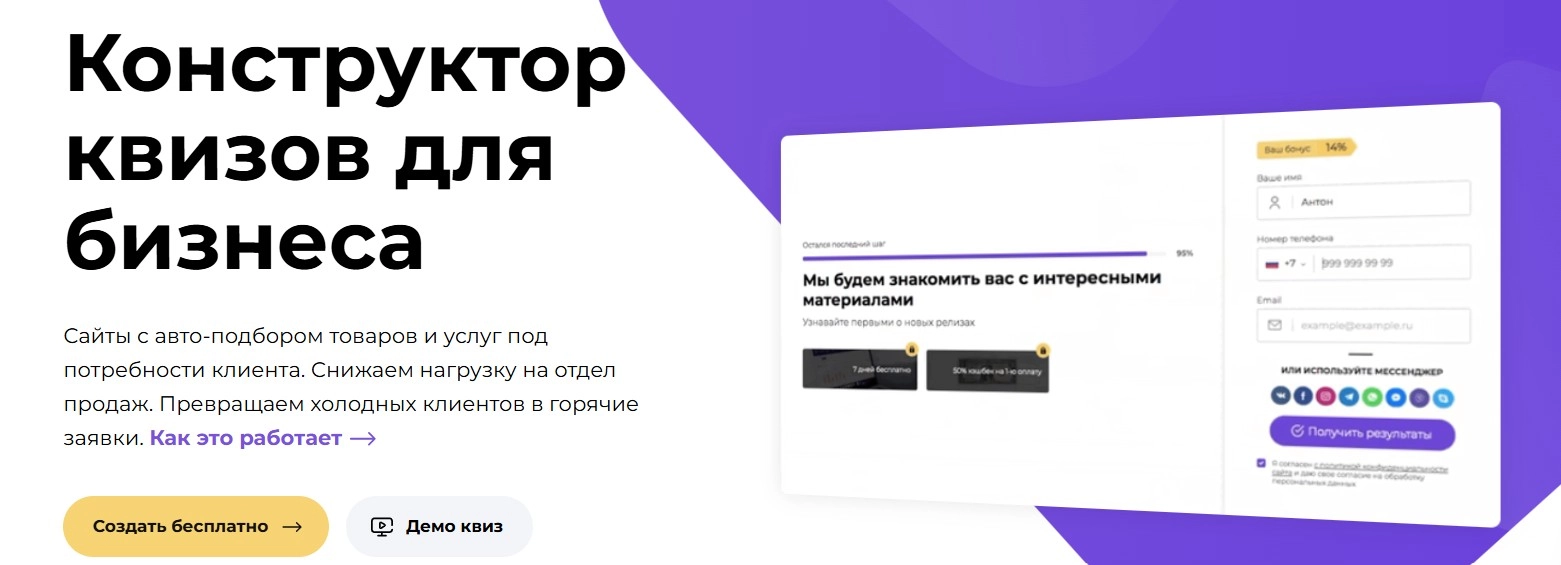
Matomba quiz builder for businesses
Engage potential customers through interactive quizzes
Build quiz-based landing pages and collect enquiries without programming
Quiz marketing uses interactive questions to help visitors describe what they need. Their answers can support relevant recommendations and give a sales team useful context before a conversation begins. A well-designed quiz offers a structured route from interest to an enquiry.

Quiz-based sites can use surveys, tests or short questionnaires to engage visitors. The Matomba builder provides tools for creating this kind of experience without writing code.

What is quiz marketing with Matomba?

A business quiz builder creates interactive pages that recommend products or services from a visitor’s answers. Instead of completing one long form, the visitor follows a series of questions and receives an offer suited to the information provided. This can help qualify enquiries and give staff a clearer starting point for follow-up.

Features of the Matomba quiz builder

Design settings for your brand

Matomba lets you configure colours, element shapes, placement and block visibility. Font and stock image integrations provide additional design resources. Check the applicable image and font licences before using them in a published quiz.

Question formats for different workflows

Question formats include address input with maps, text fields, lists, image cards, dropdown choices, calendars, file uploads, rating scales, value ranges and content pages. Choose the formats that make each question easiest to answer.

Product cards in quiz results

Product cards can turn quiz results into a small catalogue, with images, stock information and quantity selection. Supported payment integrations can connect the recommendation to an order; confirm current provider availability and setup requirements.

Branching logic and personalized journeys

Matomba supports different question paths for different visitors. Answers can determine the next branch, product recommendations and price calculations.

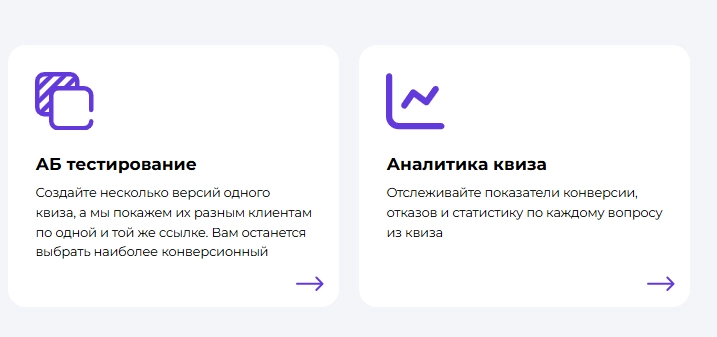
A/B testing

Create quiz variants and compare how visitors progress through them. Separate analytics for questions and stages help evaluate completion and enquiry rates before choosing a version.

Tests, surveys and gamification

A quiz can serve an educational or entertainment purpose as well as lead collection. Configure right and wrong answers, scoring and whether contact details are requested to suit the intended use.

How does a quiz work?

Introduce a useful reason to take part

Start with a clear opening page that explains the quiz and what the visitor will receive. Relevant media and genuine offers can support the introduction; avoid distractions or incentives that misrepresent the result.

Understand the visitor's needs

Ask the questions you would use in a customer conversation, then guide visitors along appropriate branches. Formats such as sliders, lists, images, text input and calendars help collect different kinds of information.

Show a relevant offer

Use the answers to create a selection of products or services. Visitors can review the suggested options, compare product cards and choose a suitable next step.

Invite an enquiry

After presenting the recommendation, invite the visitor to leave a phone number, email address or another suitable contact method. A supported messaging link can provide an alternative way to continue the conversation.

Review results and improve the quiz

Analytics reveal where visitors leave, which questions cause difficulty and which products receive interest. Compare quiz versions through A/B testing and use the findings to improve the experience.

Who can use a quiz builder?

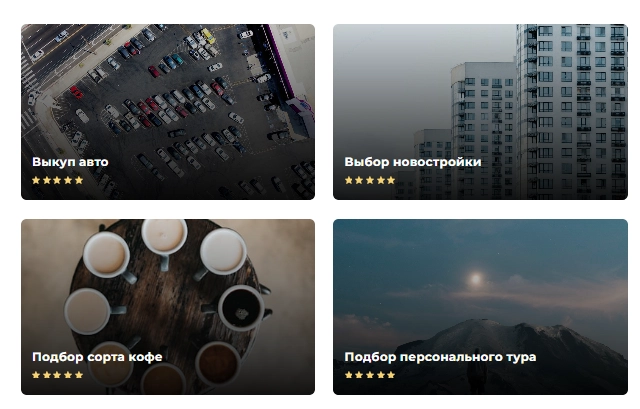
A quiz builder can suit business owners, marketers, consultants and agencies that need questionnaires, product selectors or enquiry journeys without custom development. Templates can provide a starting point for fields such as automotive services, design, beauty, furniture, education, property, travel, home improvement, restaurants, technology and professional services. Adapt the questions and recommendations to the actual offer, and review the content carefully for fields such as healthcare, finance or legal services. A quiz helps organize information; it does not replace the expertise required to advise a customer.

Lead generation and traffic analysis

Visit statistics help distinguish new and returning users and compare recorded traffic sources. Review these findings alongside enquiry quality and campaign costs before changing advertising spend.

Quiz analytics

Filter statistics by date or test variant, review the funnel and examine completion at each step. Product popularity reports help identify which recommendations attract interest.

Built-in CRM tools

Matomba includes browser-based tools for handling enquiries and contacts, with mobile access. Phone number matching can help associate multiple enquiries with the same contact.

Incentives and visitor guidance

Supported offer settings and a consultant widget can guide visitors through a quiz. Make the terms of any gift or discount clear and keep the incentives consistent with the real offer.

Social platform integrations

Matomba quizzes can connect with supported social channels, including VK Mini Apps and Telegram bots. Check the current integration requirements for the journey you want to create.

The Matomba partner programme

01

Referral opportunities

The partner programme offers a way to refer customers and review attributed activity. Check current eligibility, commission and payment terms; referral income depends on qualifying customer activity and is not guaranteed.

02

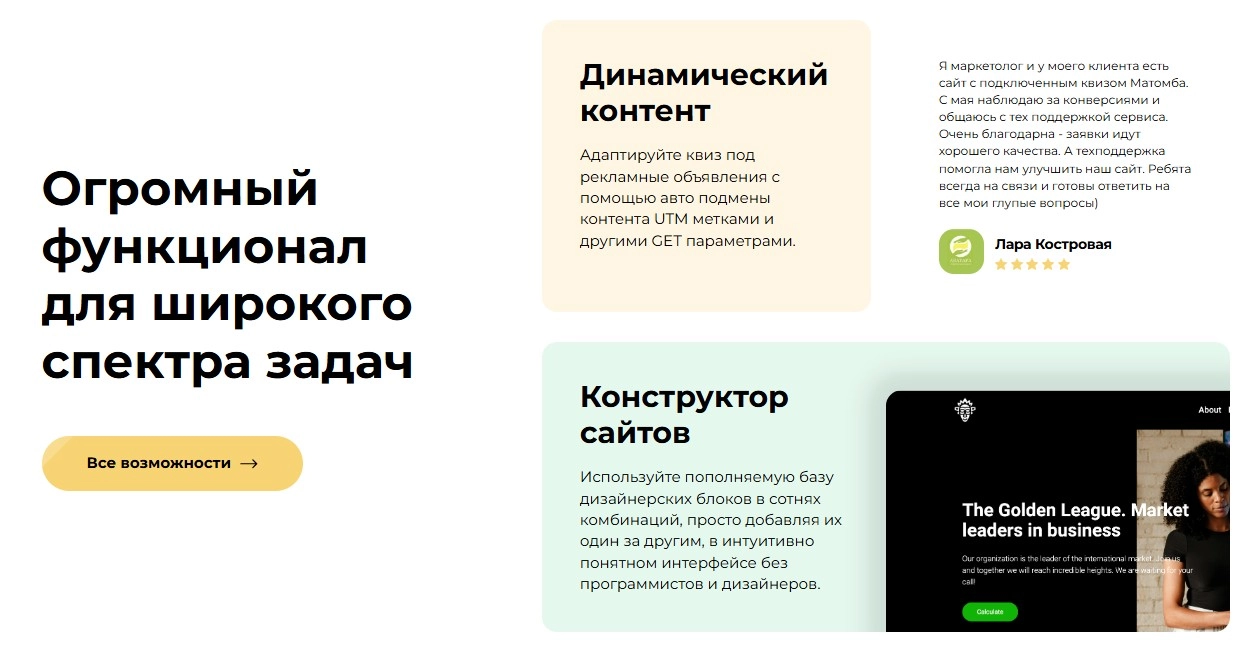
Dynamic quiz content

Matomba can use UTM and query parameters to adapt text, images and other quiz elements. This helps align the page with a campaign or traffic source.

03

Phone number verification by SMS

Where supported and configured, an SMS code can check that a visitor has access to the submitted phone number. This can reduce some invalid enquiries, but it does not establish every lead’s identity or intent.

04

Build a quiz site without programming

The visual builder uses configurable design blocks to create landing pages. Start with a layout suited to your content, then test the questions, results and contact journey before publishing.

05

Spam controls and previous-answer fields

Available spam controls can help flag suspicious activity and invalid submissions; review their configuration and results. A separate previous-answer feature can insert an earlier response into later questions to make the quiz more relevant.

Matomba for interactive website journeys

The Matomba quiz builder supports configurable pages for collecting enquiries, recommending products and organizing visitor responses. Design controls, analytics, branching rules and CRM tools help teams connect the quiz with their sales process. Evaluate Matomba around a specific customer journey, then measure how visitors use it and how the resulting enquiries are handled.

If you have questions, our agency will be happy to help. You can also explore more of our articles via this link.

Submit a request

Where can we message you? (optional)

Select the messengers linked to the phone number above. Include the country code in your number.

You can enable SmartCaptcha to protect the form from automated submissions. External verification does not load before your separate permission.

Full SmartCaptcha permission text

This choice applies to forms on this page for up to 24 hours. Turning verification off reloads the page and clears entered text. Enquiry consent and analytics preferences are separate.

Without SmartCaptcha, email absmarketing.ru@gmail.com.

Leave Feedback and Suggestions

Your suggestions help us grow and improve — please share your ideas!

Where can we message you? (optional)

Select the messengers linked to the phone number above. Include the country code in your number.

You can enable SmartCaptcha to protect the form from automated submissions. External verification does not load before your separate permission.

Full SmartCaptcha permission text

This choice applies to forms on this page for up to 24 hours. Turning verification off reloads the page and clears entered text. Enquiry consent and analytics preferences are separate.

Without SmartCaptcha, email absmarketing.ru@gmail.com.

Feedback and Messages for Management

Your letters and feedback are important to us. You can contact management directly to share your thoughts.

Where can we message you? (optional)

Select the messengers linked to the phone number above. Include the country code in your number.

You can enable SmartCaptcha to protect the form from automated submissions. External verification does not load before your separate permission.

Full SmartCaptcha permission text

This choice applies to forms on this page for up to 24 hours. Turning verification off reloads the page and clears entered text. Enquiry consent and analytics preferences are separate.

Without SmartCaptcha, email absmarketing.ru@gmail.com.

Free consultation + a complimentary audit. Only 7 spots left.

Job application

Submit your application, and we’ll contact you to discuss the job openings!

Where can we message you? (optional)

Select the messengers linked to the phone number above. Include the country code in your number.

You can enable SmartCaptcha to protect the form from automated submissions. External verification does not load before your separate permission.

Full SmartCaptcha permission text

This choice applies to forms on this page for up to 24 hours. Turning verification off reloads the page and clears entered text. Enquiry consent and analytics preferences are separate.

Without SmartCaptcha, email absmarketing.ru@gmail.com.

Other questions

Send us your question—we’ll get back to you as soon as possible!

Where can we message you? (optional)

Select the messengers linked to the phone number above. Include the country code in your number.

You can enable SmartCaptcha to protect the form from automated submissions. External verification does not load before your separate permission.

Full SmartCaptcha permission text

This choice applies to forms on this page for up to 24 hours. Turning verification off reloads the page and clears entered text. Enquiry consent and analytics preferences are separate.

Without SmartCaptcha, email absmarketing.ru@gmail.com.

Would you like a free consultation with great terms? ​

Answer 4 short questions — and we’ll put together personalized marketing solutions for you, complete with bonuses from our partners.

Please provide your contact information, and we'll get in touch with you to discuss solutions that will take your business to the next level
Where can we message you? (optional)

Select the messengers linked to the phone number above. Include the country code in your number.

You can enable SmartCaptcha to protect the form from automated submissions. External verification does not load before your separate permission.

Full SmartCaptcha permission text

This choice applies to forms on this page for up to 24 hours. Turning verification off reloads the page and clears entered text. Enquiry consent and analytics preferences are separate.

Without SmartCaptcha, email absmarketing.ru@gmail.com.