Discuss your goals and the next steps for your project


Consultation

Tell us about your project

ABS Marketing logo

Menu

Yandex 360: communications platform
Bring team communication and everyday work together
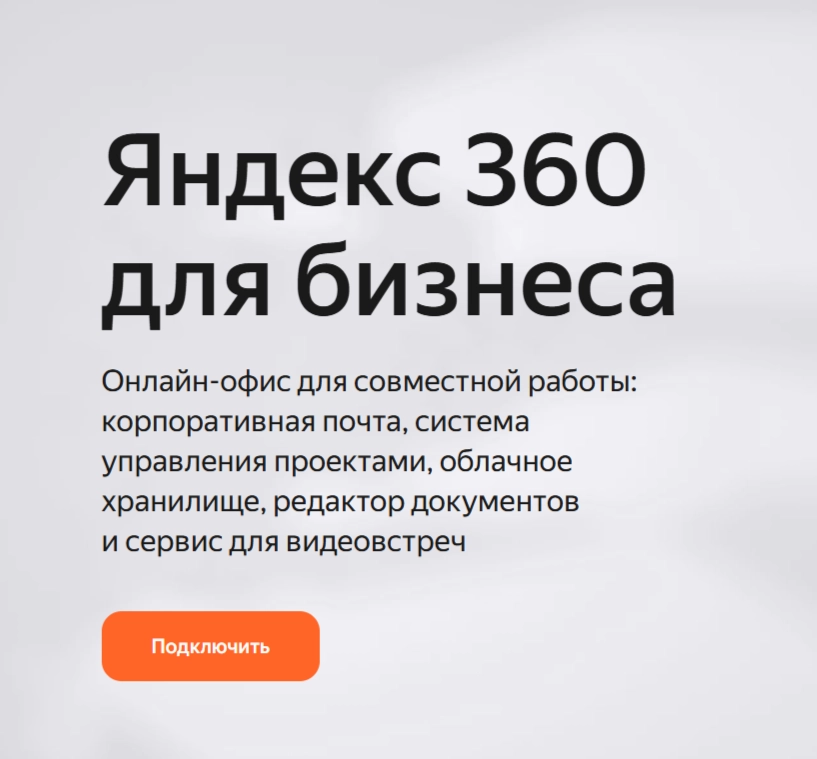
Yandex 360 for Business combines email, files, meetings and collaboration tools in a shared working environment
A team using disconnected services can spend considerable time finding files, coordinating access and moving information between systems. A common working environment can make these everyday tasks easier to organize.

Yandex 360 for Business brings together business email, cloud storage, video meetings, calendar and chat tools. Assess the services against your communication needs, access policies and existing workflows before planning a move.

Yandex 360: a shared business workspace

Communication, planning and file storage are closely connected parts of a team’s work. Yandex 360 for Business provides a common set of services that administrators can configure around those needs.

Tools in Yandex 360

Business email

Business email in Yandex 360 supports company-domain addresses and centralized account management. Configure the domain and available protection settings as part of the organization's email setup.

Cloud file storage

Use the storage available with Yandex 360 to organize files and share access. Set permissions deliberately and review the capacity and upload limits of the chosen plan.

Video meetings

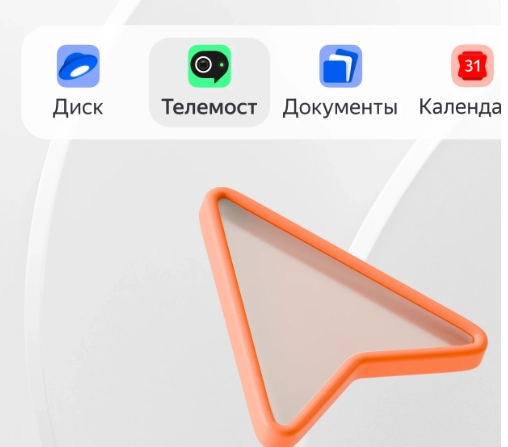
Telemost provides video communication within the Yandex 360 environment. Plan meetings and broadcasts around the participant limits and features available to the organization.

Team messaging

The messenger in Yandex 360 supports team conversations and departmental coordination. Use groups, threads and available automation tools to keep relevant discussions organized.

Planning and notifications

Coordinate work through shared communication spaces, planning tools and notifications. Define which updates a team needs and how access to the related services should be managed.

Account security and integrations

Review the authentication, access and integration controls available in Yandex 360. Configure supported options such as two-factor authentication and single sign-on according to the organization's requirements.

Organizing everyday work

Work across locations and devices

Browser and supported mobile access help employees work with their accounts from different locations. Set device and account policies appropriate to the information they use.

API-based connections

Available APIs can connect Yandex 360 functions with CRM or internal systems. Define the supported operations, data flows and access needed for each integration.

Move between Yandex 360 services

Use connected email, file and document tools to reduce unnecessary switching between separate accounts. Organize shared work so colleagues can find the related conversations and materials.

Centralized administration

Manage users, roles, domains and access settings through the organization’s administration tools. Document the setup and review permissions as responsibilities change.

Organizational access controls

Keep company information within the intended account and sharing structure. Clear permissions, staff practices and regular access reviews remain important parts of protecting that information.

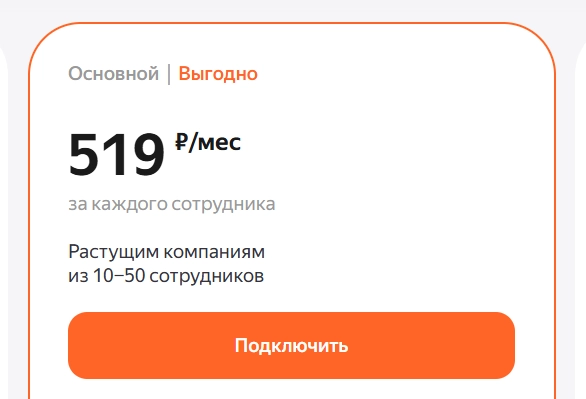
Compare Yandex 360 for Business plans

Choose a plan by comparing the resources and administration features your team needs:

  • For basic collaboration, assess email, storage and meeting requirements.
  • For a growing team, compare additional capacity, communication features and access controls.
  • For more demanding workflows, review advanced administration, archiving and integration needs.


  • Confirm current prices and included services before subscribing. Plan any later change of account or capacity around the team’s data and operating requirements.

    Boards for visual collaboration

    Visual boards provide a space for diagrams, idea maps and shared planning. Use them to structure a workshop, explain a process or organize a project discussion.

    Notes for ideas and daily planning

    Capture ideas, task lists and useful information in notes. Device synchronization helps keep those working materials available where you need them.

    Tracker for tasks and projects

    Organize tasks, responsibilities and deadlines in a shared project workflow. Use available automation to support the process your team has defined.

    Email campaigns and reporting

    Prepare messages with templates and audience segments, then review available delivery, open and click reports. Keep recipient permissions and the purpose of the mailing clear.

    Online documents, spreadsheets and presentations

    Work on files in the browser and use comments to coordinate revisions. Shared editing helps colleagues review materials without exchanging separate copies for every change.

    Set up Yandex 360 for Business

    01

    Choose the appropriate plan

    Compare the services, capacity and billing options required by the organization. Activate the selected Yandex 360 subscription once the scope and account ownership are clear.

    02

    Connect the company domain

    Verify the domain and create the required employee accounts. Configure email and service access, then check the setup before introducing it to the team.

    03

    Plan the data migration

    Prepare a move to Yandex 360 by identifying email, files and other data in the previous services, such as Google Workspace or Microsoft 365. Use supported migration methods and verify the transferred data before completing the move.

    04

    Configure the working environment

    Define roles, groups, departments and access rules. Set up the required security controls and integrations, then introduce colleagues to the agreed workflows.

    05

    Extend the setup as needs change

    Add accounts, adjust storage and connect further services as the organization grows. Review the Yandex 360 setup periodically so it continues to match the team’s work.

    Choose business tools around the team's work

    Yandex 360 for Business brings communication, files and collaboration into a common environment. Start with the team’s requirements, plan account access and data migration, and evaluate how the resulting workflow supports everyday work.

    If you have questions, our agency can help. Explore other agency articles through this link.

    Submit a request

    Where can we message you? (optional)

    Select the messengers linked to the phone number above. Include the country code in your number.

    You can enable SmartCaptcha to protect the form from automated submissions. External verification does not load before your separate permission.

    Full SmartCaptcha permission text

    This choice applies to forms on this page for up to 24 hours. Turning verification off reloads the page and clears entered text. Enquiry consent and analytics preferences are separate.

    Without SmartCaptcha, email absmarketing.ru@gmail.com.

    Leave Feedback and Suggestions

    Your suggestions help us grow and improve — please share your ideas!

    Where can we message you? (optional)

    Select the messengers linked to the phone number above. Include the country code in your number.

    You can enable SmartCaptcha to protect the form from automated submissions. External verification does not load before your separate permission.

    Full SmartCaptcha permission text

    This choice applies to forms on this page for up to 24 hours. Turning verification off reloads the page and clears entered text. Enquiry consent and analytics preferences are separate.

    Without SmartCaptcha, email absmarketing.ru@gmail.com.

    Feedback and Messages for Management

    Your letters and feedback are important to us. You can contact management directly to share your thoughts.

    Where can we message you? (optional)

    Select the messengers linked to the phone number above. Include the country code in your number.

    You can enable SmartCaptcha to protect the form from automated submissions. External verification does not load before your separate permission.

    Full SmartCaptcha permission text

    This choice applies to forms on this page for up to 24 hours. Turning verification off reloads the page and clears entered text. Enquiry consent and analytics preferences are separate.

    Without SmartCaptcha, email absmarketing.ru@gmail.com.

    Free consultation + a complimentary audit. Only 7 spots left.

    Job application

    Submit your application, and we’ll contact you to discuss the job openings!

    Where can we message you? (optional)

    Select the messengers linked to the phone number above. Include the country code in your number.

    You can enable SmartCaptcha to protect the form from automated submissions. External verification does not load before your separate permission.

    Full SmartCaptcha permission text

    This choice applies to forms on this page for up to 24 hours. Turning verification off reloads the page and clears entered text. Enquiry consent and analytics preferences are separate.

    Without SmartCaptcha, email absmarketing.ru@gmail.com.

    Other questions

    Send us your question—we’ll get back to you as soon as possible!

    Where can we message you? (optional)

    Select the messengers linked to the phone number above. Include the country code in your number.

    You can enable SmartCaptcha to protect the form from automated submissions. External verification does not load before your separate permission.

    Full SmartCaptcha permission text

    This choice applies to forms on this page for up to 24 hours. Turning verification off reloads the page and clears entered text. Enquiry consent and analytics preferences are separate.

    Without SmartCaptcha, email absmarketing.ru@gmail.com.

    Would you like a free consultation with great terms? ​

    Answer 4 short questions — and we’ll put together personalized marketing solutions for you, complete with bonuses from our partners.

    Please provide your contact information, and we'll get in touch with you to discuss solutions that will take your business to the next level
    Where can we message you? (optional)

    Select the messengers linked to the phone number above. Include the country code in your number.

    You can enable SmartCaptcha to protect the form from automated submissions. External verification does not load before your separate permission.

    Full SmartCaptcha permission text

    This choice applies to forms on this page for up to 24 hours. Turning verification off reloads the page and clears entered text. Enquiry consent and analytics preferences are separate.

    Without SmartCaptcha, email absmarketing.ru@gmail.com.